

How do I find the technical specs of a product?
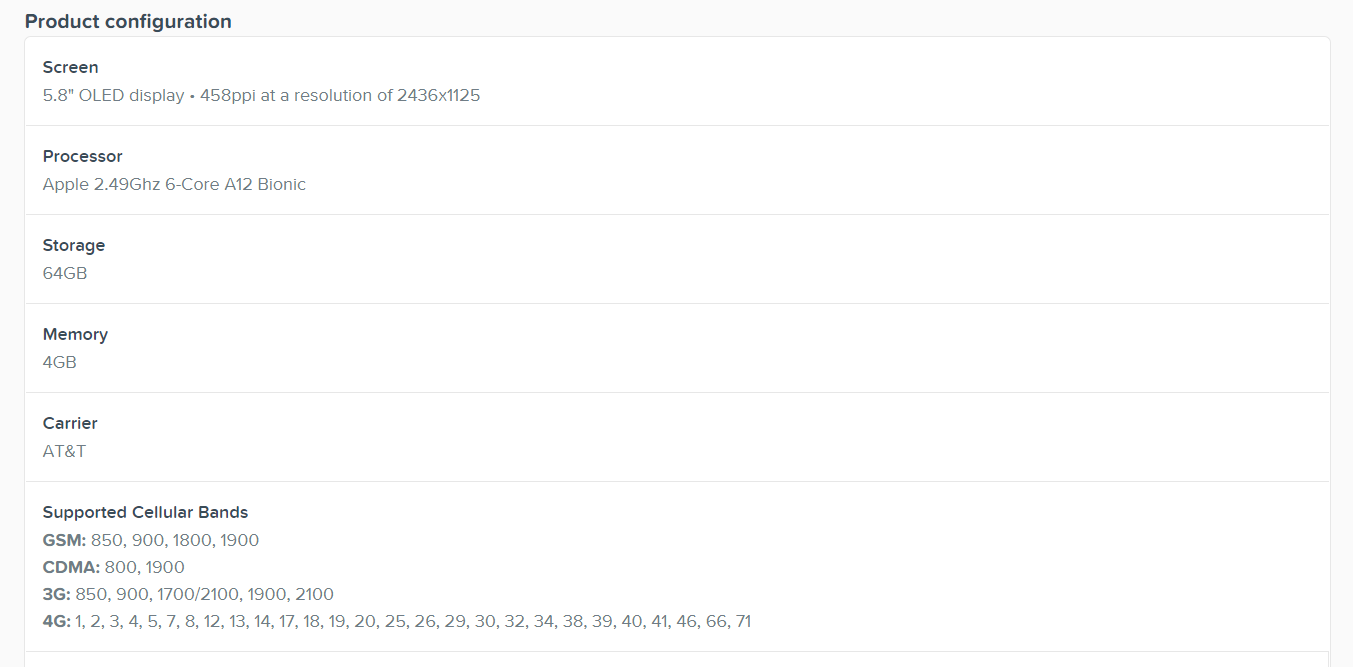
Every product page on RefurbMe has a full spec sheet. Open the product, then click Full specs right under the product name to jump to it. You get the hardware (CPU, GPU, RAM, storage, and display), the design details, the features such as Face ID and MagSafe, the battery estimate, and the OS the device supports. It is the same spec data whichever seller you end up buying from.
How do I open the spec sheet?
- Open the product page for the model you want.
- Click Full specs, right below the product name.
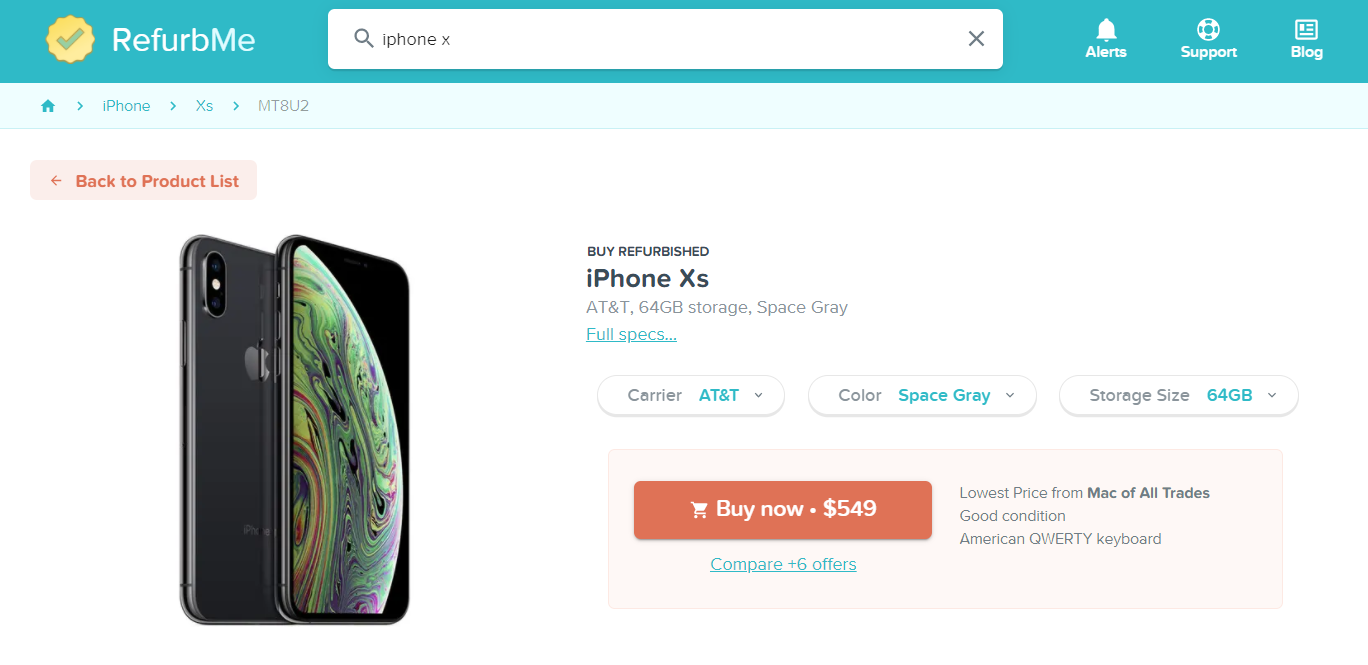
- The page scrolls to the full list, where you can read every technical detail.
Can I search by spec instead?
Yes. Use the filter menu on the left of any category page to match exact criteria: storage size, color, RAM, chip generation, and features like 5G or USB-C. You can also narrow by seller, such as Apple Store only, or by carrier to find unlocked iPhones.
Compare specs and prices together
Check the full spec sheet, then see every seller's price for that exact model.
Browse refurbished MacBooks