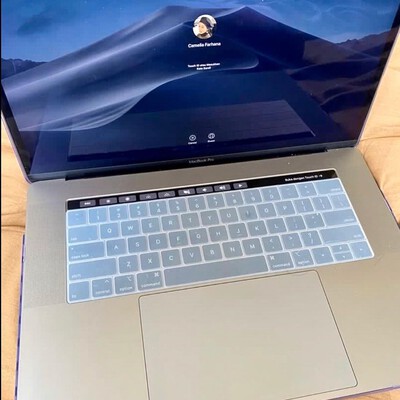
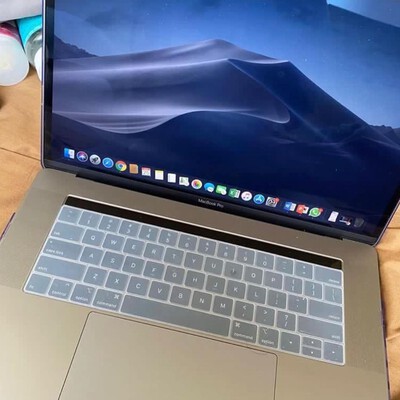
Start with what you will actually do on the laptop, then match the specs to it. For most people, a MacBook Air with an Apple Silicon chip, 16 GB of memory, and 256 to 512 GB of storage is plenty. Choose a MacBook Pro only if you edit video, compile code, or run heavy apps for hours. Then pick a condition grade and compare prices.
MacBook Air or MacBook Pro?
The Air is fanless, lighter, and cheaper, and it handles browsing, office work, coding, and light photo editing comfortably. The Pro adds a brighter display, more ports, active cooling, and higher-end chips for sustained heavy work.
If you are unsure, the Air is the safer default. Most buyers who reach for a Pro to "future-proof" never use the extra headroom.
Which chip generation should you get?
Any Apple Silicon chip (M1 and newer) is a big step up from the old Intel MacBooks and stays fast for years. A newer generation mainly buys better battery life and graphics, not a night-and-day change in everyday speed.
Buying one or two generations back is usually where the best refurbished value sits.
How much RAM and storage do you need?
For memory, 16 GB is the comfortable baseline today; 8 GB still works for light use but leaves less room to grow. For storage, 256 GB suits cloud-first users, while 512 GB or more fits large local libraries.
Neither memory nor storage can be upgraded later on Apple Silicon Macs, so choose both with a little headroom.
Does the condition grade matter?
Cosmetic grade affects price, not function. A Grade B or C MacBook shows more visible wear but is tested and warrantied the same as Grade A. If you use a case or do not mind minor marks, a lower grade stretches your budget. See refurbished cosmetic conditions explained.
For model picks, read the best refurbished MacBooks guide.