
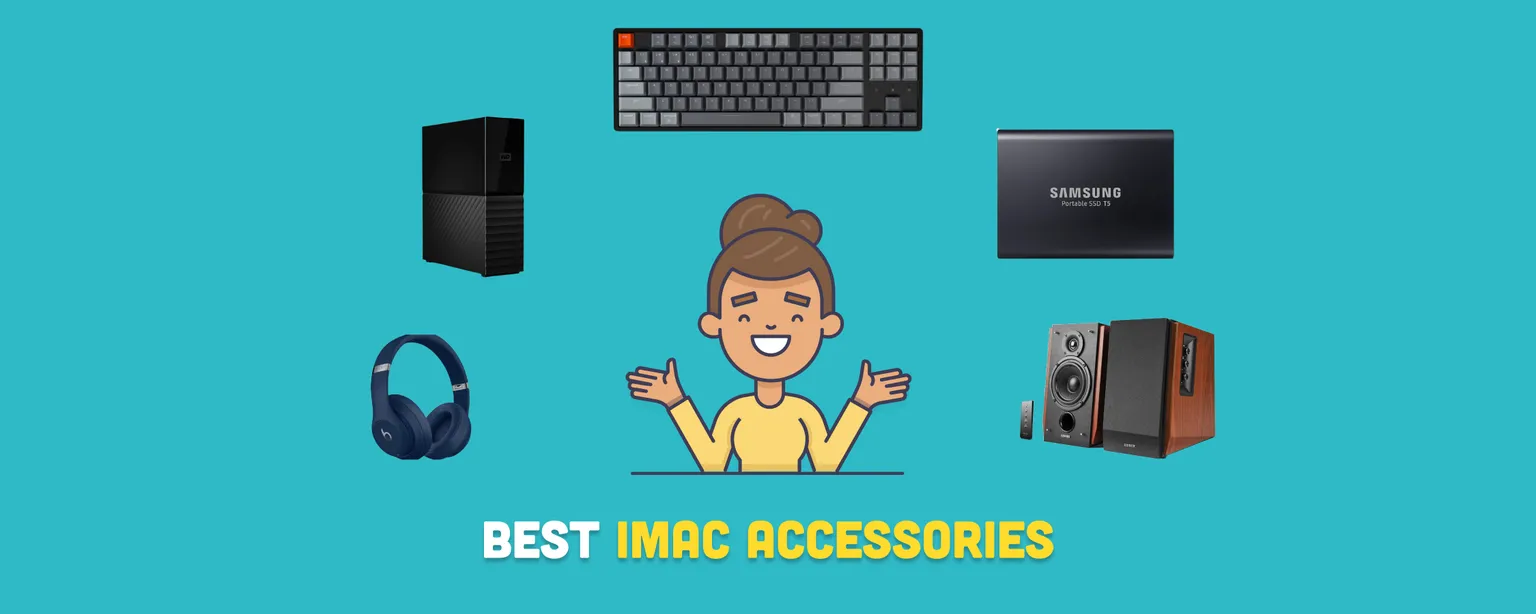
Your iMac is one of the most capable desktop computers on the market, and the right accessories can make it even better. Whether you work from home, create content, or just want a cleaner, more comfortable desk, a few well-chosen peripherals go a long way. This guide covers the 10 best iMac accessories in 2026, spanning USB hubs, keyboards, speakers, storage, and more.
Disclaimer: We earn a commission when you follow links to make a purchase. Click here to learn more about how we make money.
The best iMac accessories at a glance
| Accessory | Category | Highlight | Price Range |
|---|---|---|---|
| Satechi USB-C Clamp Hub | USB Hub | Clamp-on design, multiple ports including USB-C and SD readers | $ |
| Edifier R1700BT Bluetooth Speaker System | Speakers | 66W RMS power, Bluetooth connectivity, classic wood finish | $$$ |
| Apple Magic Mouse (Renewed) | Mouse | Rechargeable battery, multitouch surface, refurbished by Amazon | $$ |
| Apple Magic Keyboard | Keyboard | Bluetooth keyboard with macOS macro keys, available with Touch ID | $$ |
| Keychron K8 Tenkeyless Wireless Mechanical Keyboard | Keyboard | Wireless and wired mode, RGB lighting, macOS function keys | $$ |
| Western Digital External Hard Drive | Storage | Up to 18TB storage, 256-bit AES encryption, Time Machine compatibility | $$$ |
| Beats Studio3 Wireless Headphones (Renewed) | Headphones | W1 chip for Apple devices, 22-hour battery, works with Siri | $$$ |
| Vaydeer USB 3.0 Wireless Charging Monitor Stand | Monitor Stand | Wireless charging pad, ergonomic design, four USB 3.0 ports | $$ |
| Samsung T5 Portable SSD | Storage | Portable SSD, USB-C connection, fingerprint security | $$$ |
| AirPods | Earphones | Seamless iCloud pairing, Spatial Audio support | $$ |
1. Satechi USB-C Clamp Hub
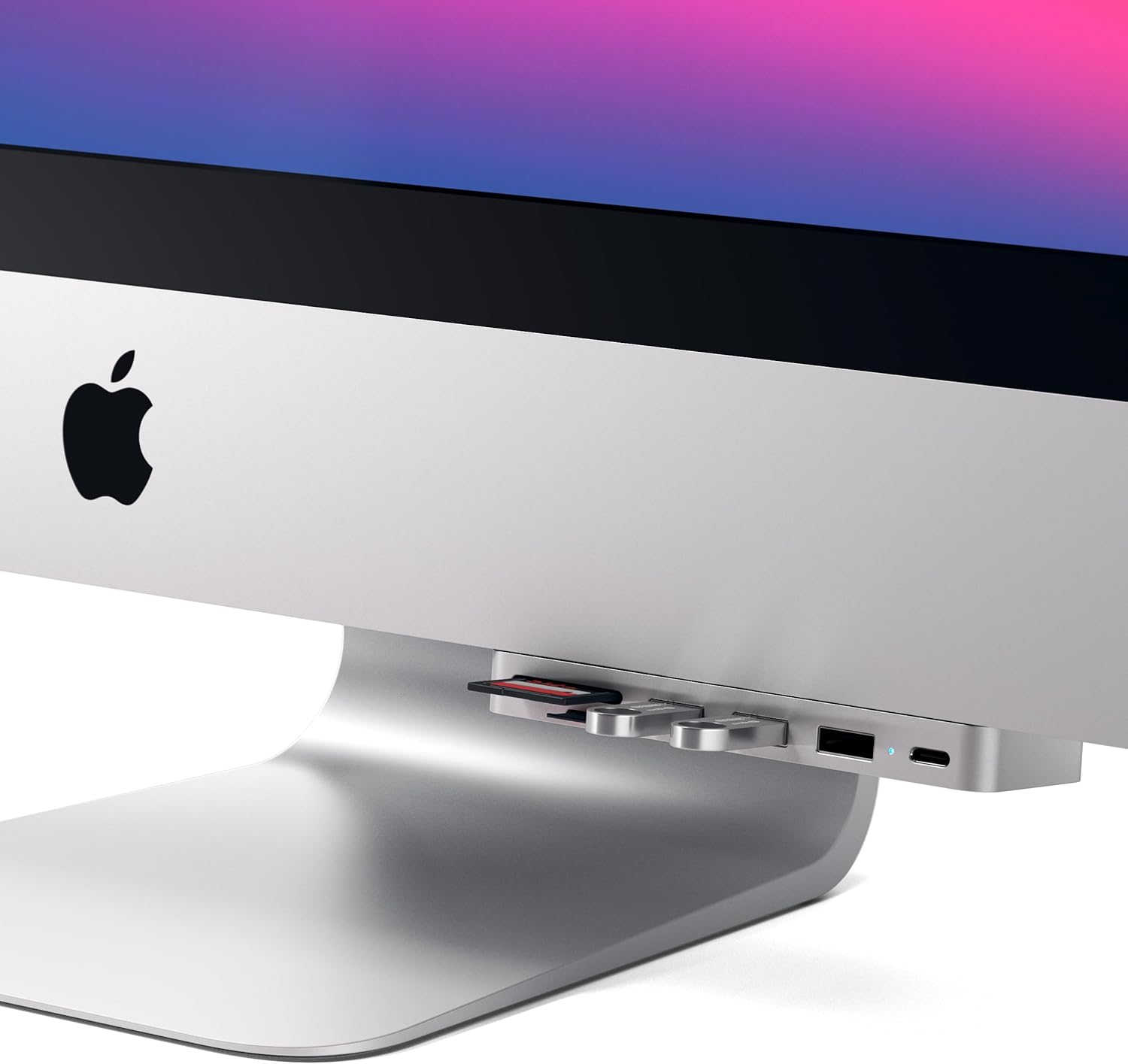
The iMac's slim profile is part of its appeal, but it also means limited ports. The Satechi USB-C Clamp Hub solves that problem without adding clutter to your desk.
It clamps directly to the bottom of your iMac, making the added ports feel like a natural part of the machine. The adjustable knob keeps it secure on both 24-inch and older iMac models with USB-C ports.
The hub works with Thunderbolt 3 and USB-C, and it adds three USB-A 3.0 ports plus SD and microSD card readers, covering most everyday connectivity needs in one compact unit.
It is compatible with iMac models from 2017 onward, including the current M3 and M4 generations.
Why it stands out: No desk space used, no extra cables running across your workspace.
2. Edifier R1700BT Bluetooth Speaker System
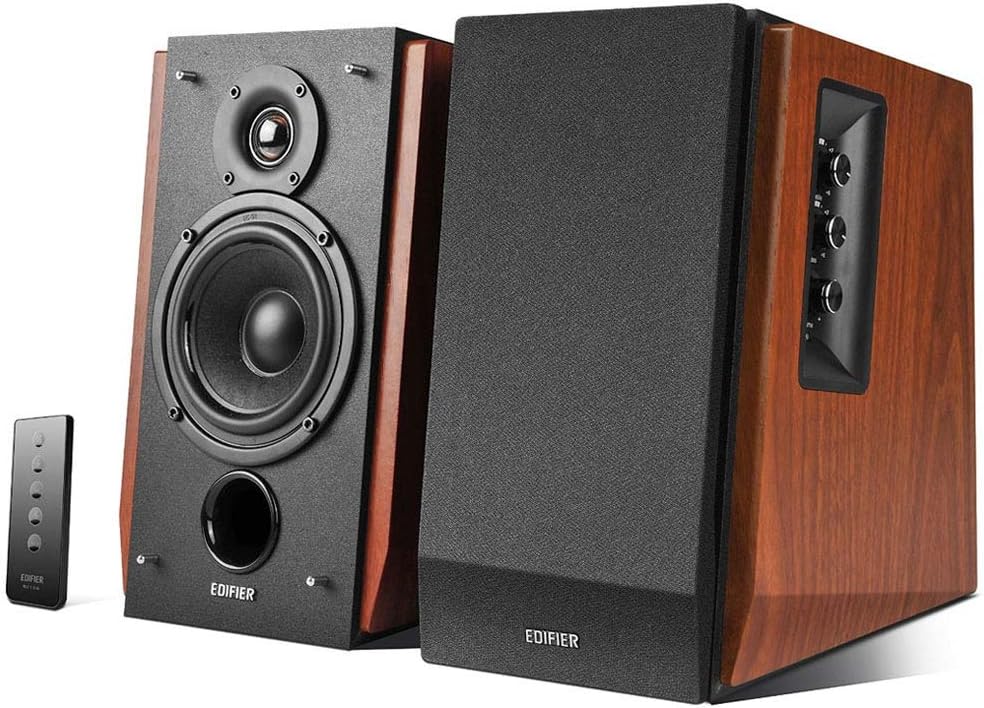
The iMac has decent built-in speakers for a desktop, but they cannot match a dedicated bookshelf speaker system. The Edifier R1700BT is one of the best-value upgrades you can make to your audio setup.
These compact speakers deliver 66 watts RMS of room-filling power, with a 10-degree forward tilt that angles the sound toward your ears rather than across the desk. The classic wood-panel finish suits the iMac's clean aesthetic, and connectivity covers Bluetooth 4.0, RCA, and AUX inputs.
The result is clear highs and genuine bass depth for music, video editing, and casual listening alike.
Why it stands out: A significant audio upgrade at a mid-range price, with wireless and wired input options.
3. Apple Magic Mouse (Renewed)
A refurbished Apple Magic Mouse is a sensible choice if you want the authentic Mac experience without the full retail price. Amazon Renewed tests and certifies these to look and work like new, often at 20 to 30 percent below the cost of a brand-new unit.
The built-in rechargeable battery connects via USB-to-Lightning cable, and the multitouch surface supports swipe gestures, scrolling, and customizable shortcuts through System Settings. The Magic Mouse pairs instantly with any iMac and stays connected reliably over Bluetooth.
Why it stands out: Native macOS integration with gesture support, at a lower price than buying new.
Learn more about how to use trackpad and mouse gestures on Apple's support page.
4. Apple Magic Keyboard
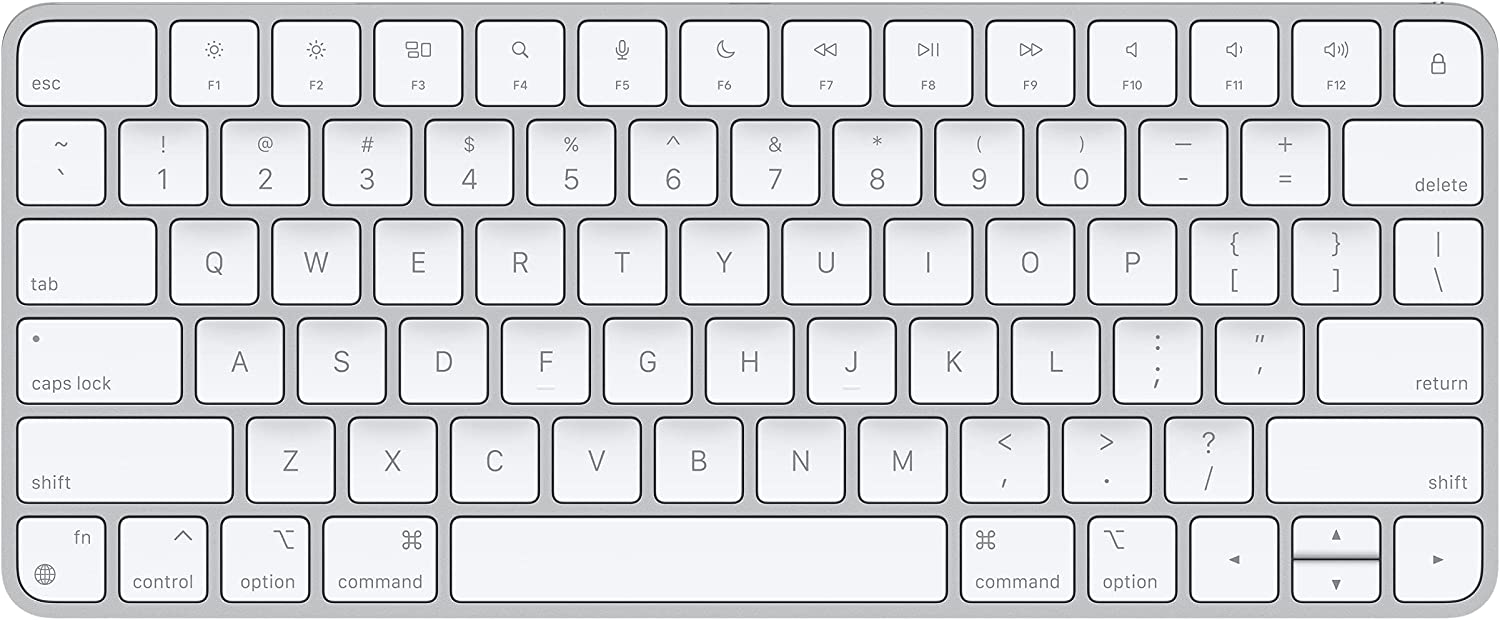
The Apple Magic Keyboard is the natural pairing for any iMac. It is slim, quiet, and built around macOS: the dedicated Spotlight, Mission Control, and Launchpad keys are placed exactly where you expect them, and the newer models add a Touch ID sensor for quick logins and Apple Pay.
It comes in several colors matched to the current iMac palette, so you can coordinate your setup easily. Two sizes are available: a compact 78-key version and a full layout with a numeric keypad, which is worth considering if you work frequently with spreadsheets or accounting software.
Why it stands out: Designed for macOS from the ground up, with Touch ID on newer models and color options to match your iMac.
5. Keychron K8 Tenkeyless Wireless Mechanical Keyboard
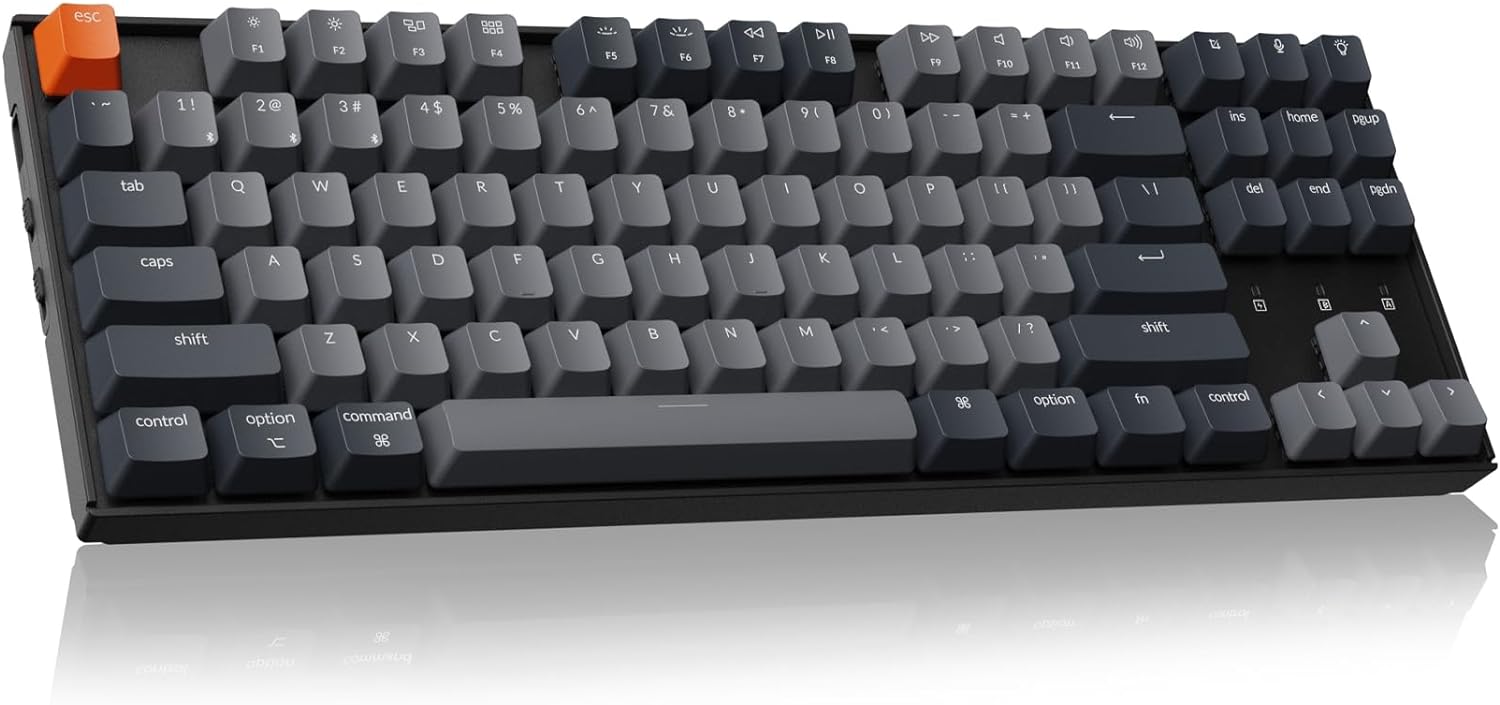
For writers, coders, and anyone who types for hours each day, a mechanical keyboard makes a real difference. The Keychron K8 is one of the most popular options in its category, and it is fully optimized for macOS.
It connects to up to three devices simultaneously via Bluetooth 5.1 and switches between them with a single key press. A USB-C wired mode is available when you need the lowest possible latency. The layout includes dedicated Mac function keys for media controls, screen brightness, and keyboard backlight, and the per-key RGB lighting is easy to customize.
Keychron offers several switch options, from linear to tactile and clicky, so you can match the typing feel to your preference.
Why it stands out: A premium mechanical typing experience with true multi-device wireless support and macOS-specific keys.
6. Western Digital External Hard Drive
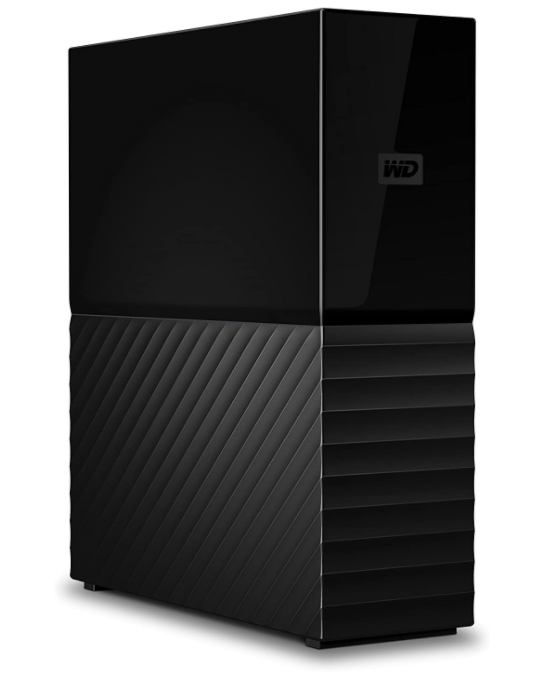
Even with a well-configured iMac, local storage fills up. An external hard drive is the most cost-effective way to expand capacity and maintain reliable backups.
The Western Digital My Book line offers capacities up to 18TB in a compact desktop form factor. Files are protected by 256-bit AES hardware encryption, and the included software handles automatic scheduled backups. It is fully compatible with Apple Time Machine, so setting up a backup routine takes only a few minutes.
For most users, a 4TB or 6TB model covers years of photos, videos, and project files without requiring cloud subscriptions.
Why it stands out: High-capacity local backup with Time Machine support and hardware encryption included.
7. Beats Studio3 Wireless Headphones (Renewed)
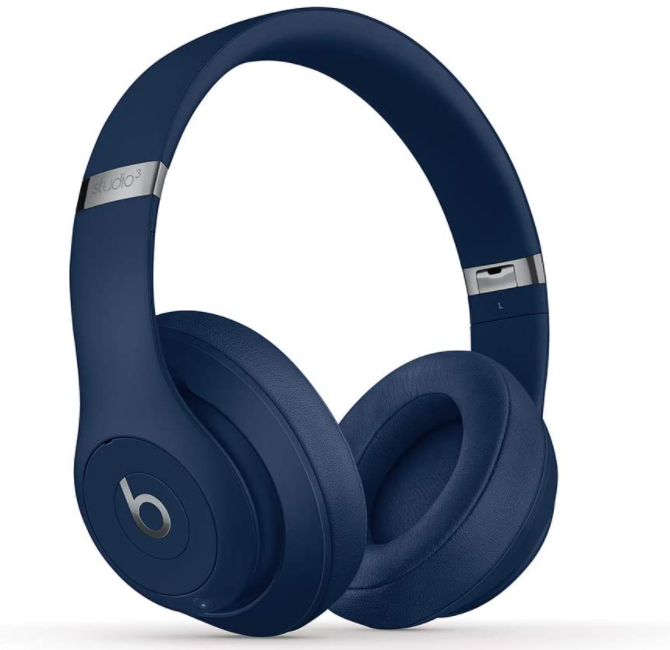
The Beats Studio3 Wireless are a compelling over-ear option for iMac users who need focused listening without disturbing others. They are direct competitors to the AirPods Max (1st generation) at a lower price point, especially in renewed condition. Apple introduced AirPods Max 2, with an H2 chip, in March 2026, and both generations are now listed refurbished on RefurbMe.
The built-in Apple W1 chip enables the same fast-pairing experience as AirPods: open the case near your iMac and they connect immediately. They also sync automatically across devices logged into the same iCloud account. Battery life reaches up to 22 hours, and Siri integration works hands-free for controlling playback or answering messages.
Buying renewed keeps costs down significantly while delivering the same audio performance as new.
Why it stands out: Apple ecosystem integration, long battery life, and substantially lower cost in renewed condition.
Related: Beats Studio 3 vs. AirPods Max: A Guide to the Best Headphones
8. Vaydeer USB 3.0 Wireless Charging Monitor Stand
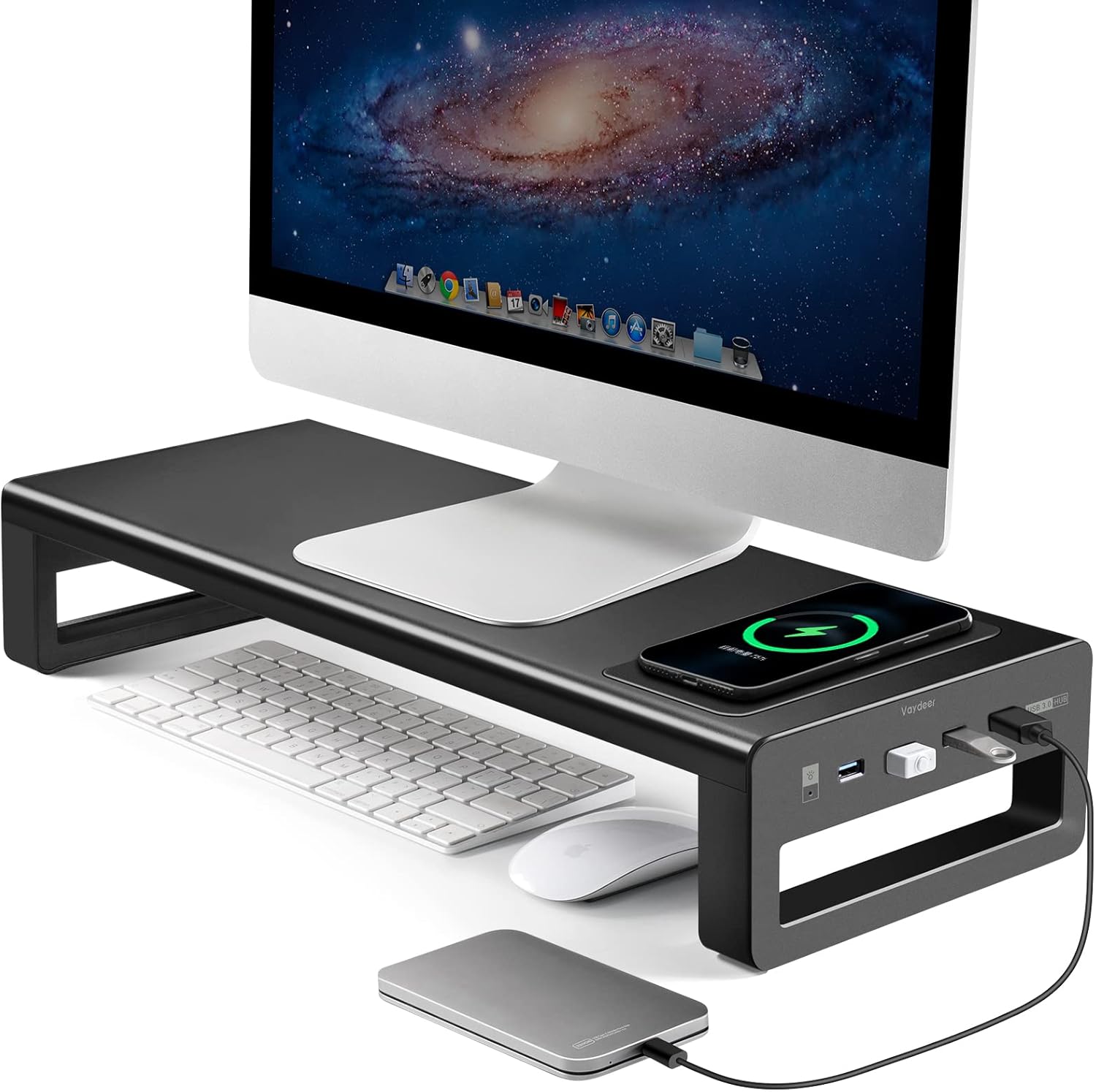
A monitor stand serves two purposes at once: it raises your iMac to a healthier viewing height and it organizes the desk space underneath. The Vaydeer USB 3.0 Wireless Charging Aluminum Stand goes further by adding a Qi wireless charging pad on top, so your iPhone or AirPods case charges without extra cables.
The stand includes four USB 3.0 ports accessible from the front, which keeps frequently used drives and peripherals within easy reach. The aluminum construction matches the iMac's finish, and the ergonomic lift brings the screen closer to eye level, reducing neck strain during long sessions.
Why it stands out: Ergonomic lift, Qi charging, and front-facing USB ports in one aluminum unit.
9. Samsung T5 Portable SSD
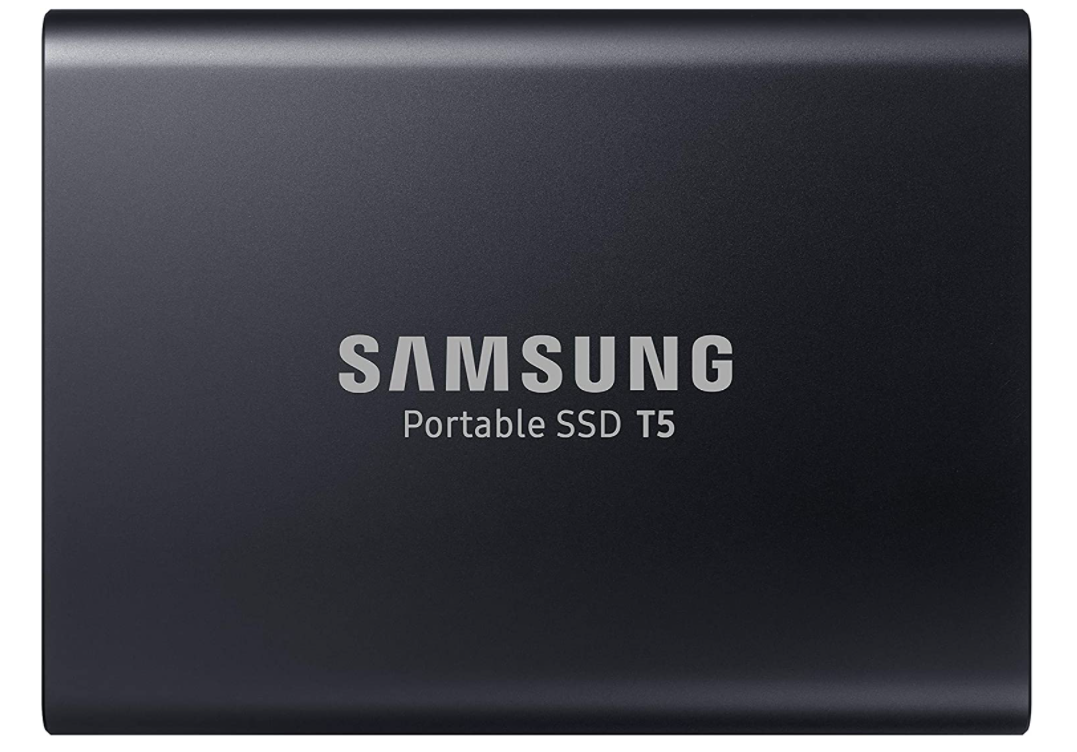
The Samsung T5 is one of the most reliable portable storage options available, and it pairs well with an iMac for fast file transfers and project portability.
At around 51 grams, it slips into a pocket or bag without adding noticeable weight. The USB-C connection delivers read speeds up to 540 MB/s, which is fast enough for editing video proxies or transferring large photo libraries. An optional fingerprint lock in the accompanying software adds a layer of security for sensitive files.
Unlike a spinning hard drive, the T5 has no moving parts, making it resistant to drops and vibration.
Why it stands out: Portable, fast, shock-resistant SSD with USB-C and optional biometric security.
10. AirPods
2021 release


2022 release
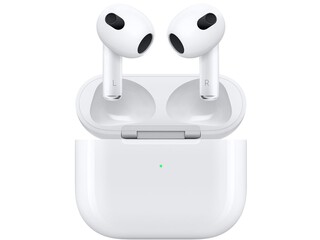
No accessory integrates with an iMac more seamlessly than AirPods. Once you pair them with any Apple device signed into your iCloud account, they automatically appear on every other device, including your iMac, with no extra setup required.
The Spatial Audio feature, available on AirPods Pro and AirPods Max (both generations), creates an immersive soundstage that works particularly well with video editing and film watching on the iMac's large display. Switching between your iMac and iPhone takes one tap.
On RefurbMe, you can compare refurbished AirPods prices from multiple reputable sellers, including Apple Certified Refurbished. Buying refurbished saves you 20 to 40 percent without sacrificing functionality.
Why they stand out: The deepest Apple ecosystem integration of any audio accessory, with automatic device switching and Spatial Audio support.
Related: Are AirPods Worth It?
Compatibility note: iMac M3 and M4
All accessories in this guide work with the current 24-inch iMac (M3, 2023) and the iMac (M4, 2024). Both models use USB-C and Thunderbolt 3 ports, so any USB-C hub, SSD, or peripheral listed here connects without adapters. Bluetooth accessories such as the Magic Keyboard, Magic Mouse, and headphones pair via standard Bluetooth 5.0 or later with no compatibility issues.
If you are using an older Intel iMac from 2017 to 2020, all accessories here remain fully compatible. The Satechi USB-C Clamp Hub is specifically designed to fit the slim aluminum base used across those generations.
FAQ
Takeaway
A few well-chosen accessories can meaningfully change how you use your iMac every day. A USB hub solves the port limitation, a good speaker system elevates your audio, and a wireless charging stand keeps your desk organized. Start with the items that address your biggest friction points and build from there.
If you are still looking for the right iMac, compare all refurbished iMac deals on RefurbMe, and see our ranking of the best refurbished iMacs for which generation offers the most value. You can also explore accessories for other Apple devices: best MacBook accessories, best AirPods accessories, and best iPhone accessories.

2.7Ghz Intel Quad-Core i5 3rd gen
8GB memory
2012 release

2.9Ghz Intel Quad-Core i5 4th gen
8GB memory
2013 release
2.9Ghz Intel Quad-Core i5 4th gen
16GB memory
2013 release
Last updated: Sep 8, 2026 · First published: Feb 27, 2025