



Three accessories change how a MacBook feels every day: a Thunderbolt dock, a stand that lifts the screen to eye level, and a real mouse. The other seven on this list are situational, and worth buying only if they match how you actually work.
Which dock you buy now depends on which MacBook you own. Apple split the current lineup across two Thunderbolt generations, so a 2026 shortlist that ignores model fit will send you to the wrong product. A MacBook also has long-term durability on its side, which makes good accessories worth buying once rather than twice.
Disclaimer: We earn a commission when you follow links to make a purchase. Click here to learn more about how we make money.
The short answer: The best MacBook accessories in 2026 are a Thunderbolt dock (Anker 777 for Thunderbolt 4 machines, Anker Prime TB5 for M5 Pro and M5 Max), a portable 4K monitor (UPERFECT 15.6"), a precision wireless mouse (Logitech MX Master 4, or the MX Master 3S to save money), a protective travel backpack (Timbuk2 Authority Deluxe), a compact 100W GaN charger, a full-size keyboard and mouse combo, fast external storage (WD 5TB My Passport Ultra), a matte screen protector sized to your exact model, noise-canceling headphones, and an ergonomic laptop stand.
RefurbMe tracks how long each Apple model takes to reach the refurbished market. The median gap between Apple's release and the first refurbished unit we record in stock is 168 days across the MacBook family and 99 days for the MacBook Air (as of July 2026, RefurbMe stats). Plan on roughly three to six months of waiting if you want the machine itself refurbished, and buy the accessories now.
The best MacBook accessories at a glance
| Accessory | Category | Highlights | Price range |
|---|---|---|---|
| Anker 777 Thunderbolt 4 Docking Station | USB-C hub / dock | 12-in-1 with Thunderbolt 4, 90W charging. Delisted by Anker in 2026, check stock | $$$ |
| UPERFECT Truely 4K Computer Monitor 15.6" | Portable monitor | 4K resolution, 100% Adobe RGB, HDR support, FreeSync, portable with smart case stand | $$$ |
| Logitech MX Master 3S Wireless Mouse | Wireless mouse | 8,000 DPI sensor, quiet clicks, USB-C charging, pairs with up to 3 devices. MX Master 4 is the current model | $$ |
| Timbuk2 Authority Laptop Backpack Deluxe | Travel backpack | 22L, water-resistant recycled nylon, fits laptops up to 17", lifetime warranty | $$$ |
| Hyphen-X USB-C GaN Charger | Charger | 100W output, charges four devices simultaneously, foldable prongs, GaN technology | $ |
| Logitech MK545 Wireless Keyboard and Mouse | Wireless combo | Full-size keyboard, contoured mouse, 36-month keyboard battery, 24-month mouse battery | $$ |
| Western Digital 5TB My Passport Ultra | External storage | 5TB capacity, USB-C over USB 3.2 Gen 1, 256-bit AES encryption, 3-year warranty | $$$ |
| F FORITO 2 PACK Anti Glare Screen Protector | Screen protector | Anti-glare matte finish, reduces eye strain. Sized for 2016-2022 13-inch models only | $ |
| Sony WH-1000XM4 Noise Canceling Headphones | Wireless headphones | Strong noise cancellation, DSEE Extreme upscaling, up to 30 hours battery life | $$$ |
| Nulaxy Laptop Stand | Laptop stand | Elevates screen for better posture, open-back design for heat dissipation, aluminum alloy, holds up to 22 lbs | $ |
Which MacBook do these accessories fit?
Port compatibility is where most accessory shortlists go stale. Apple runs two Thunderbolt generations across the current lineup, so the right dock for a MacBook Air is not the right dock for a MacBook Pro with an M5 Max.
Here is what each current machine actually has, taken from Apple's own tech specs.
| Current model (July 2026) | Built-in ports | What it needs most |
|---|---|---|
| MacBook Air 13" and 15" (M5) | Two Thunderbolt 4 (USB-C), MagSafe 3, 3.5 mm headphone jack | A dock or hub, a stand, external storage |
| MacBook Pro 14" (M5) | Three Thunderbolt 4 (USB-C), HDMI, SDXC card slot, MagSafe 3, headphone jack | A stand, a mouse, external storage |
| MacBook Pro 14" and 16" (M5 Pro, M5 Max) | Three Thunderbolt 5 (USB-C, up to 120 Gb/s), HDMI, SDXC card slot, MagSafe 3, headphone jack | A Thunderbolt 5 dock if you drive 8K displays or fast external SSDs |
Two practical rules fall out of that table. If your machine runs Thunderbolt 4, a Thunderbolt 4 dock uses every bit of bandwidth you have, and paying for Thunderbolt 5 buys you nothing today. If it runs Thunderbolt 5, a Thunderbolt 4 dock will work but will cap you at 40 Gb/s.
Screen films and hard cases are the other trap. They are cut to exact panel dimensions, so a 13-inch film from the Touch Bar era does not fit a 15-inch M5 Air. Check the model year on the listing every time, and if you are still choosing between machines, our MacBook Air M4 vs M5 comparison covers what actually changed. You can also compare refurbished MacBook prices across sellers before you commit.
1. Anker 777 Thunderbolt 4 Docking Station

The MacBook Air gives you two Thunderbolt 4 ports, MagSafe 3, and a headphone jack. That is the entire list. Connect an external display and a drive and you have run out (Apple).
The MacBook Pro is better provisioned, with three Thunderbolt ports, HDMI, an SDXC slot, and MagSafe 3. A dock still earns its place on either machine, because it collapses the desk into a single cable and adds Ethernet and USB-A that neither laptop has.
One caveat on this pick. Anker no longer lists the 777 (Apex) on its own Thunderbolt dock page, where the current flagship is the Anker Prime TB5 Docking Station, a 14-in-1 Thunderbolt 5 unit at $319.99 (Anker). Treat the 777 as clearance stock and check availability before you commit to it.
It is still the better value where you can find it. Anker specifies 12 ports in a compact aluminum chassis, including Thunderbolt 4 at 40 Gbps, dual HDMI, four USB-A, USB-C, Gigabit Ethernet, and an SD card reader, with 90W of pass-through charging to the laptop while it powers peripherals.
Match the dock to the machine. An M5 Air or the base M5 14-inch Pro tops out at Thunderbolt 4, so a Thunderbolt 4 dock is all the bandwidth those machines can use. An M5 Pro or M5 Max runs Thunderbolt 5 at up to 120 Gb/s, and only a Thunderbolt 5 dock will keep up.
2. UPERFECT Truely 4K Computer Monitor 15.6"
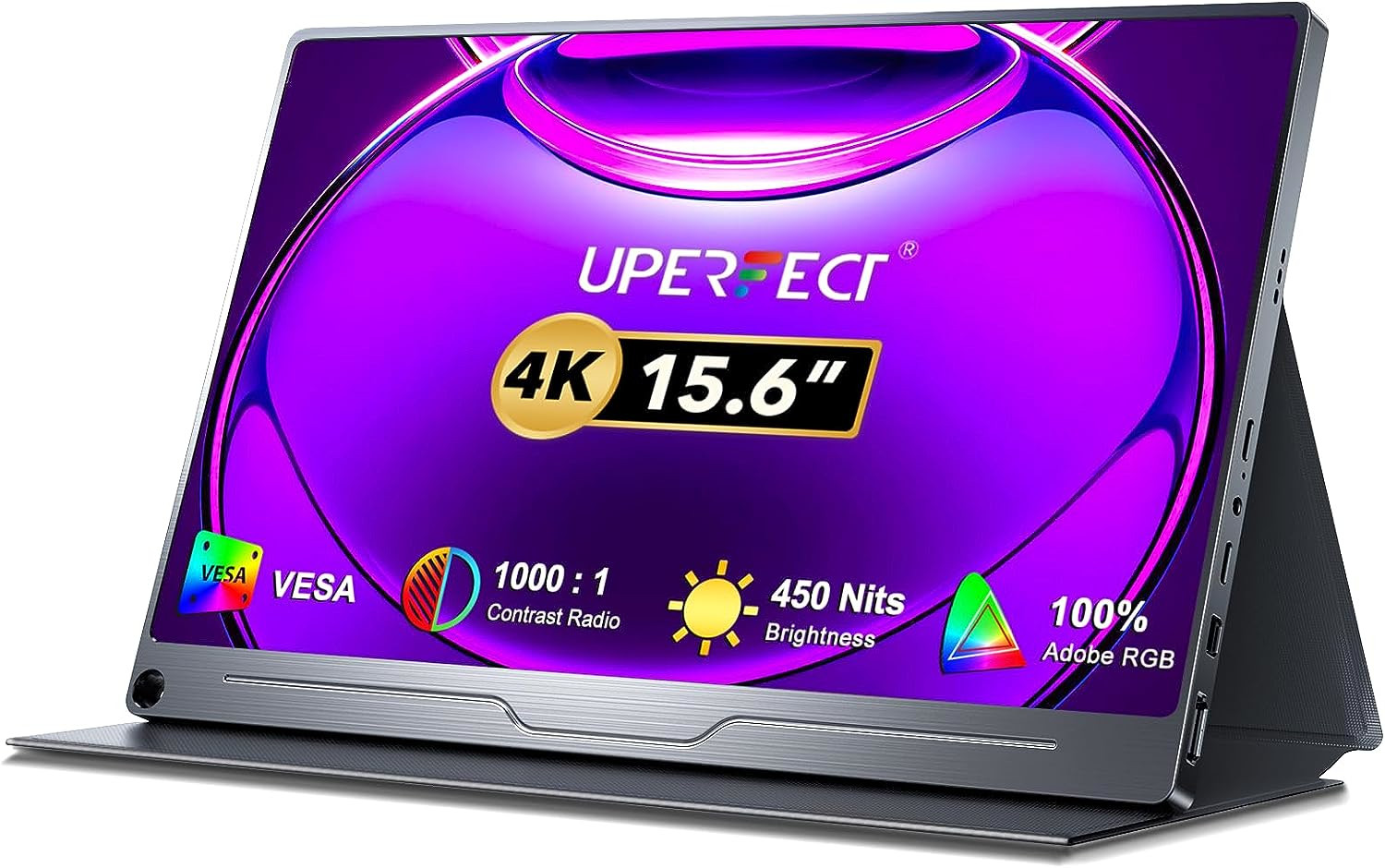
The UPERFECT Truely 4K delivers 3840 × 2160 resolution with strong color accuracy, covering 100% of the Adobe RGB space at a 500-nit peak brightness. That combination suits photo, video, and design work where color has to hold up away from the desk.
HDR support and FreeSync round out the viewing experience, and three inputs (HDMI, Mini DP, and USB-C) give you options across devices. The included smart case doubles as a stand, so setup takes seconds anywhere.
It is not built for gamers, and a single USB-C cable from a MacBook Air will carry both video and power. If you are running one of the older two-port Airs, that leaves you exactly one port for everything else, which is the argument for pairing it with the dock above.
3. Logitech MX Master 3S Wireless Mouse

A good mouse changes how a MacBook feels during long sessions of photo editing, spreadsheet navigation, or design work. Logitech's MX Master line is the default recommendation among Mac users, and in 2026 it comes in two versions worth considering.
The MX Master 4 is the current model. Logitech announced it on September 30, 2025 at $119.99, adding customizable haptic feedback and the Actions Ring, an overlay of app-specific shortcuts you can summon anywhere on screen through Logi Options+ (Logitech). Underneath it keeps the same 8,000 DPI sensor and the same 70-day battery as the 3S.
That last detail is why the MX Master 3S remains the value pick. Its 8,000 DPI optical sensor tracks on virtually any surface, including glass, across a 200 to 8,000 DPI range, and the MagSpeed electromagnetic scroll wheel shifts between ratchet and free-spin modes on its own.
Quiet clicks cut noise by roughly 90% against standard mechanical switches, which matters in an open office. The 3S connects over Bluetooth to up to three devices and switches between them with one button press, useful if you move between a MacBook and an iMac during the day.
Buy the 4 if haptics and the Actions Ring appeal to you. Buy the 3S if you want the same sensor, the same wheel, and the same quiet clicks for less money.
4. Timbuk2 Authority Laptop Backpack Deluxe
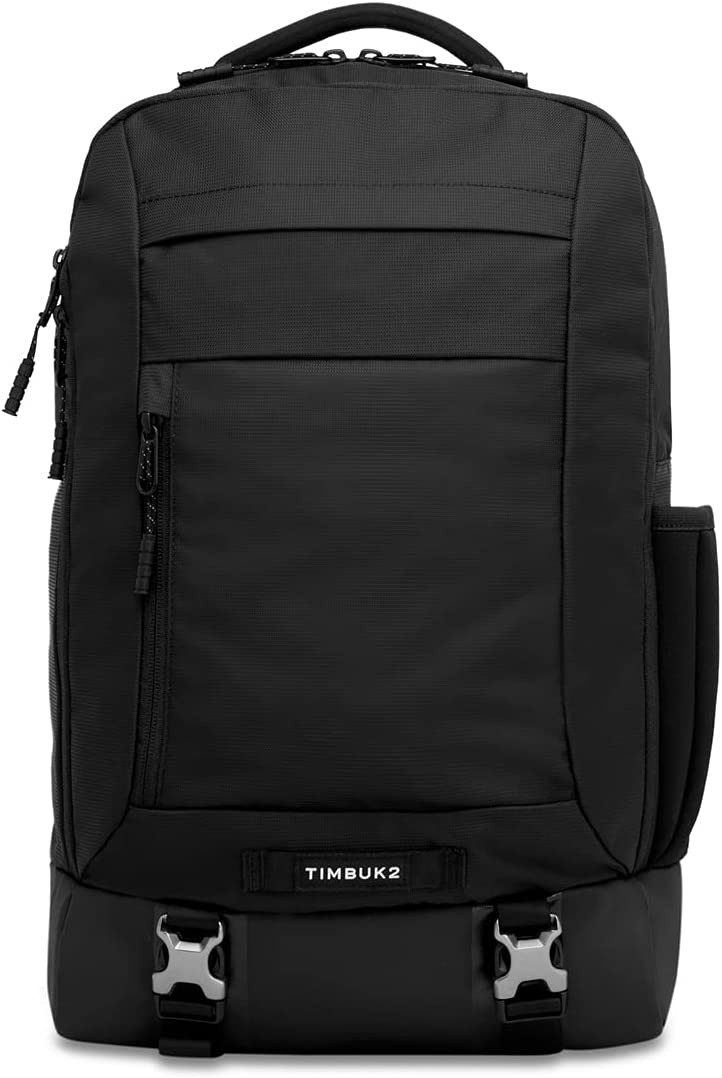
A MacBook is a significant investment, so a bag that protects it in transit is worth the money if you commute or fly regularly.
The Authority Deluxe is a 22-liter pack with a padded sleeve that takes laptops up to 17 inches, which covers every MacBook Apple has ever sold. The body is 100% recycled nylon with a water-resistant exterior and a waterproof boot, and Timbuk2 backs it with a lifetime warranty (Timbuk2).
The luggage pass-through strap and the quick-access top organizer are the details that pay off in an airport line. Three main compartments and a long list of interior pockets mean the charger, the dock, and the drive each get their own home instead of sinking to the bottom.
5. Hyphen-X USB-C GaN Charger
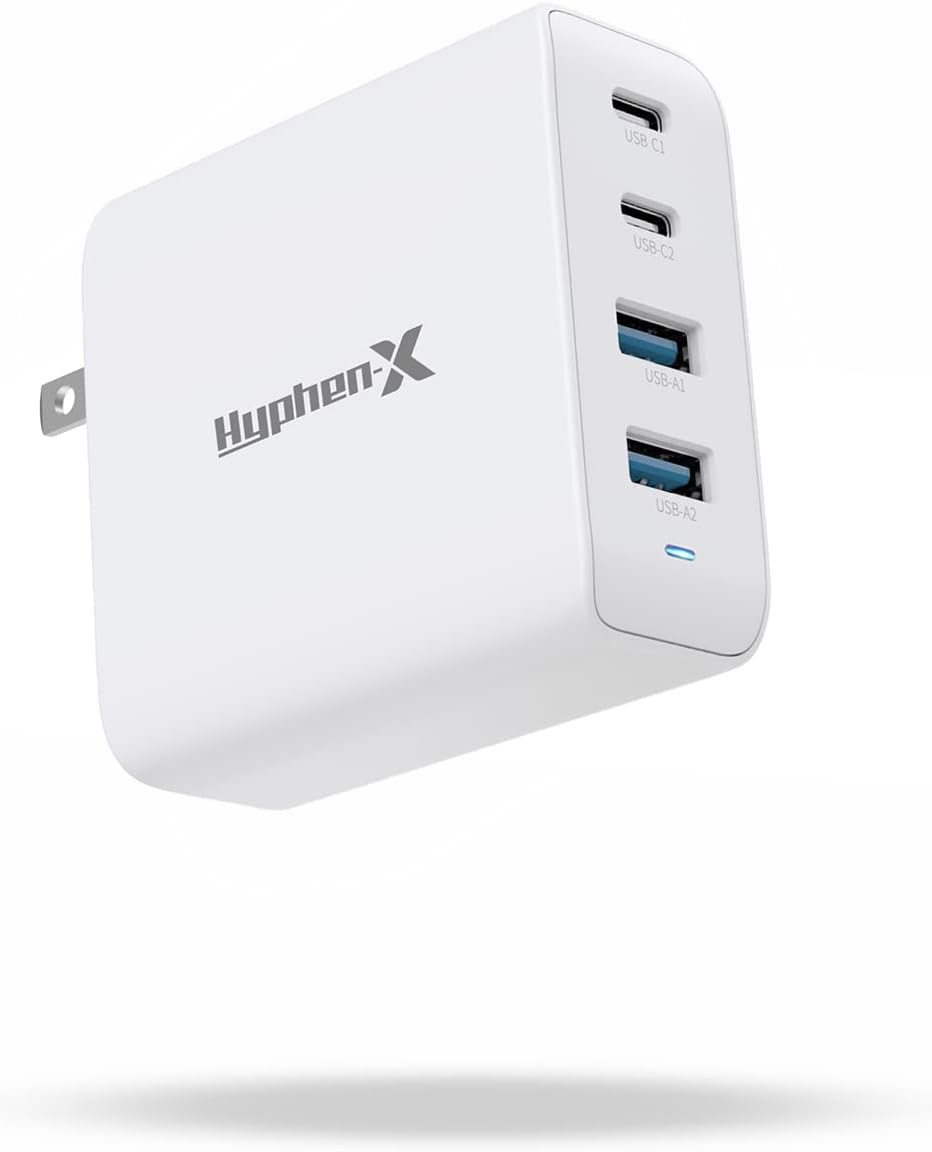
If you carry your laptop for long stretches, say using your MacBook for college or working from coffee shops, one charger that handles everything beats four bricks in a bag.
The Hyphen-X GaN charger delivers up to 100W of total output across four ports (two USB-C, two USB-A) at once. GaN (gallium nitride) keeps the housing roughly 40% smaller and noticeably cooler than a silicon equivalent at the same wattage.
Foldable prongs make it easy to toss into a bag, and 100W is enough to fast-charge a MacBook Pro while a phone and headphones top up alongside it. At well under $40, it is one of the best-value accessories on this list.
6. Logitech MK545 Wireless Keyboard and Mouse
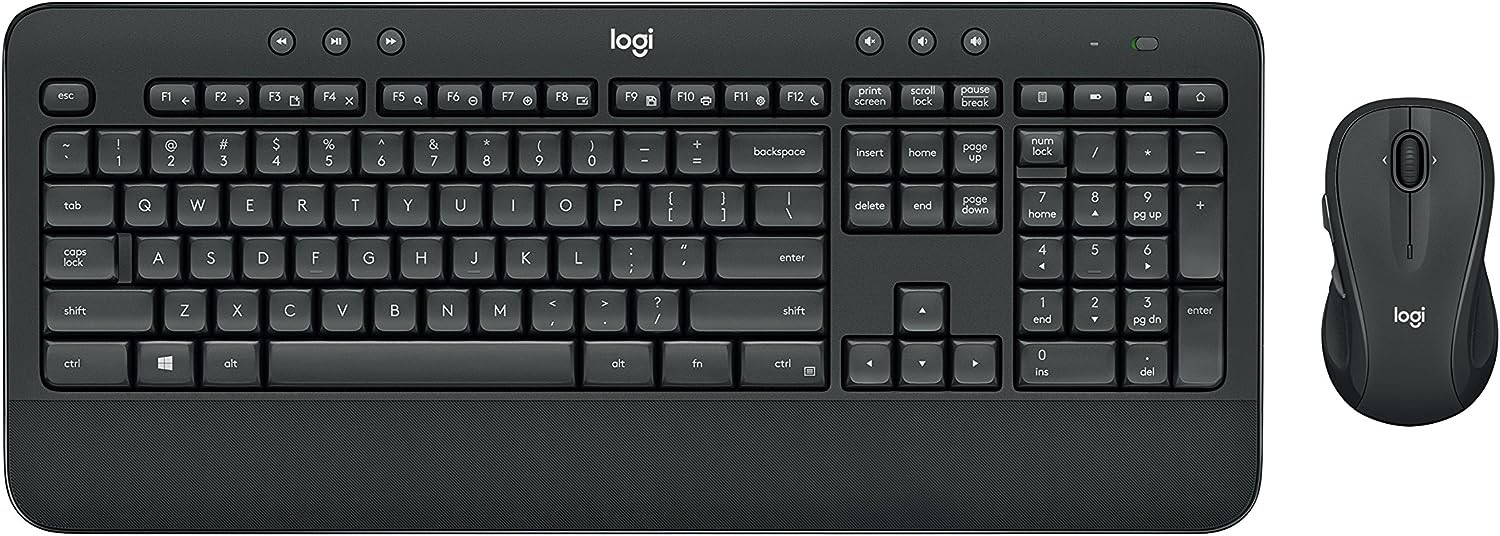
The Logitech MK545 Advanced suits anyone who prefers a full-size keyboard and a traditional mouse to the MacBook's built-in trackpad, especially at a desk with an external monitor.
The full-sized keyboard uses a standard layout with comfortable 2 mm key travel, and the contoured mouse sits naturally in either hand. Logitech rates the battery life at up to 36 months for the keyboard and 24 months for the mouse, so battery swaps become a once-in-a-while event.
A single Logitech Unifying USB receiver connects both devices at up to 10 meters. Note that the receiver is USB-A, so on a modern MacBook it lives in the dock rather than in the laptop. Logitech has been winding this combo down in some regions, so check local availability before ordering.
7. Western Digital 5TB My Passport Ultra
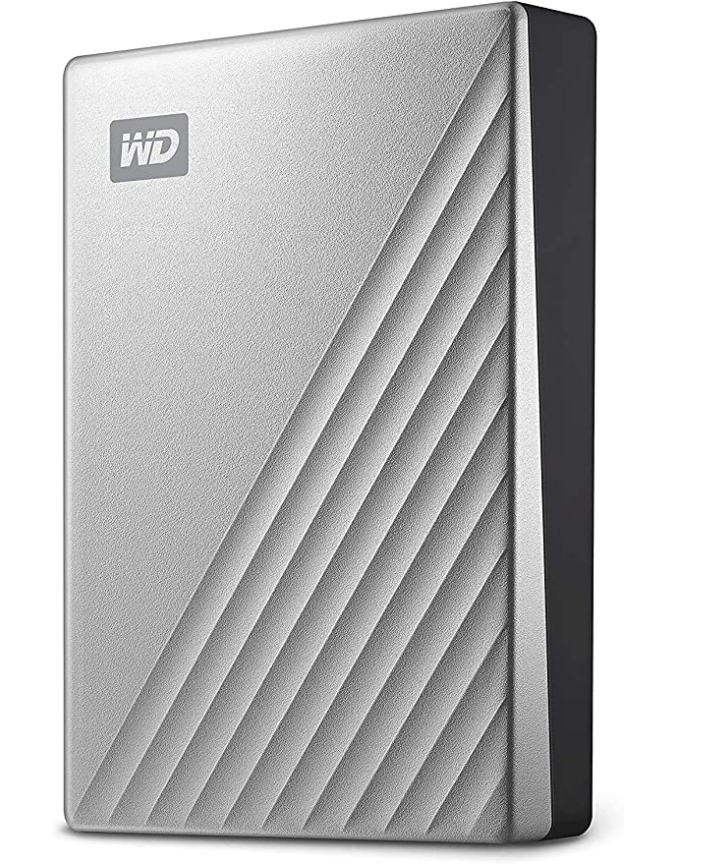
Adding external storage is the cheapest meaningful upgrade a MacBook owner can make, especially with video footage, photo libraries, or design projects to keep.
The My Passport Ultra offers a USB-C connector over the USB 3.2 Gen 1 interface (up to 5 Gbps), with real-world read speeds around 130 MB/s for a mechanical drive. That is fine for Time Machine and archives, and too slow to edit 4K footage directly off the drive, which is what a Thunderbolt SSD is for.
5TB of capacity holds years of Time Machine backups or a dedicated project archive. Password protection with 256-bit AES hardware encryption and a 3-year limited warranty round it out, and WD ships a macOS-formatted version so there is nothing to reformat.
8. F FORITO 2 PACK Anti Glare Screen Protector
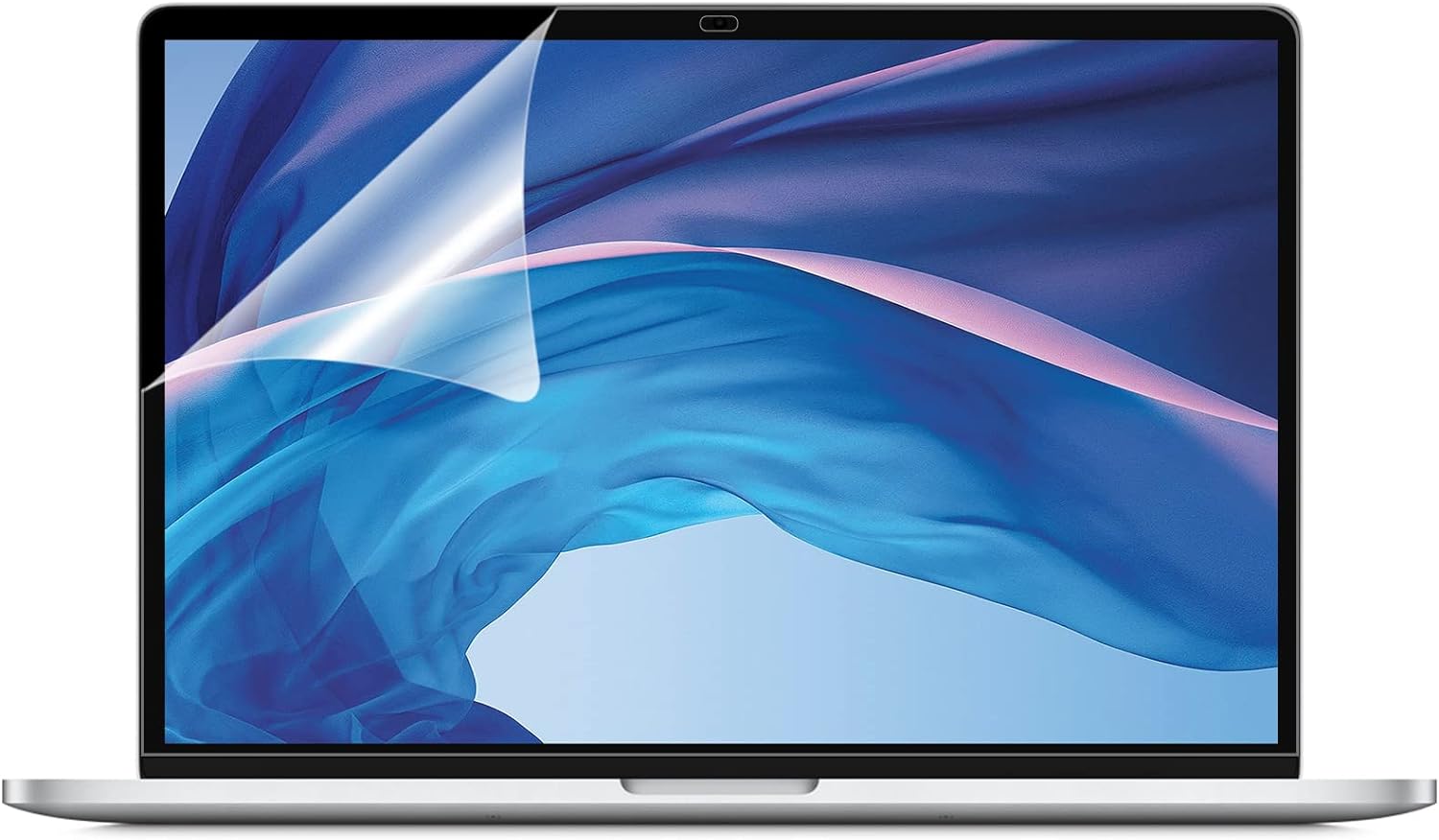
Check the model line before you buy this one. This 2-pack is cut for the MacBook Air 13" (2018 to 2020, Touch ID models) and the MacBook Pro 13" (2016 to 2022), and none of those are the machine Apple sells today.
The current Air comes in 13 and 15 inch, and the current Pro in 14 and 16 inch, so owners of a recent machine need the size-matched version of this film rather than the sizes above. On an older 13-inch MacBook it is a genuinely good cheap upgrade.
The matte finish reduces glare and reflections, which is the whole point if you work near a window or outdoors, and it hides fingerprints and shallow scratches. You get two protectors plus the application tools, and the trade-off is a small loss of screen clarity that most people stop noticing within a day.
9. Sony WH-1000XM4 Noise Canceling Headphones
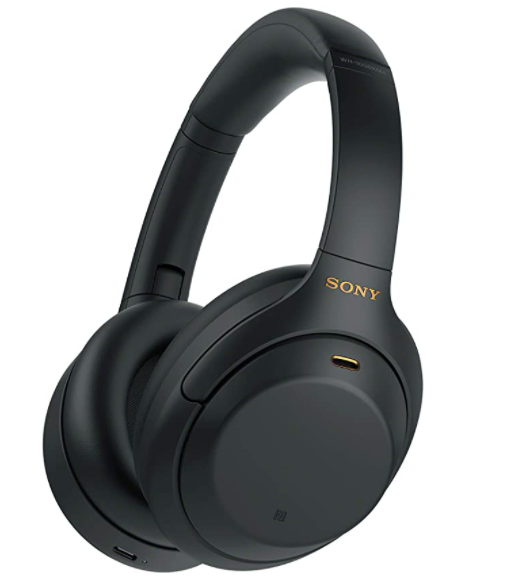
Wireless headphones have become a near-essential MacBook companion, whether you work from a busy coffee shop, take calls from home, or want to concentrate without a door to close. These renewed Sony headphones offer former-flagship performance at a fraction of the original retail price.
Sony's current flagship is the WH-1000XM6, which launched on May 15, 2025 at $449.99 with the QN3 processor and a twelve-microphone noise-canceling array (Notebookcheck). If you want the newest, that is the model to track. Two generations on, the XM4 is where the price collapse has happened.
The WH-1000XM4 runs Sony's older QN1 processor and still cancels ambient noise well enough for open-plan work. DSEE Extreme upscales compressed audio in real time, and multipoint Bluetooth keeps it connected to two devices at once, which in practice means the MacBook and a phone.
Soft, pressure-relieving earpads make them comfortable for a full day, and up to 30 hours of battery life covers a work week on one charge. Touch controls on the ear cup handle volume, tracks, and calls, and a USB-C quick charge gives five hours of playback from ten minutes on the cable.
10. Nulaxy Laptop Stand
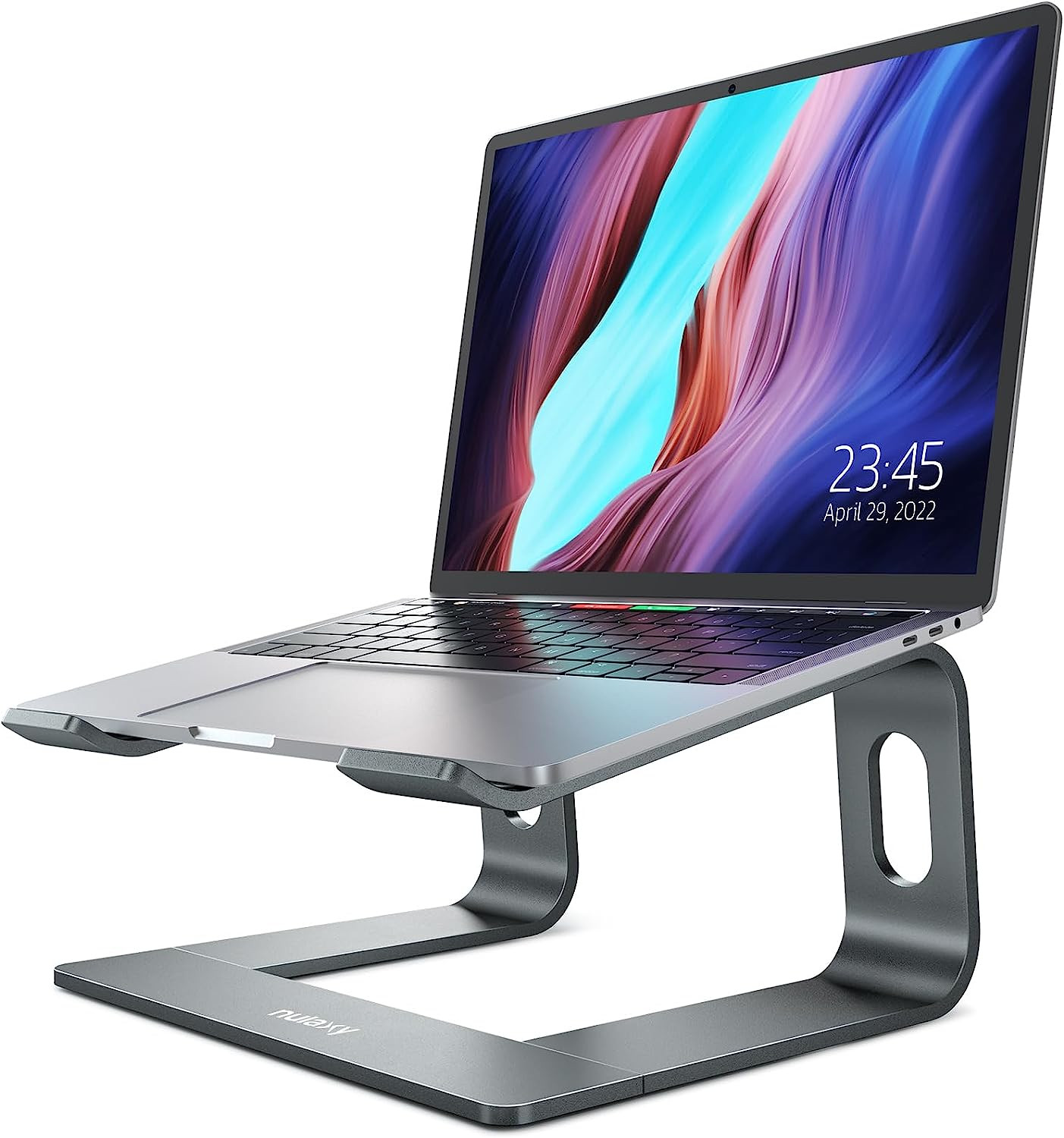
Poor posture is the most common complaint among laptop users and the easiest one to fix. Raising the screen to eye level changes how your neck feels by the end of a working day.
The Nulaxy stand lifts the screen by up to 7 inches across six height settings, and its open back gives the chassis passive heat dissipation under sustained load. On a fanless MacBook Air that airflow is worth more than it sounds.
Built from aluminum alloy, it supports up to 22 lbs and uses silicone pads to stop it sliding or marking the desk. It folds flat in seconds, and it costs a fraction of the machined stands sold by similar accessory brands.
Related: 10 Best iMac Accessories | 7 Best iPad Accessories | 11 Best iPhone Accessories | 9 Best AirPods Accessories | 7 Best MagSafe Accessories for iPhone
FAQ
Takeaway
Buy in order of how much time you spend at a desk. A dock matched to your Thunderbolt generation, a stand, and a mouse cover most of the gap between a laptop and a workstation, and the rest of this list is there to fill in the specific holes in how you work.
Two numbers are worth carrying with you if the MacBook itself is still on the shopping list. Across every MacBook model RefurbMe has tracked, the median discount on the cheapest refurbished listing against Apple's original release price is 89%, and the median MacBook stays on sale for 412 days before Apple retires it (as of July 2026, RefurbMe stats). That discount is a family median stretching back through a decade of discontinued models, so read it as the shape of the market rather than the saving waiting on a current M5 Air.
To buy the machine, compare refurbished MacBook deals on RefurbMe, which lines up Back Market, Mac of All Trades, and Amazon Renewed side by side, with Apple Store's own certified refurbished stock in the same view. Our guide to where to buy a refurbished MacBook breaks down how those sellers differ on warranty and grading, and every listing carries a professional warranty. You can also set a price alert and let the discount come to you.
Check the most popular MacBook deals in real time below.
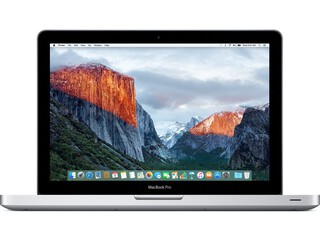
2.5Ghz Intel Dual-Core i5 3rd gen
4GB memory • Silver
2012 release

1.6Ghz Intel Dual-Core i5 8th gen
8GB memory • Silver
with Touch Id • 2018 release

1.6Ghz Intel Dual-Core i5 5th gen
4GB memory • Silver
2015 release
Last updated: Sep 1, 2026 · First published: Feb 27, 2025