



A MacBook Pro or MacBook Air typically lasts 5 to 8 years in everyday use, with Apple providing software updates for approximately 7 years from each model's release date. For light users with good maintenance habits, reaching 10 years of functional use is achievable, though the final few years fall outside Apple's support window. By comparison, the average Windows laptop lasts 3 to 5 years. MacBooks with Apple Silicon chips (M1 and later) are proving especially durable, running cooler and more efficiently than their Intel predecessors, and many M1 owners report their 2020 machines performing as well in 2026 as they did on day one.
In this article, we cover how long each MacBook model lasts, what affects lifespan, how to extend it, and when upgrading makes sense. You can also browse all MacBook Air release dates & generations and MacBook Pro release dates & generations to see how each model compares over time.
Table of contents
- MacBook lifespan at a glance
- How long does a MacBook Pro last?
- How long does a MacBook Air last?
- How Apple Silicon changed MacBook longevity
- How to extend the lifespan of your MacBook
- When should you upgrade your MacBook?
- Do you need to upgrade your MacBook? Consider a refurbished model
- Frequently asked questions
MacBook lifespan at a glance
| Model | Typical lifespan | Apple software support | Chip generation |
|---|---|---|---|
| MacBook Pro (M4/M5, 2024-2025) | 7-10 years | Through ~2031+ | Apple Silicon |
| MacBook Pro (M1-M3, 2021-2023) | 6-8 years | Through 2027-2030 | Apple Silicon |
| MacBook Air (M4, 2025) | 6-8 years | Through ~2031 | Apple Silicon |
| MacBook Air (M1-M3, 2020-2024) | 5-7 years | Through 2027-2030 | Apple Silicon |
| MacBook Pro (Intel, 2018-2019) | 5-7 years | macOS 26 Tahoe (last) | Intel |
| MacBook (Intel, 2017 and older) | 4-6 years | End of support reached | Intel |
Apple Silicon MacBooks tend to outlast Intel models in practical terms because they run cooler and avoid the performance slowdowns that plagued older machines as macOS evolved. The table above reflects realistic supported lifespans; physically functional use can extend further, but without security updates a machine becomes increasingly vulnerable.
How long does a MacBook Pro last?
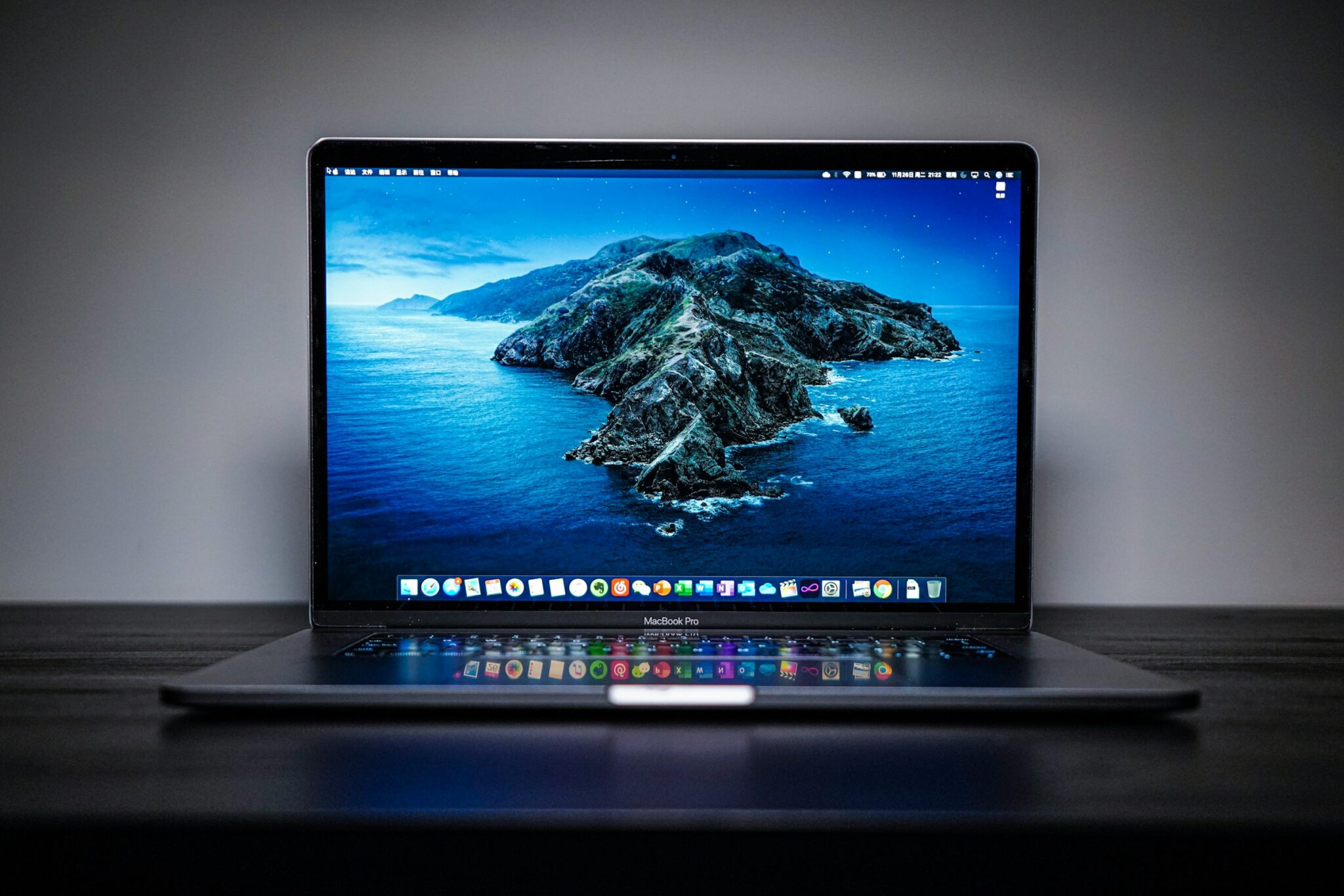
A MacBook Pro typically lasts 5 to 8 years with everyday use, and Apple supports most models with macOS updates for around 7 years after release. Power users who run intensive workloads (video editing, software development, 3D rendering) may find performance starts to feel dated closer to the 5-year mark; lighter users can often push well past 8 years and, with a battery replacement, approach a decade of productive use.
Several factors contribute to the MacBook Pro's strong longevity:
- Build quality: The aluminum unibody chassis is designed to withstand daily wear, and the Pro line's active cooling system handles sustained workloads without the thermal stress that shortens laptop lifespans.
- Powerful hardware: MacBook Pros ship with processors and memory configurations that stay relevant longer, reducing the pressure to upgrade purely for performance.
- Software support: Apple provides macOS updates for MacBook Pros for approximately 7 years from the original release date. Models on macOS 26 Tahoe (the current release as of 2026) include MacBook Pro models from 2018 and later.
That said, the actual lifespan varies based on how you use your machine:
- Usage intensity: Video editing and gaming put sustained load on the CPU and GPU, generating more heat and wearing components faster than light productivity tasks.
- Maintenance habits: Keeping vents clear, managing storage, and avoiding extreme temperatures directly affect how long the internals stay healthy.
- Battery health: The battery is usually the first component to show age. MacBook Pro batteries are rated for 1,000 full charge cycles while retaining at least 80% of original capacity, which translates to roughly 3 to 5 years of heavy daily use before noticeable degradation.
How long does a MacBook Air last?
A MacBook Air typically lasts 5 to 7 years, with the same approximately 7-year software support window Apple applies across its Mac lineup. The Air is designed for portability over raw power, which means intensive workloads can feel sluggish sooner. For students, writers, and everyday users, an Air bought today should serve them comfortably through the rest of this decade.
Key factors specific to the MacBook Air:
- Fanless design: The Air relies on passive cooling (no fan). This keeps it silent and slim, but sustained heavy workloads generate more heat than on a Pro. For light to moderate use, this is rarely a concern.
- Hardware limits: MacBook Airs ship with less powerful chips and often less RAM than Pros, which can affect how long they handle demanding software as it evolves.
- Software support: Apple supports MacBook Air models for roughly the same 7-year window as the Pro. Current macOS 26 Tahoe supports MacBook Air models from 2020 and later (M1 and newer).

You can maximize a MacBook Air's lifespan by:
- Handling it carefully: The Air's slim chassis is more susceptible to damage from drops and pressure than the sturdier Pro.
- Keeping it cool: Avoid working in hot environments or placing the Air on soft surfaces that block airflow.
- Managing battery cycles: Like the Pro, the Air battery is rated for 1,000 charge cycles. Avoid deep discharges and use macOS's Optimized Battery Charging feature to reduce wear.
How Apple Silicon changed MacBook longevity
The switch from Intel processors to Apple Silicon, beginning with the M1 chip in late 2020, was a turning point for MacBook longevity. M-series MacBooks (M1, M2, M3, M4, and M5) last longer in practice for several reasons:
- Lower heat output: Apple Silicon chips are far more power-efficient than Intel processors, meaning they run cooler under load. Excessive heat is one of the primary causes of premature component wear, and M-chip MacBooks sidestep this problem largely by design.
- Unified memory architecture: RAM is integrated directly into the chip, reducing the number of separate components that can fail and improving performance consistency over time.
- Sustained software support: Apple designs macOS to run efficiently on the entire M-series family, which means M-chip MacBooks do not experience the progressive slowdowns that older Intel models faced as macOS updates grew more demanding. An M1 MacBook Air bought in 2020 still runs current software at full speed in 2026.
- Intel Mac sunset: macOS 27 Golden Gate, announced at WWDC on June 8, 2026 and arriving in fall 2026, drops all Intel Macs and runs only on Apple Silicon (M1 and later). macOS 26 Tahoe is the last major macOS for Intel models, which Apple says will keep receiving security updates for roughly three more years. If you are still using an Intel MacBook, now is a good time to plan an upgrade.
Expected support windows by chip generation (as of 2026):
- M1 (2020-2021): Confirmed supported by macOS 27 Golden Gate (fall 2026); full support through approximately 2027-2028, then plan for replacement.
- M2 (2022): Full support through approximately 2028-2029.
- M3 (2023-2024): Full support through approximately 2029-2030.
- M4 (2024-2025): Expected support through 2031 or beyond, making it excellent long-term value today.
- M5 (2025): The most future-proof option currently available; support expected well into the 2030s.
For M-chip MacBooks specifically, the practical lifespan expectation sits toward the higher end of the 5-8 year range, and many users report these machines performing as well at year 4 or 5 as they did on day one. Apple's own environmental reporting confirms that out-of-warranty repair rates declined 78% between 2015 and 2022, reflecting meaningfully improved hardware reliability in modern models.
How to extend the lifespan of your MacBook
A MacBook is a significant investment. With proper care and maintenance, you can push it well beyond its average lifespan. Here are the most effective steps:
1. Keep software updated
Regularly updating your macOS is one of the simplest things you can do for long-term health. Updates deliver security patches, bug fixes, and performance improvements that keep your machine running efficiently. Enable automatic updates in System Settings or check for updates manually on a regular schedule.
2. Manage battery health
Battery care has an outsized impact on lifespan:
- Avoid keeping your MacBook plugged in at 100% continuously. macOS includes an Optimized Battery Charging feature (in System Settings > Battery) that learns your usage patterns and pauses charging at 80% when appropriate, reducing long-term wear.
- In macOS 26 Tahoe, Apple added a manual charging limit that lets you cap charging anywhere between 80% and 100%, a useful option if you work at a desk most of the day and rarely need maximum range.
- Keep your MacBook away from extreme temperatures (below 0°C / 32°F or above 35°C / 95°F), which degrade battery chemistry faster than heavy use.
- Modern MacBook batteries are rated for 1,000 complete charge cycles while retaining at least 80% of original capacity, roughly 3 to 5 years of heavy daily use before noticeable degradation.
- Battery replacement extends lifespan significantly: Apple has redesigned MacBook Air and MacBook Pro batteries to be easier to replace. An out-of-warranty replacement can add 3 to 5 years of productive use at a fraction of the cost of a new device. Check your battery health in System Settings > Battery > Battery Health and consider replacement once it drops below 80%.
3. Clean and maintain your MacBook
Dust and debris are quiet adversaries:
- Use a soft, lint-free cloth to wipe down the screen and keyboard regularly.
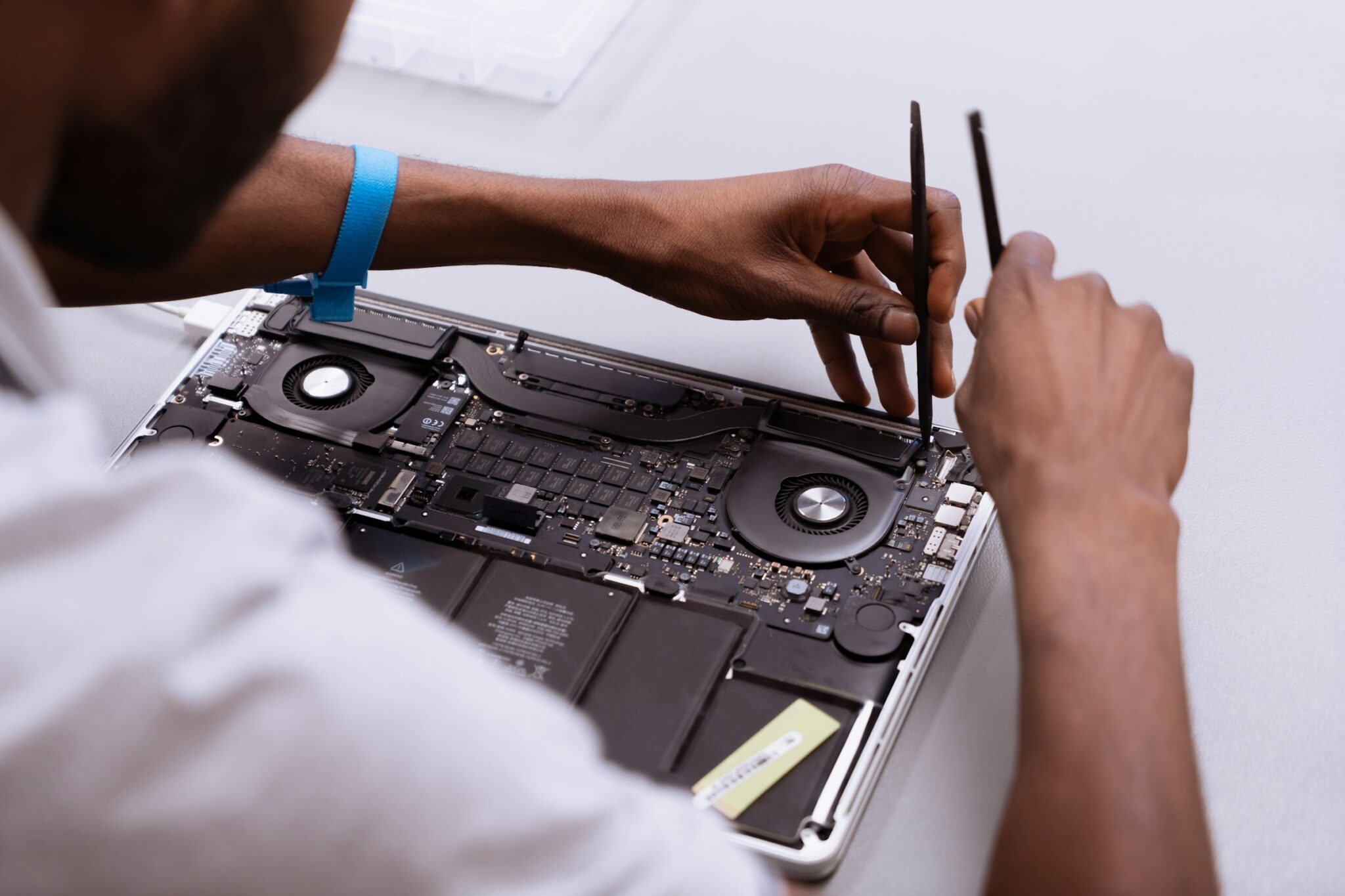
- On MacBook Pro models with fans, ensure vents on the bottom and sides stay clear. Blocked airflow forces the fan to work harder and raises internal temperatures.
- Avoid eating or drinking near your MacBook to prevent spills and crumbs in the keyboard.
4. Optimize storage
A nearly full SSD slows performance and can increase write cycles on the drive:
- Keep at least 15-20% of your storage free. macOS needs headroom to operate efficiently.
- Use external drives or iCloud storage to offload large files, photos, and backups.
- Use the built-in storage management tools (System Settings > General > Storage) to identify and remove large or unneeded files.
Tip: If you accidentally delete important files while freeing up storage space, using one of the best data recovery software for Mac can help you recover them before they are permanently overwritten.
👉 Learn more: Why Is My Mac So Slow? 20 Proven Fixes (2026)
5. Protect against physical damage
Physical wear is the most common reason MacBooks are retired prematurely:
- Use a slim protective case or sleeve, especially if you carry your MacBook in a bag with other items.
- Consider a keyboard cover to keep dust, crumbs, and moisture out of the keyboard mechanism.
- Handle the display hinge carefully: opening and closing the lid one-handed puts uneven stress on the hinge over time.
6. Monitor system performance
Catching problems early prevents them from becoming permanent:
- Use the built-in Activity Monitor to identify apps consuming excessive CPU or memory, which drives up heat and wear.
- Restart your MacBook regularly to clear cached files and refresh system processes.
- If you notice persistent sluggishness, check battery health in System Settings > Battery > Battery Health and run Apple Diagnostics (hold D at startup) to check for hardware issues.
7. Use quality accessories
Low-quality chargers and cables can cause power fluctuations that damage the charging circuit over time. Use Apple-certified accessories and genuine or MFi-certified third-party cables for charging and peripherals.
👉 Learn more: 10 Best MacBook Accessories in 2026
When should you upgrade your MacBook?
MacBooks are built to last, but some signs clearly signal it is time to move on:
- Your model no longer receives macOS updates: Without security updates, your MacBook becomes increasingly vulnerable. Apple drops macOS support roughly 7 years after a model's release. With macOS 27 Golden Gate (fall 2026) dropping Intel entirely, Intel MacBooks top out at macOS 26 Tahoe with about three more years of security patches.
- Apple has classified it as vintage or obsolete: Apple labels Macs as "vintage" when discontinued for 5 to 7 years, and "obsolete" after 7 or more years. Obsolete models cannot be serviced at Apple Stores, and parts become scarce. Check Apple's vintage and obsolete products list if you are unsure of your model's status.
- Slow performance that maintenance cannot fix: If your MacBook struggles with tasks it once handled easily, and storage optimization, a RAM upgrade (where possible), and software cleanup have not helped, the hardware has likely reached its practical limit.
- A worn-out battery you prefer not to replace: A battery that holds less than 60-70% of its original capacity forces you to stay tethered to a charger. Replacing the battery is often worth it for an otherwise healthy machine and can extend its life by several years. If other components are also showing age, a new device may be the better investment.
- Incompatibility with essential software: If key apps you depend on no longer support your macOS version, upgrading is the cleaner solution.
Not sure whether to upgrade from Air to Pro, or which model to consider? Our MacBook Air M4 vs MacBook Pro M4 comparison walks through the differences in detail, and if a Pro is the direction you are leaning, our refurbished MacBook Pro buying guide ranks the current models by value.
👉 Learn more: 7 Best Refurbished MacBooks in 2026 (Tested & Ranked)
Do you need to upgrade your MacBook? Consider a refurbished model
Upgrading does not have to mean spending full price on a new machine. Refurbished MacBooks offer the same Apple performance and reliability at meaningfully lower prices. The benefits are straightforward:
- Significant cost savings: Refurbished MacBooks typically sell for 20-40% less than their new equivalents, making it possible to step up to a better model for the same budget.
- Wide selection: The refurbished market carries a broader range of configurations, including higher RAM and storage tiers, than what retailers stock as new.
- Tested and warranted: Reputable refurbishers restore devices to working condition and back them with warranties, giving you protection similar to buying new.
If you are weighing a plain used machine instead, our guide to buying a used MacBook walks through the price ranges and the checks that keep you from inheriting someone else's problem.
At RefurbMe, we compare prices on refurbished MacBooks from Apple's own certified refurbished program and trusted third-party sellers in real time, so you can find the best deal without checking a dozen sites. Each listing shows condition grade, warranty length, and seller rating in one place.
Browse all available models below. 👇

2.4Ghz Intel Dual-Core i5 2nd gen
4GB memory • Silver
2011 release

1.6Ghz Intel Dual-Core i5 5th gen
4GB memory • Silver
2015 release

1.3Ghz Intel Dual-Core i5 4th gen
4GB memory • Silver
2013 release
👉 Related article: Mac Won't Turn On: 10 Easy Ways To Fix It
Frequently asked questions
Last updated: Sep 8, 2026 · First published: Jun 14, 2024
affordable Apple devices
