


The best note-taking app for iPad in 2026 is Goodnotes for most people, thanks to its handwriting feel, searchable notes, and a one-time purchase option. Apple Notes is the best free choice, already installed on your iPad. Notability wins for anyone who records audio in lectures or meetings. Pick by workflow: handwriting, typing, or cross-platform sync.
The iPad is the best tablet for taking notes. A large screen, precise Apple Pencil support, and a growing library of dedicated apps make it a genuine replacement for paper notebooks, loose-leaf binders, and sticky-note chaos. The challenge is choosing the right app.
This guide ranks the 10 best note-taking apps for iPad in 2026, covering handwriting quality, pricing, sync, and the use cases each one actually serves. Every price below was read from the live App Store or the developer's own pricing page on 27 July 2026.
Quick Picks: The Best iPad Note-Taking Apps
Short on time? These are the standouts, by use case:
- Best overall: Goodnotes. Smooth handwriting, searchable notes, one-time purchase still available.
- Best free app: Apple Notes. Built into iPadOS, syncs through iCloud, zero setup.
- Best for recorded audio: Notability. Notes sync to the recording, so a tap replays the moment you wrote them.
- Best cross-platform: Microsoft OneNote (free) or Noteshelf 3 (lifetime purchase, includes Android and Windows).
- Best handwriting recognition: MyScript Notes, formerly Nebo. Converts handwriting to formatted text in real time.
- Best free handwriting app: CollaNote. Solid Apple Pencil support and real-time collaboration at no cost.
At a Glance: All 10 iPad Note-Taking Apps Compared
Every app here is free to download. The price column shows what the paid tier actually costs, and the rating column is the live US App Store score.
| App | Paid tier | App Store rating | Apple Pencil | Handwriting-to-Text | Platforms | Best For |
|---|---|---|---|---|---|---|
| Goodnotes | $11.99/yr, $35.99/yr, or $35.99 one-time | 4.7 | Excellent | Yes | iPad, iPhone, Mac | Best overall |
| Notability | $15.99/yr or $19.99 one-time | 4.8 | Excellent | Yes | iPad, iPhone, Mac | Audio sync |
| Apple Notes | None, free | Not listed | Good | Yes (basic) | Apple plus iCloud.com | Free everyday use |
| Noteshelf 3 | $14.99 lifetime | 4.6 | Excellent | Yes | iPad, iPhone, Mac, Android, Windows | Cross-platform |
| Microsoft OneNote | Free, Microsoft 365 adds extras | 4.7 | Good | Yes | All platforms | Microsoft users |
| MyScript Notes | $1.99/mo, $7.99/yr, or $24.99 one-time | 4.7 | Excellent | Real time | iPad, iPhone, Mac, Android, Windows | Handwriting converts |
| Bear | $2.99/mo or $29.99/yr | 4.7 | Limited | No | iPad, iPhone, Mac | Writers |
| Craft | $9.99/mo or $95.99/yr | 4.8 | Good | Limited | iPad, iPhone, Mac, Web | Document creation |
| Evernote | Starter or Advanced, paid | 4.4 | Basic | Basic | All platforms | Web clipping |
| CollaNote | $13.90 lifetime, optional | 4.7 | Good | Limited | iPad, iPhone, Mac, Vision Pro | Free starter app |
If You Are Buying the iPad Too: RefurbMe Data
RefurbMe tracks the moment every Apple product first appears refurbished. Across the iPad line, a new model reaches the refurbished market a median of 115 days after Apple's release date, which is roughly four months (RefurbMe Refurbished Apple Price Index, as of July 2026). The iPad Air moves fastest at 95 days, the iPad Pro takes 105 days.
| iPad line | Median days from Apple release to first refurbished listing | Median Refurb Discount across all tracked models |
|---|---|---|
| iPad (standard) | 115 | 89% |
| iPad Air | 95 | 91% |
| iPad Pro | 105 | 82% |
Source: RefurbMe iPad stats, figures as of July 2026. Refurb Discount is the median across every model in that family RefurbMe has ever tracked, including hardware from a decade ago, so it is a family-level figure and not the saving available on a current model.
The practical takeaway: if you want to run Goodnotes or Notability on a current-generation iPad, you rarely have to wait more than four months after launch for refurbished stock to appear, and previous-generation models are available now.
How We Picked These Apps
Every app on this list was evaluated against four criteria:
- Apple Pencil support: Responsiveness, pressure sensitivity, and palm rejection quality.
- Handwriting recognition: Can you search or convert handwritten notes to text?
- Sync and portability: Does your notebook follow you to Mac, Windows, or Android?
- Pricing transparency: One-time purchase, subscription, or genuinely useful free tier?
Apps that excel in all four areas sit at the top. Specialist tools that dominate a single category earn their place further down.
1. Goodnotes: Best Overall
Price: Free tier, Essential $11.99/year, Pro $35.99/year, or Special Edition $35.99 one-time | Platform: iPad, iPhone, Mac | View on the App Store
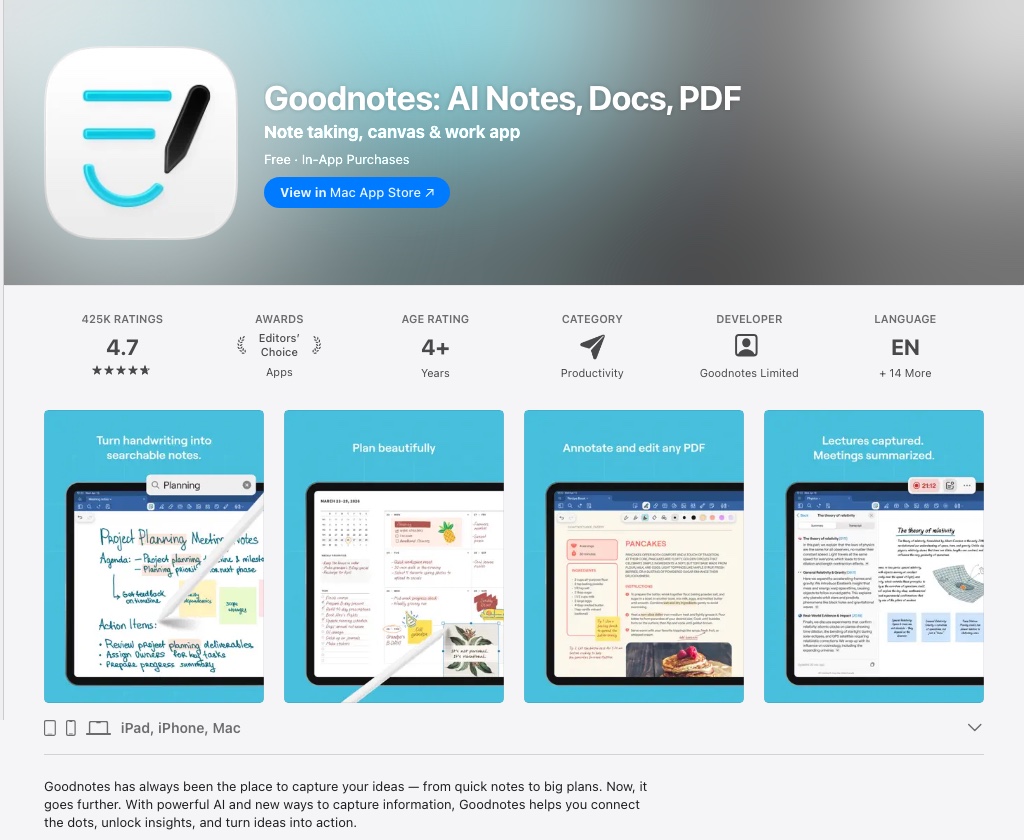
Goodnotes is the standard against which every other iPad note-taking app is measured. The writing experience is smooth and low-latency, the page templates are extensive, and the OCR engine lets you search handwritten text across every notebook you have ever created.
One naming note, because it trips people up: there is no "Goodnotes 7". When the company shipped its next generation in September 2025 it dropped the version number and now calls the app simply Goodnotes, with two tiers, Essential and Pro, replacing the old numbered upgrades. If you owned Goodnotes 6, you already have it.
What keeps Goodnotes at the top is its combination of depth and simplicity. You can annotate PDFs, create custom templates, organize notebooks into folders, and convert handwriting to editable text, all without wading through settings menus. Most users are on subscription plans now, Essential at $11.99 a year or Pro at $35.99 a year, but a one-time purchase lives on as the App Store Special Edition at $35.99, alongside a free tier. That flexibility is increasingly rare.
Strengths: Outstanding Apple Pencil feel, searchable handwriting, PDF annotation, one-time purchase option, cheap entry tier. Weaknesses: Apple ecosystem only; no Windows or Android app; Special Edition does not include Goodnotes Cloud.
2. Notability: Best for Audio Sync
Price: Free tier, Plus $15.99/year or $19.99 one-time, Pro $79.99/year or $99.99 one-time | Platform: iPad, iPhone, Mac | View on the App Store
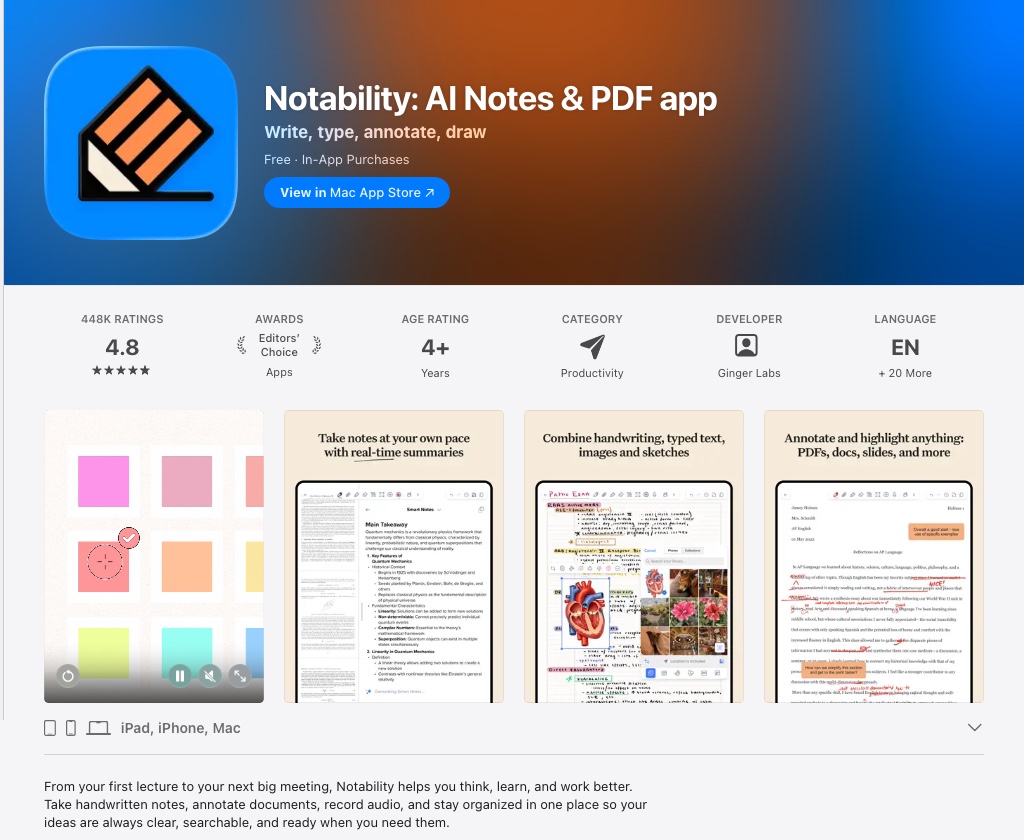
Notability's defining feature is audio recording synchronized with your notes. Tap any word in a typed or handwritten note and the recording jumps to the exact moment you wrote it. For students in lectures or professionals in meetings, this is a genuine productivity multiplier.
The move to subscriptions a few years ago caused real friction among existing users, and it is worth knowing that Notability walked part of it back: the current pricing page offers a one-time payment beside every annual plan. Plus costs $15.99 a year or $19.99 once, Lite costs $11.99 a year or $14.99 once, and Pro costs $79.99 a year or $99.99 once. Handwriting recognition, multi-note windows, and a clean interface make it a strong Goodnotes alternative for anyone who records audio alongside their notes.
Strengths: Audio-synced notes, clean UI, strong handwriting tools, one-time purchase available again. Weaknesses: No Windows or Android support; the Pro tier is expensive next to rivals.
3. Apple Notes: Best Free Option
Price: Free (built into iPadOS) | Platform: iPad, iPhone, Mac, iCloud.com | Apple Notes User Guide
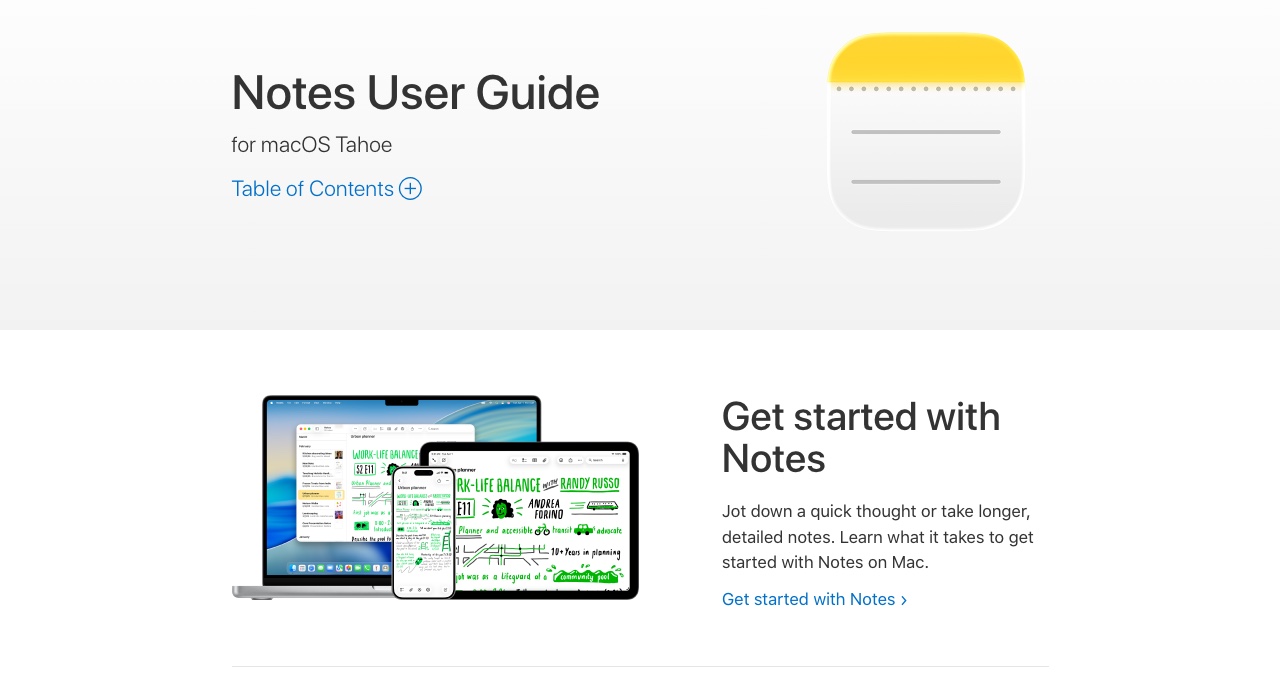
Apple Notes is underrated. It ships on every iPhone, iPad, and Mac, syncs instantly through iCloud, and supports handwriting-to-text conversion through Scribble, which Apple introduced in iPadOS 14. You can also lock individual notes with Face ID, collaborate in real time, and use Quick Note to capture thoughts from anywhere in iPadOS.
It will not replace Goodnotes for serious handwriting workflows. The page layout is limited and the organizational system lacks the depth of dedicated apps. But for everyday notes, meeting captures, and typed memos, it is the fastest app you already own.
Strengths: Free, seamless iCloud sync, improving handwriting tools, zero setup. Weaknesses: Limited layouts, no Windows or Android access, no advanced stylus pressure control.
4. Noteshelf 3: Best for Cross-Platform Users
Price: Free tier, $14.99 lifetime (subscriptions also offered) | Platform: iPad, iPhone, Mac, Android, Windows | View on the App Store
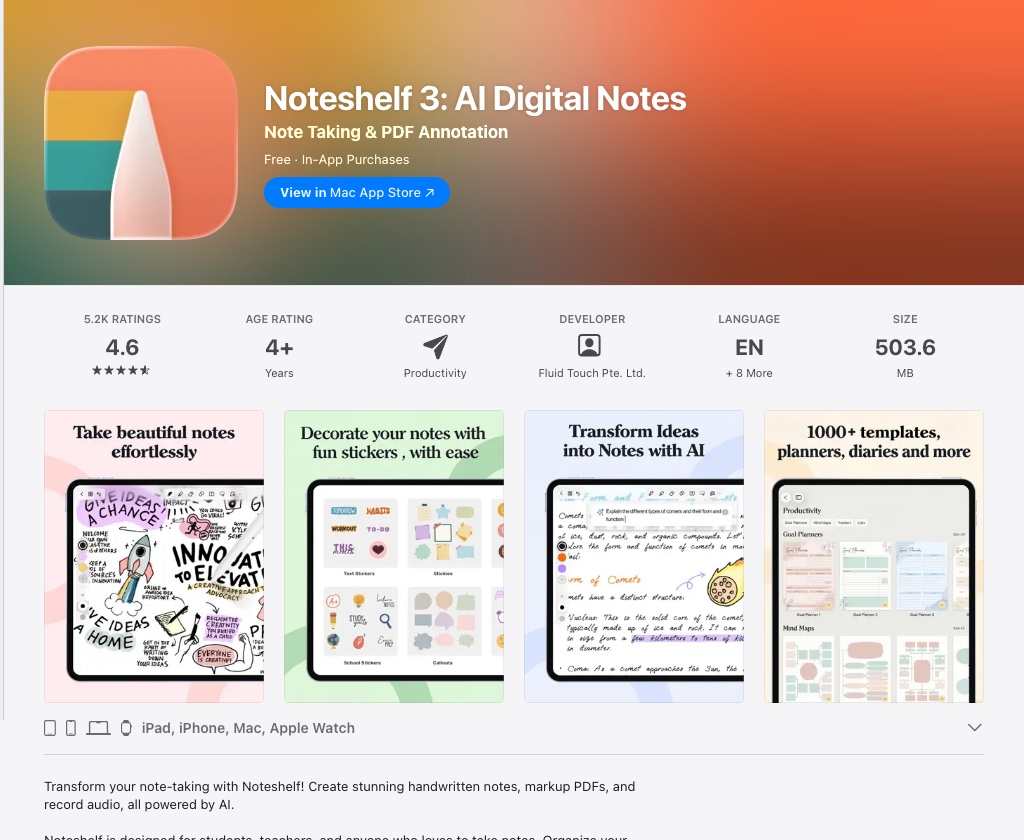
Noteshelf 3 deserves more attention than it gets. It combines a rich handwriting engine with multi-cloud sync (Dropbox, OneDrive, and Google Drive are all supported), and it is one of the few premium note-taking apps that ships on Android and Windows as well as Apple hardware. If you work across an iPad and an Android phone or a Windows laptop, Noteshelf removes the platform lock-in that limits Goodnotes and Notability.
Read the price carefully in the App Store, because Noteshelf offers weekly, monthly, and yearly premium plans alongside the one you probably want: Noteshelf 3 Premium Lifetime at $14.99. The cheap-looking $7.99 tier is a weekly charge, not a purchase. Customizable pressure curves, shape recognition, and a wide template library round out a well-designed package.
Strengths: Cross-platform including Android and Windows, lifetime price option, flexible sync, excellent pressure control. Weaknesses: Smaller community than Goodnotes; confusing tier menu; some advanced features lag competitors.
5. Microsoft OneNote: Best Free Cross-Platform App
Price: Free (Microsoft 365 subscription adds premium features) | Platform: iPad, iPhone, Mac, Windows, Android, Web | View on the App Store
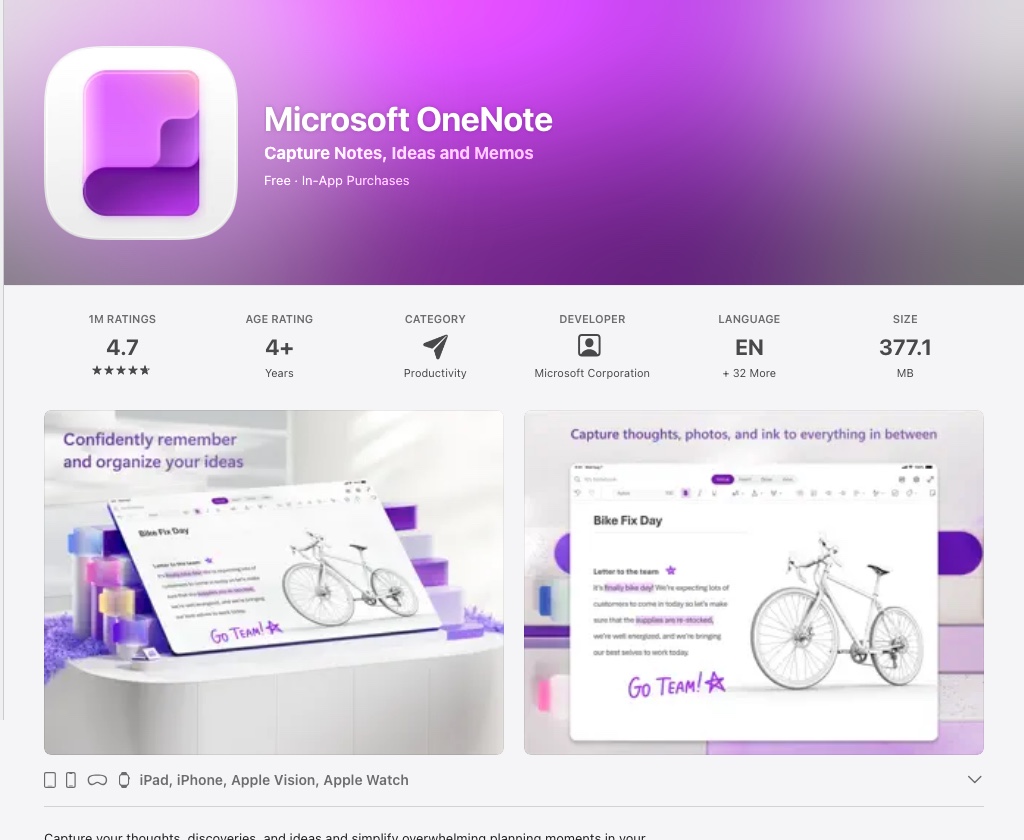
OneNote is the only app on this list that works equally well on iPad, Windows, Android, and every major web browser. If your workplace runs Microsoft 365, notebooks live in OneDrive and stay current across every device without any configuration.
Apple Pencil support has improved significantly over the years. Handwriting-to-text conversion is available, and the free tier is generous. The tradeoff is a less polished stylus experience compared to iPad-native apps like Goodnotes.
Strengths: Truly cross-platform, free tier, Microsoft 365 integration, real-time collaboration. Weaknesses: Heavier interface, Apple Pencil feel less refined than specialist apps.
6. MyScript Notes (formerly Nebo): Best Handwriting Recognition
Price: Free trial, then Full Access at $1.99/month, $7.99/year, or $24.99 one-time | Platform: iPad, iPhone, Mac, Android, Windows | View on the App Store
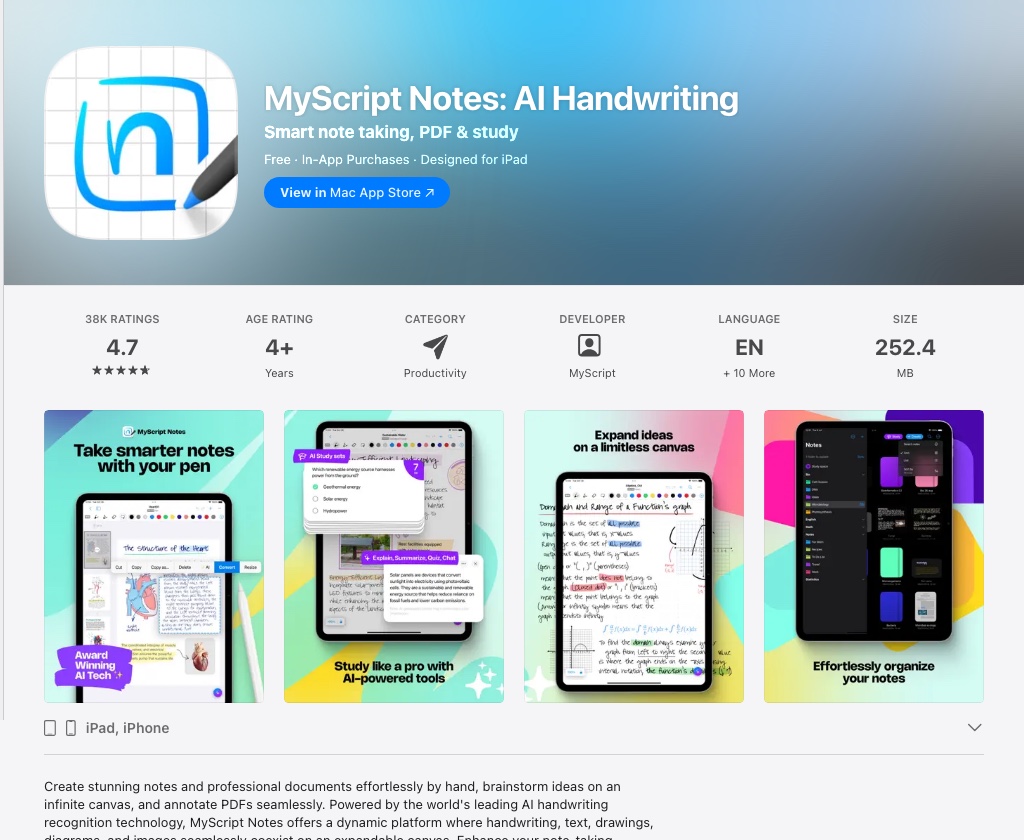
MyScript Notes, the app renamed from Nebo in 2025, has handwriting recognition in a class of its own. Built on MyScript's technology, it converts handwriting to formatted text in real time, not after the fact as with most apps. You write a title, it becomes a heading. You write a list, the app formats it as a bullet list. Mathematical equations are recognized and rendered correctly.
For researchers, academics, or anyone who writes rather than types, MyScript Notes turns the iPad into something closer to a smart whiteboard. The interface is minimal, which suits the workflow. The Windows build still carries the old Nebo name, so do not go hunting for a MyScript listing there.
Strengths: Best-in-class real-time handwriting conversion, math recognition, one-time purchase option, runs on Android and Windows too. Weaknesses: Paid unlock for full features; not ideal as a general-purpose notebook app.
7. Bear: Best for Writers and Markdown Users
Price: Free (Bear Pro $2.99/month or $29.99/year) | Platform: iPad, iPhone, Mac | View on the App Store
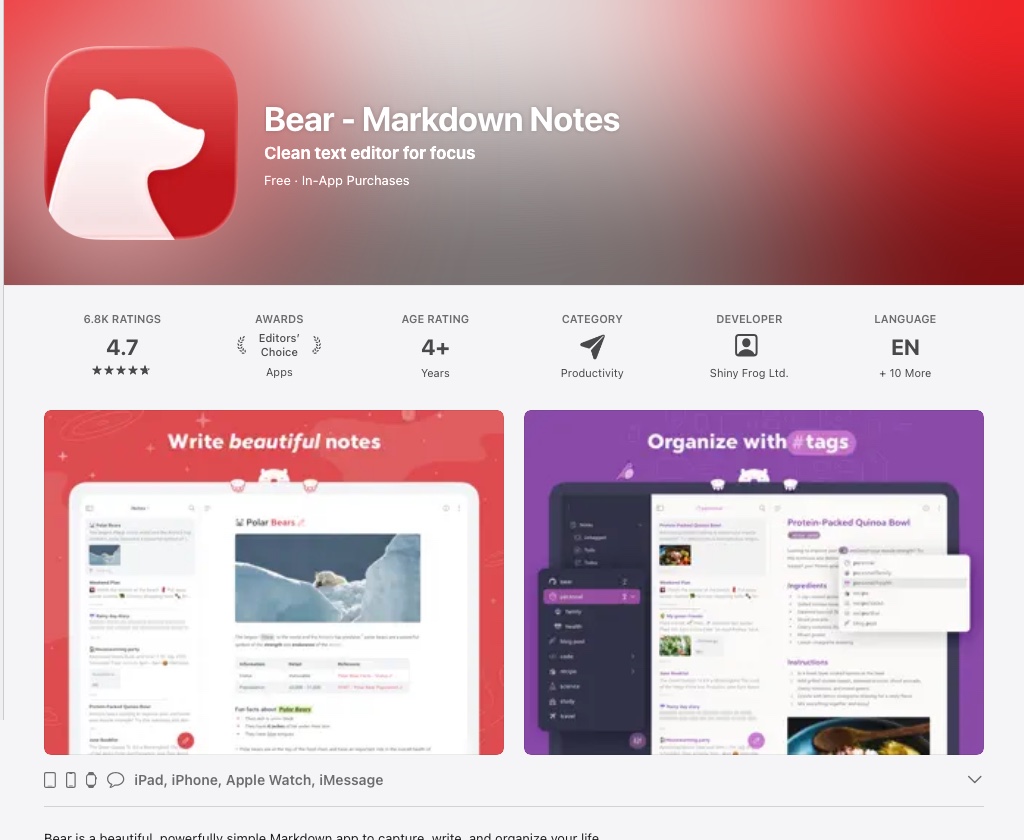
Bear is a writing app that happens to run on iPad, not an iPad app that supports writing. The distinction matters. It uses Markdown natively, syncs through iCloud, and presents a distraction-free editor that makes long-form writing a pleasure. Tags replace folders as the organizational model, which works well once you adapt to it.
Apple Pencil support is limited: Bear is built for typed text. But for drafting articles, capturing research, and maintaining a personal knowledge base, no iPad app matches its combination of aesthetics and speed.
Strengths: Beautiful Markdown editor, fast iCloud sync, excellent for text-heavy notes. Weaknesses: Not designed for handwriting; Apple-only ecosystem.
8. Craft: Best for Document Creation
Price: Free (Craft Plus $9.99/month or $95.99/year) | Platform: iPad, iPhone, Mac, Web | View on the App Store
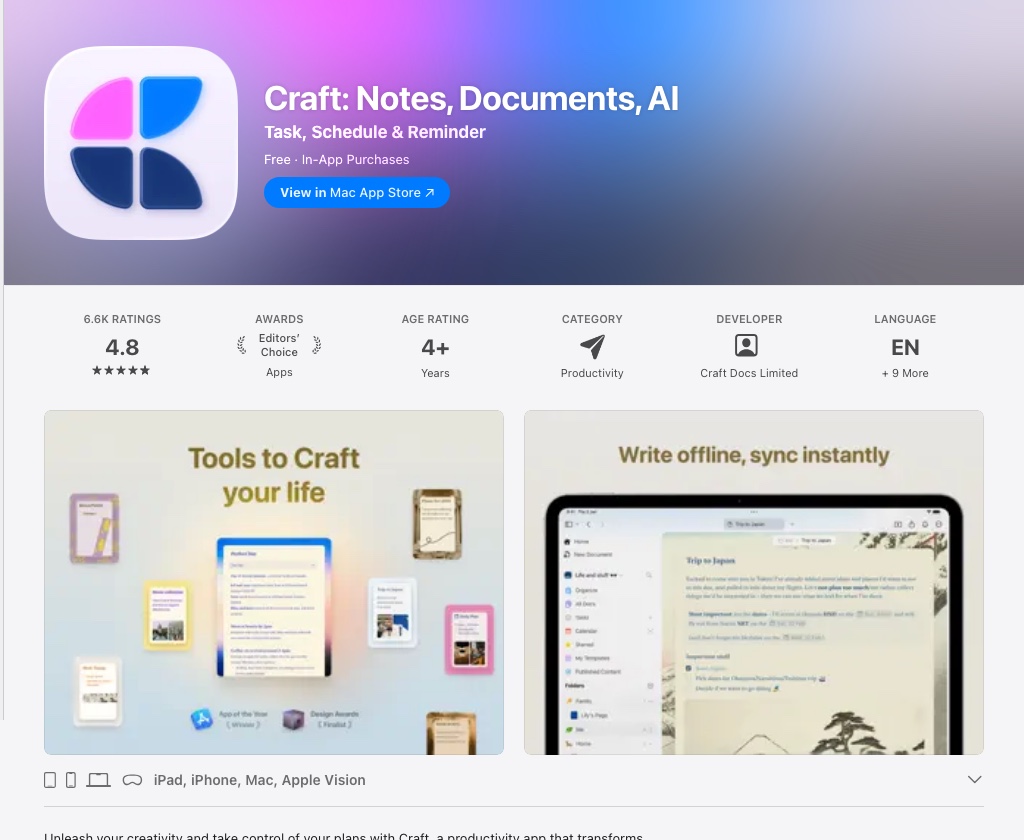
Craft blurs the line between note-taking and document creation. Notes become shareable pages. Pages become polished documents. Embedded content (links, images, tables, nested blocks) can be arranged visually in a way that feels native to iPadOS.
The free tier is functional, and the Apple Pencil integration handles annotation and drawing well. Craft is less suited to raw handwriting capture than Goodnotes, but for teams that want to build structured knowledge bases or create documents collaboratively, it offers something no other app on this list does. A Family plan at $17.99 a month covers several people if you share it.
Strengths: Document-quality output, collaboration, beautiful UI, strong free tier. Weaknesses: Plus tier is pricey; not optimized for freeform handwriting.
9. Evernote: Best for Web Clipping and Research
Price: Free (heavily capped); paid Starter and Advanced plans | Platform: iPad, iPhone, Mac, Windows, Android, Web | View on the App Store
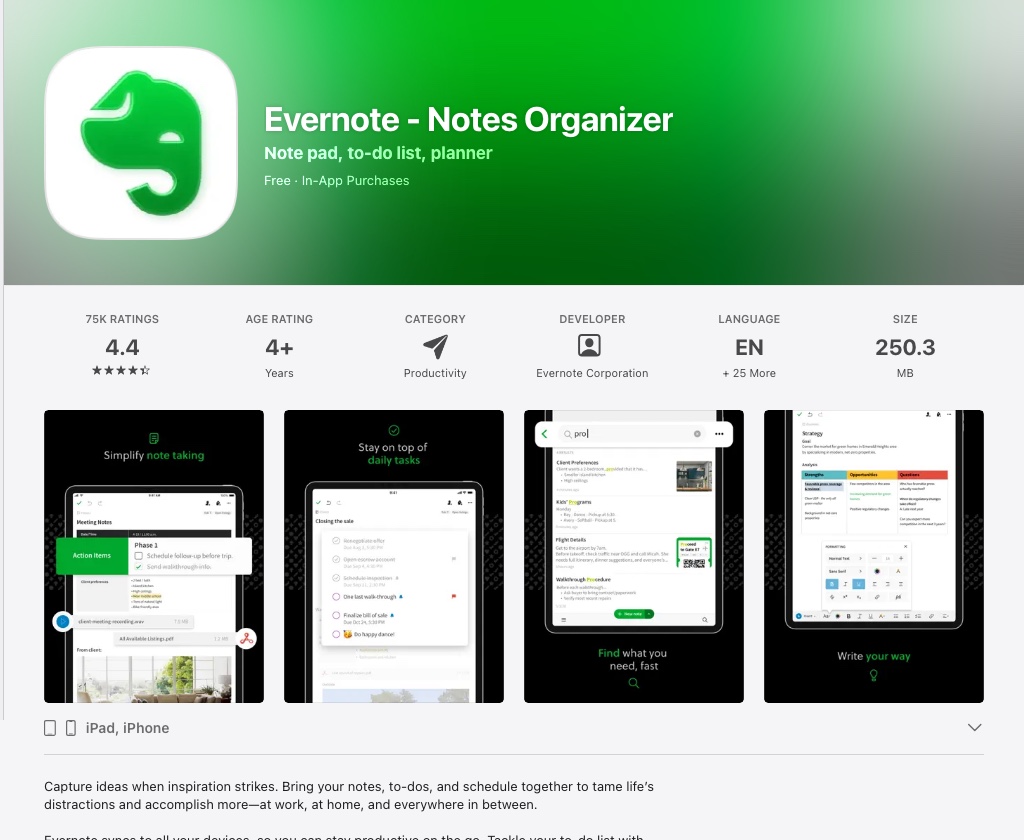
Evernote was the dominant note-taking app for a decade. It has lost ground to more focused competitors, but its web clipper (the ability to save articles, PDFs, and screenshots directly from any browser) remains best-in-class. Search across attachments, notebooks, and tags is genuinely powerful.
Check the free tier before you commit. Evernote's own plan comparison caps the Free plan at 50 notes, 1 notebook, 1 synced device, and 1GB of storage, which is a trial rather than a usable free tier; Starter raises that to 1,000 notes, 20 notebooks, and 3 devices, and Advanced removes the limits. Apple Pencil support is basic compared to Goodnotes or Notability. Evernote's strength lies in organizing information from the web rather than creating handwritten notes from scratch.
Strengths: Best web clipper, strong search, cross-platform, document management. Weaknesses: The free plan is capped at 50 notes on a single device; stylus experience not competitive with dedicated apps.
10. CollaNote: Best Free Handwriting App
Price: Free, with an optional $13.90 Lifetime Premium unlock | Platform: iPad, iPhone, Mac, Apple Vision Pro | View on the App Store
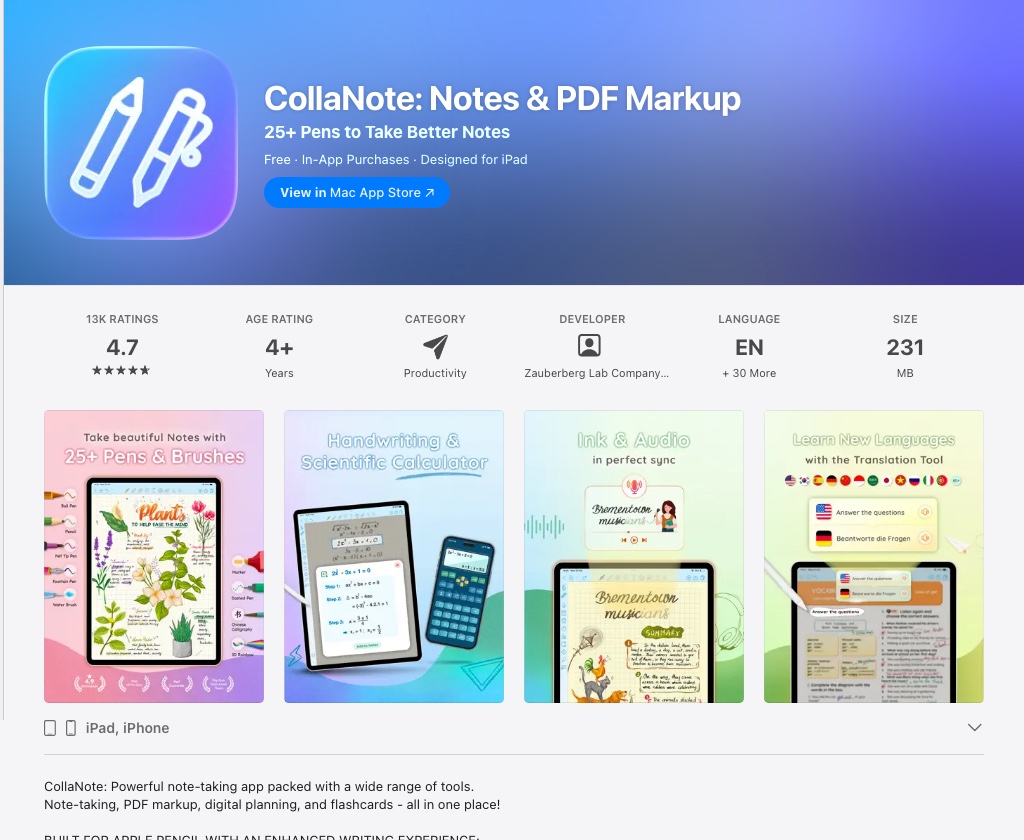
CollaNote earns its place on this list for one reason: it is free and genuinely good. The handwriting engine is smooth, PDF annotation works well, and the app supports real-time collaboration, rare for a free iPad note-taking app. If you want to try stylus-based note-taking before committing to Goodnotes or Notability, CollaNote is the best starting point. A Lifetime Premium unlock is offered at $13.90 if you decide to stay, but you are never pushed into a subscription.
Strengths: Free, solid Apple Pencil support, real-time collaboration, now runs on Mac and Apple Vision Pro. Weaknesses: Smaller feature set than paid apps; limited sync options; fewer templates.
Which iPad Is Best for Note-Taking?
Any modern iPad works for typed notes. For serious handwriting workflows, the screen size and Apple Pencil generation matter.
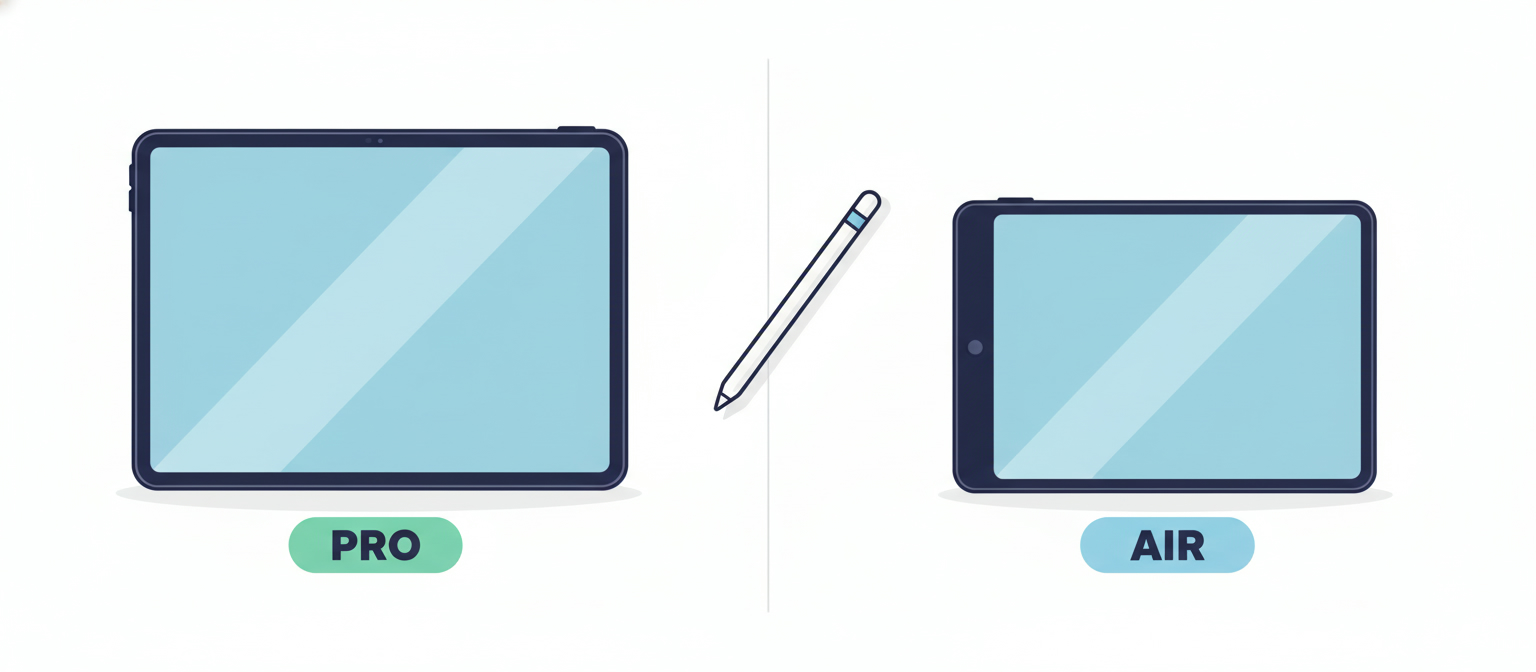
iPad Pro (11-inch or 13-inch): The best screen for handwriting. ProMotion at 120Hz makes the Pencil feel like pen on paper. The M4 model supports Apple Pencil Pro and Apple Pencil (USB-C). The 13-inch model is ideal for students who annotate large lecture slides or A4-format PDFs.
iPad Air (11-inch or 13-inch, M2/M3/M4): Nearly as good as the Pro at a lower price. Supports Apple Pencil Pro and Apple Pencil (USB-C). The M-series chips handle every note-taking app without hesitation.
iPad mini: Portable enough to carry everywhere, which makes it popular for quick capture. The 8.3-inch screen limits how much of a document fits on screen at once: fine for meeting notes, less ideal for annotating research papers.
iPad (standard model): Supports Apple Pencil (1st gen or USB-C). Capable for general note-taking; the 60Hz display is less responsive to fast handwriting than the Pro or Air.
If you are buying refurbished, a previous-generation iPad Pro or iPad Air delivers the best note-taking experience at a significant discount. You can compare refurbished iPad prices across all major sellers on RefurbMe.
FAQ
The Best iPad for Note-Taking Starts with the Right Device
Choosing the right app matters. So does choosing the right hardware. A refurbished iPad Pro or iPad Air gives you the Apple Pencil compatibility, ProMotion display, and processing headroom that make every app on this list perform at its best, at a fraction of new retail pricing.
RefurbMe compares refurbished iPad prices from Back Market, Amazon Renewed, the Apple Store, eBay Refurbished, and other vetted refurbishers in one place. You see condition grades, warranty details, and the lowest available price without visiting a dozen websites.
- Compare refurbished iPad deals
- iPad Pro refurbished prices
- iPad Air refurbished prices
- Refurbished Apple Pencil prices
You might also find these guides useful:
Last updated: Jul 27, 2026 · First published: Apr 10, 2026


