


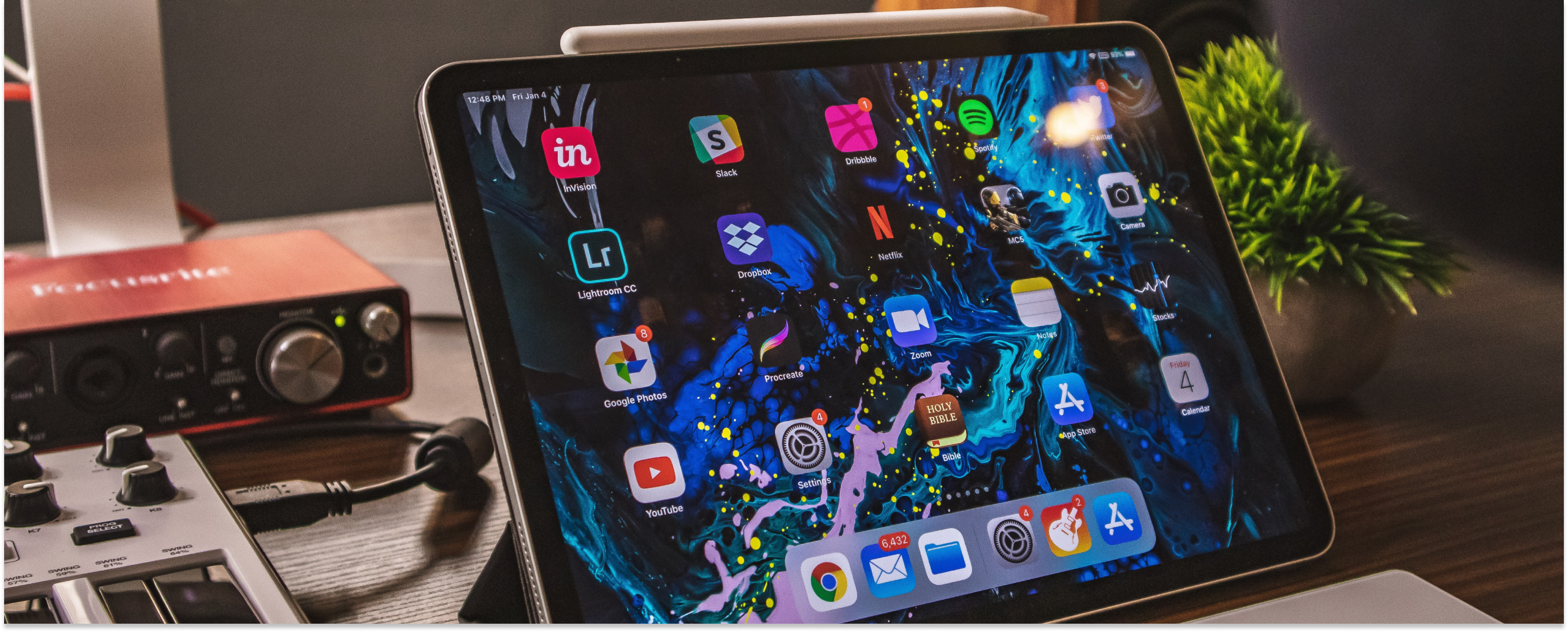
The seven iPad accessories worth your money in 2026 are the Apple Pencil, AirPods, a keyboard case, a paper-feel screen protector, a multi-port USB-C charger, a USB-C hub, and a slim power bank. Each one fixes a specific limitation of the tablet: no keys, one port, a screen too slippery to write on, or a battery that gives out halfway through a flight. Two of them, the Apple Pencil and AirPods, sell refurbished with a warranty, and that is where the real savings are.
An iPad runs most of what a laptop runs, and the hardware holds up for years if you look after it. The accessories below close the gaps that remain. Every Apple price and compatibility list here was checked against Apple and RefurbMe in August 2026.
Disclaimer: We earn a commission when you follow links to make a purchase. Click here to learn more about how we make money.
According to RefurbMe's own tracking, an Apple Pencil reaches the refurbished market a median of 309 days after Apple releases it, a figure RefurbMe calls Time-to-Refurb (as of August 2026). Across every Apple Pencil generation RefurbMe has tracked, the median Refurb Discount is 37% off the original price, though that family median spans models Apple stopped selling years ago and is no promise on any single unit. The live figures sit on the RefurbMe Apple Pencil stats page.
That 309-day lag is the practical rule for Apple-made accessories: anything Apple shipped in the past year is worth buying new, and anything older is worth checking refurbished first. Third-party parts like hubs, chargers, and screen protectors have no refurbished market to speak of, so buy those new.
The best iPad accessories at a glance
| Accessory | Category | Highlight | Price range |
|---|---|---|---|
| Apple Pencil | Stylus | Excellent for drawing, handwriting, and document markup with imperceptible delay. | $$ |
| AirPods | Wireless earbuds | Noise cancellation, automatic switching, and Siri integration. | $$ |
| Logitech Folio Touch Keyboard | Keyboard case | Backlit keys, multi-touch gestures, and a high-precision trackpad. | $$$ |
| XIRON Screen Protector | Screen protector | Paper-feel texture, perfect for writing and drawing, with anti-glare features. | $ |
| Hyphen-X USB-C Charger | Charger | Fast charging for four devices simultaneously with over-voltage and heat protection. | $ |
| Twelve South StayGo USB-C Hub | USB-C hub | Compact solution with HDMI, USB, SD/MicroSD, and Ethernet connections. | $$ |
| INIU Portable Charger | Power bank | Slim 10000mAh capacity, fast 3A output, and USB-C in & out. | $ |
1. Apple Pencil


2018 release

The Apple Pencil changes what an iPad is for more than any other accessory on this list. It excels at drawing, handwriting, and navigating iPadOS, with an imperceptible delay as it moves across the display. Press harder and the lines grow thicker, exactly as with a real pencil. It is also ideal for marking up PDFs, signing documents, and annotating screenshots.
Apple currently sells four models, each targeting a different iPad lineup:
Apple Pencil Pro (best for newer iPads)
- $129 from Apple. Supports hover detection, squeeze gesture, barrel roll, and Find My
- Compatible with: iPad Pro 11-inch (M4, M5), iPad Pro 13-inch (M4, M5), iPad Air 11-inch (M2, M3, M4), iPad Air 13-inch (M2, M3, M4), iPad mini (A17 Pro)
Apple Pencil (2nd generation)
- Magnetic charging and pairing, double-tap to switch tools
- Compatible with: iPad Pro 11-inch (1st-4th gen), iPad Pro 12.9-inch (3rd-6th gen), iPad Air (4th-5th gen), iPad mini (6th gen)
Apple Pencil (USB-C)
- $79 from Apple, the cheapest way in, charges over USB-C
- Compatible with: iPad (10th gen, A16), iPad mini (6th gen, A17 Pro), iPad Air (4th gen and later), iPad Pro 11-inch (all generations), iPad Pro 12.9-inch (3rd gen and later), iPad Pro 13-inch (M4, M5), iPad Air 13-inch (M2, M3, M4)
Apple Pencil (1st generation)
- Lightning charging, compatible with older models
- Compatible with: iPad Pro 9.7-inch, iPad Pro 10.5-inch, iPad Pro 12.9-inch (1st-2nd gen), iPad Air 3, iPad 6-9, iPad 10 (requires USB-C to Apple Pencil adapter), iPad mini 5
Apple still sells the 1st and 2nd generation alongside the two current models, so owners of older iPads are not stranded. Check your iPad against the lists above before you buy. The four Pencils are not interchangeable, and the wrong one will not pair at all.
If your iPad is a recent M-chip model, the Apple Pencil Pro is the choice. For older USB-C iPads on a tighter budget, the USB-C Pencil does the job for $50 less. The widget above shows discounted refurbished Apple Pencils with a warranty included.
Learn more:
2. AirPods
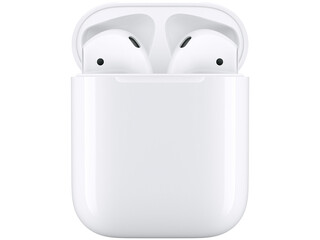

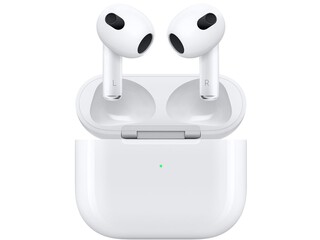
Apple's AirPods are widely considered among the best wireless earbuds available, and they pair exceptionally well with an iPad. You do not even need an Apple device to use them, since AirPods also work with Android and other gadgets.
The AirPods Pro and AirPods Max (1st generation) offer excellent active noise cancellation, which is particularly valuable when using an iPad to edit video, play games, take online calls, or focus on creative work in a noisy environment. Apple announced a second-generation AirPods Max with its H2 chip on March 16, 2026, but that model is too new to have reached the refurbished market yet, so every AirPods Max listing RefurbMe compares today is the original 1st-generation design.
They also come with Apple-specific features such as Siri integration and the ability to automatically switch between an iPhone, iPad, and Mac when you move between devices. Check the widget above for discounted refurbished AirPods with warranty included.
Learn more: Are Apple AirPods Worth Your Money and Time?
3. Logitech Folio Touch Wireless Keyboard
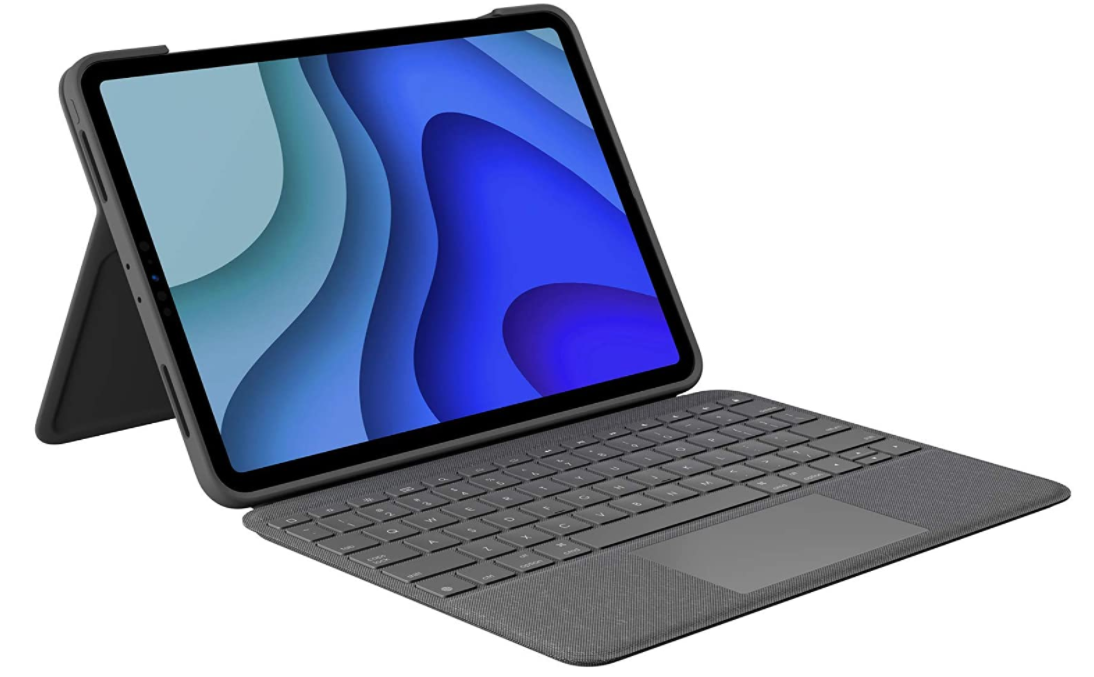
A keyboard case is the single upgrade most likely to turn an iPad into a real laptop replacement. Check the fit first, because this is where the expensive mismatches happen. Logitech sells the Folio Touch in two versions, and they are not interchangeable. The iPad Pro version is listed for the iPad Pro 11-inch (1st, 2nd, 3rd, and 4th generation) and does not fit the M4 or M5 iPad Pro. The iPad Air version is listed for the iPad Air 11-inch (M2, M3, M4) and the iPad Air (4th and 5th generation). Read which one a listing is selling before you order.
Whichever version matches your tablet, the Folio Touch is the cheaper way to get a trackpad. Its high-precision trackpad handles swipe, pinch, and three-finger navigation, and the backlit keys are tuned for iPadOS shortcuts and adjust to ambient light.
The case offers four modes: Type, View, Sketch, and Read, each with its own angle. A 40-degree adjustable kickstand covers desk work and sofa sketching alike. Power and pairing run through the Smart Connector, so there is no Bluetooth setup and no second cable to charge.
If your iPad is a newer iPad Pro, Apple's own line is what fits. The Magic Keyboard for iPad Pro covers the iPad Pro 13-inch and 11-inch (M4, M5). The Magic Keyboard for iPad Air covers the iPad Air 13-inch and 11-inch (M2, M3, M4) plus the iPad Air 4th and 5th generation. The Magic Keyboard Folio covers the iPad (A16) and iPad (10th generation). All three attach magnetically and include a trackpad, and all three cost considerably more than a third-party case. If you are still choosing between tablets, our iPad Air vs iPad Pro comparison covers which one earns the keyboard.
4. XIRON 2-Pack Screen Protector
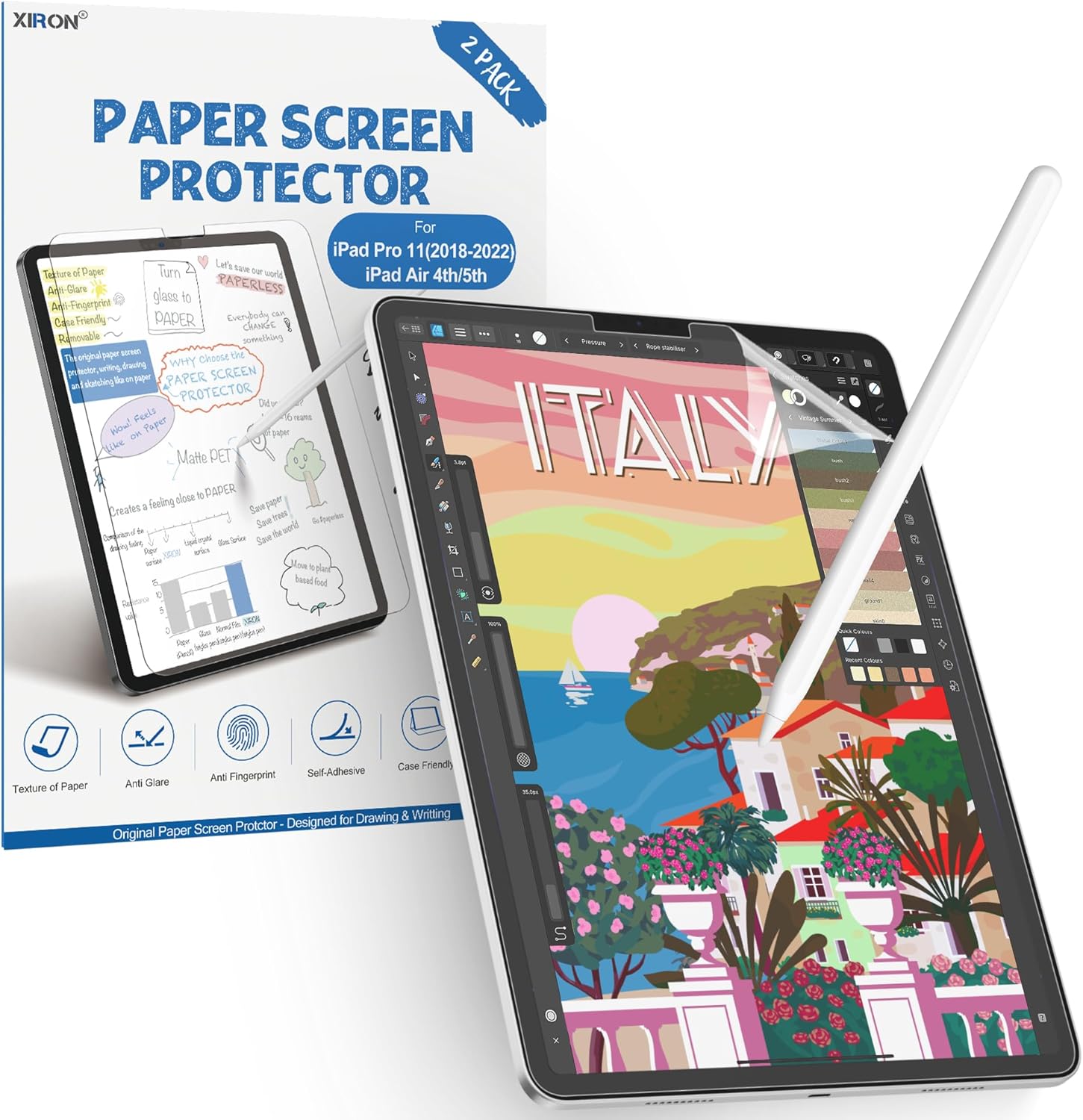
Paper-feel screen protectors have become a must-have accessory for iPad owners who use an Apple Pencil. The XIRON protector is designed to emulate the tactile sensation of writing on paper, giving your sketches and handwritten notes a natural, fluid feel instead of the slippery glide of bare glass.
Beyond the creative benefits, it provides sturdy physical protection and includes anti-glare treatment that reduces reflections without interfering with Face ID. The matte finish also makes outdoor use more practical by cutting down on screen glare in bright sunlight.
Whether you are an artist, a student, or someone who simply prefers taking handwritten notes, the XIRON protector is a low-cost way to make your Apple Pencil feel significantly more natural.
5. Hyphen-X USB-C Charger
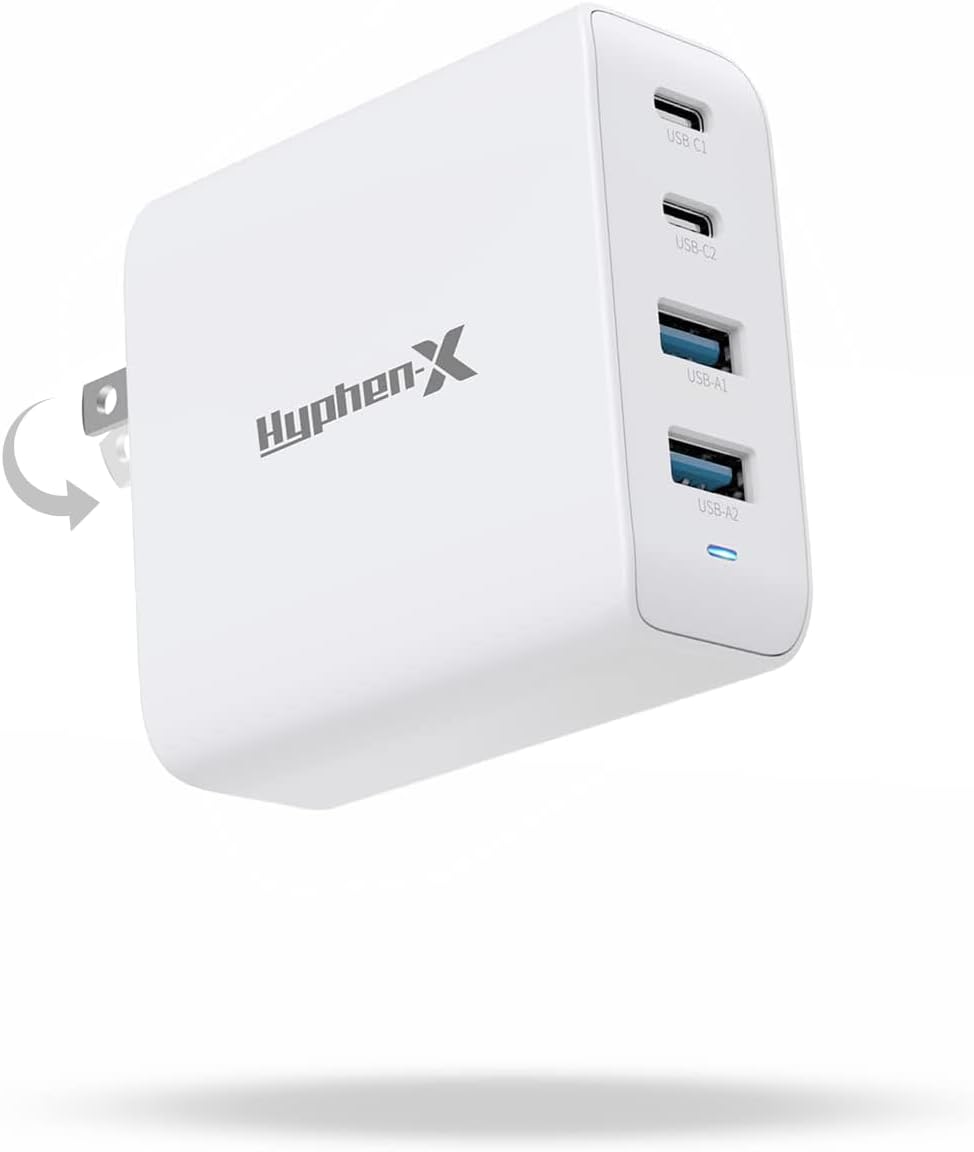
The Hyphen-X USB-C wall charger solves one of the most common pain points of owning multiple Apple devices: running out of outlets. It can fast-charge four devices simultaneously at full speed, which means you can top up an iPad, iPhone, AirPods, and Apple Watch from a single socket.
The charger includes built-in protection against heat, over-charge, over-voltage, over-current, and short circuits. For households or home offices with several Apple devices, it eliminates the clutter of multiple adapters and is far more convenient than the single-port charger Apple includes in the box.
6. Twelve South StayGo USB-C Hub
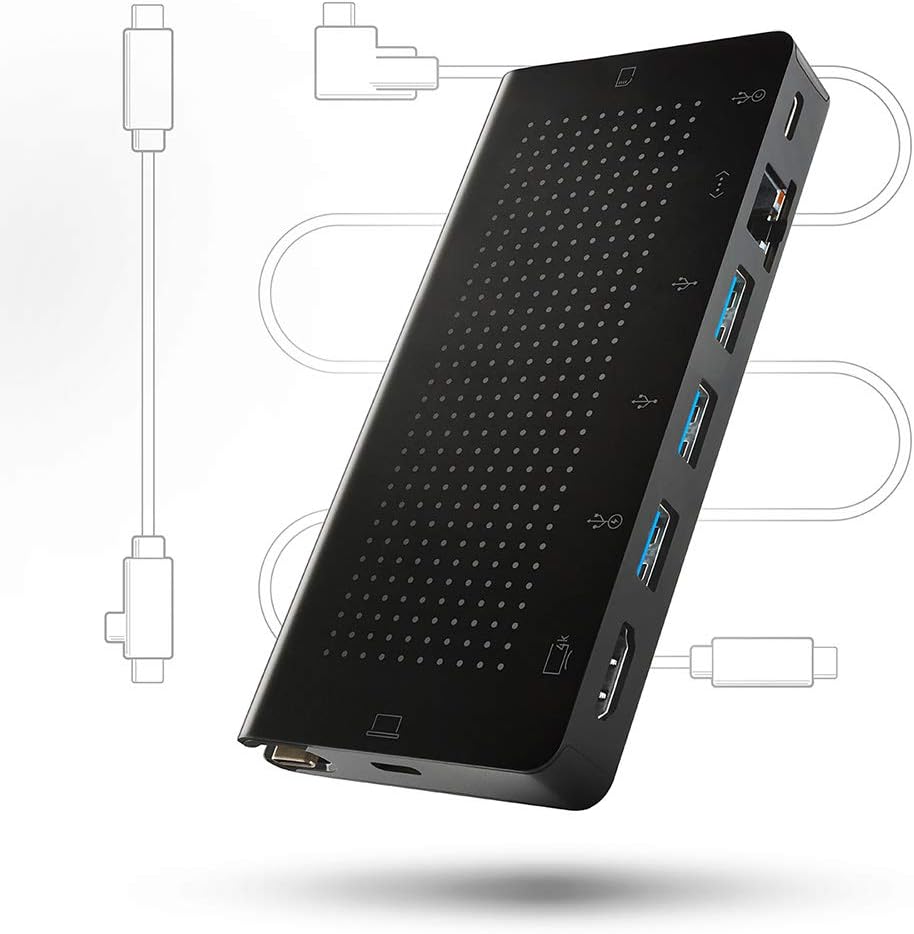
The iPad's single USB-C port is its biggest limitation when used as a desktop replacement. A good hub solves that instantly. Apple has progressively improved iPadOS support for external displays, USB drives, SD cards, cameras, and even mice and trackpads, but you need a hub to connect more than one peripheral at a time.
The Twelve South StayGo is a compact, well-built solution that adds HDMI, USB-A, SD card, MicroSD card, and Ethernet ports via a single USB-C connection. Its braided cable and aluminium housing make it a premium option that matches the aesthetic of the iPad Pro. It is particularly useful for photographers who need to import images from a camera while simultaneously connecting an external display.
7. INIU Portable Charger
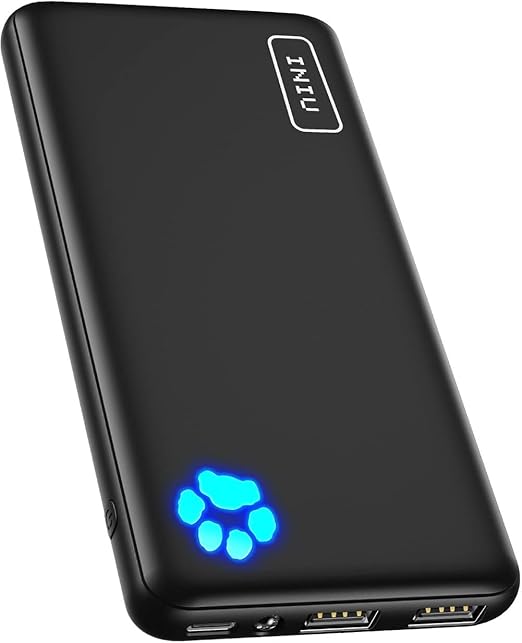
A portable charger is invaluable for anyone who uses their iPad on the go. The INIU power bank combines a 10000mAh capacity with a slim, lightweight form factor that slips easily into a bag or even a large pocket.
It supports USB-C in and out, so you can recharge the power bank with the same cable you use for your iPad. The 3A high-speed output keeps charge times short, making it a practical companion for travel, commutes, long study sessions, or days out of the office.
Where to buy refurbished iPad accessories
Two picks on this list have a genuine refurbished market: the Apple Pencil and AirPods. The rest are inexpensive third-party parts where new is the sensible buy.
RefurbMe compares refurbished Apple Pencil and AirPods listings across the sellers that actually stock them. In the US market as of August 2026, those sellers are Back Market, Gazelle, Mac of All Trades, Amazon Renewed, eBay Refurbished, plug, and Apple's own Certified Refurbished store.
Back Market is the usual first stop, with Gazelle and Mac of All Trades close behind on US stock. Amazon Renewed and eBay Refurbished both list graded, warrantied units; eBay Refurbished is eBay's vetted program with 30-day returns and a seller-trust floor, which is a different thing from the open eBay marketplace, and the two are worth keeping apart. The US lineup is rounded out by plug. Apple's own Certified Refurbished store also shows up in RefurbMe's Apple Pencil listings, and that is the one to pick when you want Apple's warranty rather than a refurbisher's.
2018 release
For the tablet itself rather than the accessories, we compare the sellers head to head in where to buy a refurbished iPad.
Conclusion
Each accessory here removes one specific constraint of the iPad, and none of them is worth buying on spec. Start with the one that matches how you actually use the tablet: the Apple Pencil if you draw or take notes, a keyboard case if you write, a hub if you plug in a display or a camera card.
Don't hesitate to have a look at the best iPads you can buy to get the most out of these accessories.

32GB storage
Space Gray
2017 release

32GB storage
Space Gray
2019 release

32GB storage
Space Gray
2019 release
Visit RefurbMe anytime to find the best deals on refurbished iPads and save money while getting the same factory-new performance with a warranty.
Frequently asked questions
Last updated: Sep 7, 2026 · First published: Feb 27, 2025


