
Good iPhone battery health is 80% or higher. That is the level Apple designs its batteries around, the level AppleCare uses to trigger a free replacement, and the floor most refurbishers publish. Above 90% the battery is effectively new. Between 80% and 90% you will notice a shorter afternoon. Below 80% the battery sits outside Apple's design target and is usually worth replacing before the phone is.
If you are shopping rather than diagnosing, one RefurbMe number frames the decision. Across every iPhone model we track, the median Time-to-Refurb is 82 days: the gap between Apple's release date and the first unit we record in stock refurbished (as of August 2026, iPhone refurbished stats). Under three months, so a recent iPhone with a nearly untouched battery is already on the shelf.
What iPhone battery health actually measures
Battery health is one figure: Maximum Capacity. Apple defines it as the measure of "device battery capacity relative to when it was new" (Apple Support). A reading of 87% means the battery holds 87% of the charge it held on day one. It says nothing about how full the phone is right now.
That distinction matters because Maximum Capacity does not tell you how long your phone lasts today. Two iPhone 14 units both reading 87% can behave differently depending on screen brightness, cellular signal, and what runs in the background.
The other half of the picture is the cycle count. You complete one charge cycle when you have used an amount equal to 100% of the battery's capacity, whether that happens in one long day or spread across three short ones. Apple normalizes each complete cycle between 80% and 100% of original capacity, so a cycle is a unit of wear rather than a plug-in event.
One quirk worth knowing before you panic over a new phone: Apple states that capacity "might show as slightly less than 100 percent" depending on how long the iPhone sat between manufacture and activation. A 97% reading out of the box is normal.
How to check battery health on your iPhone
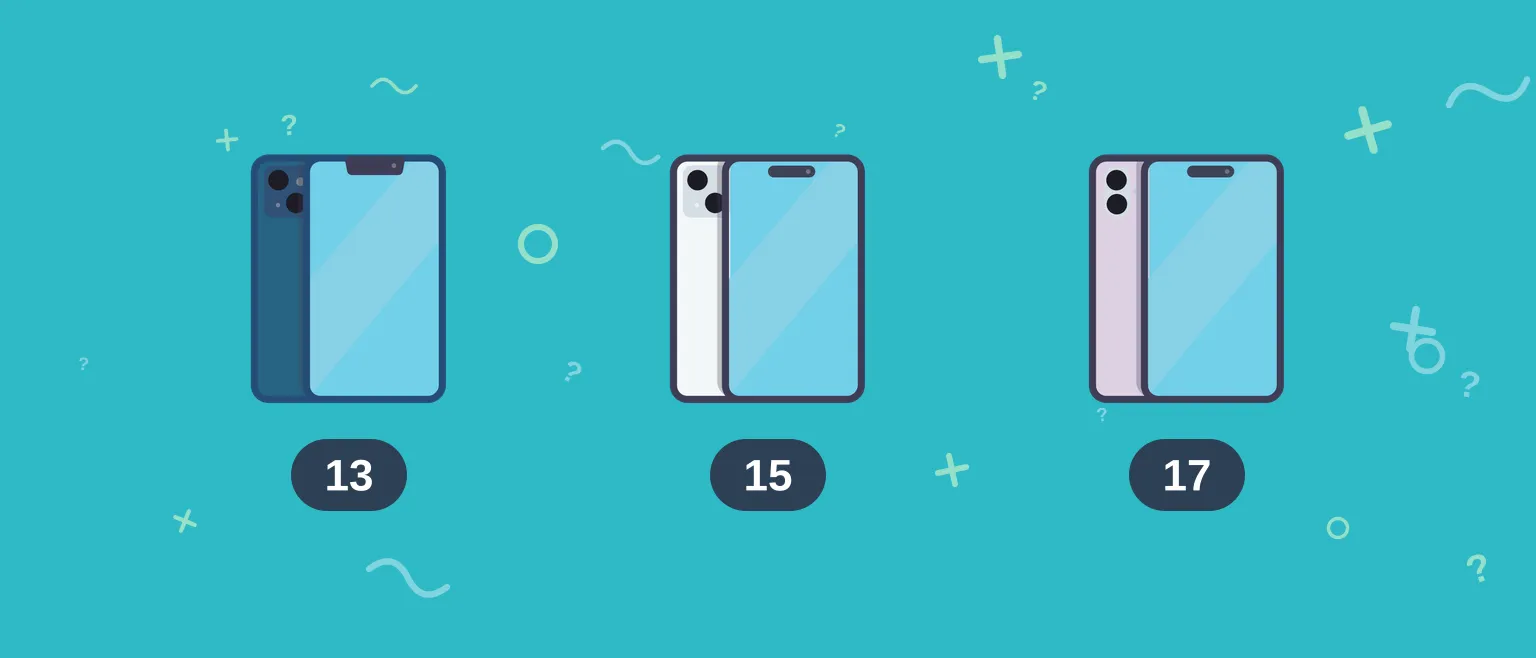
Apple changed both the menu label and the data behind it between generations, so the correct path depends on which iPhone you are holding. Follow a path written for an older model on an iPhone 15 and you will go looking for a menu that no longer carries that name.
iPhone 15 and later
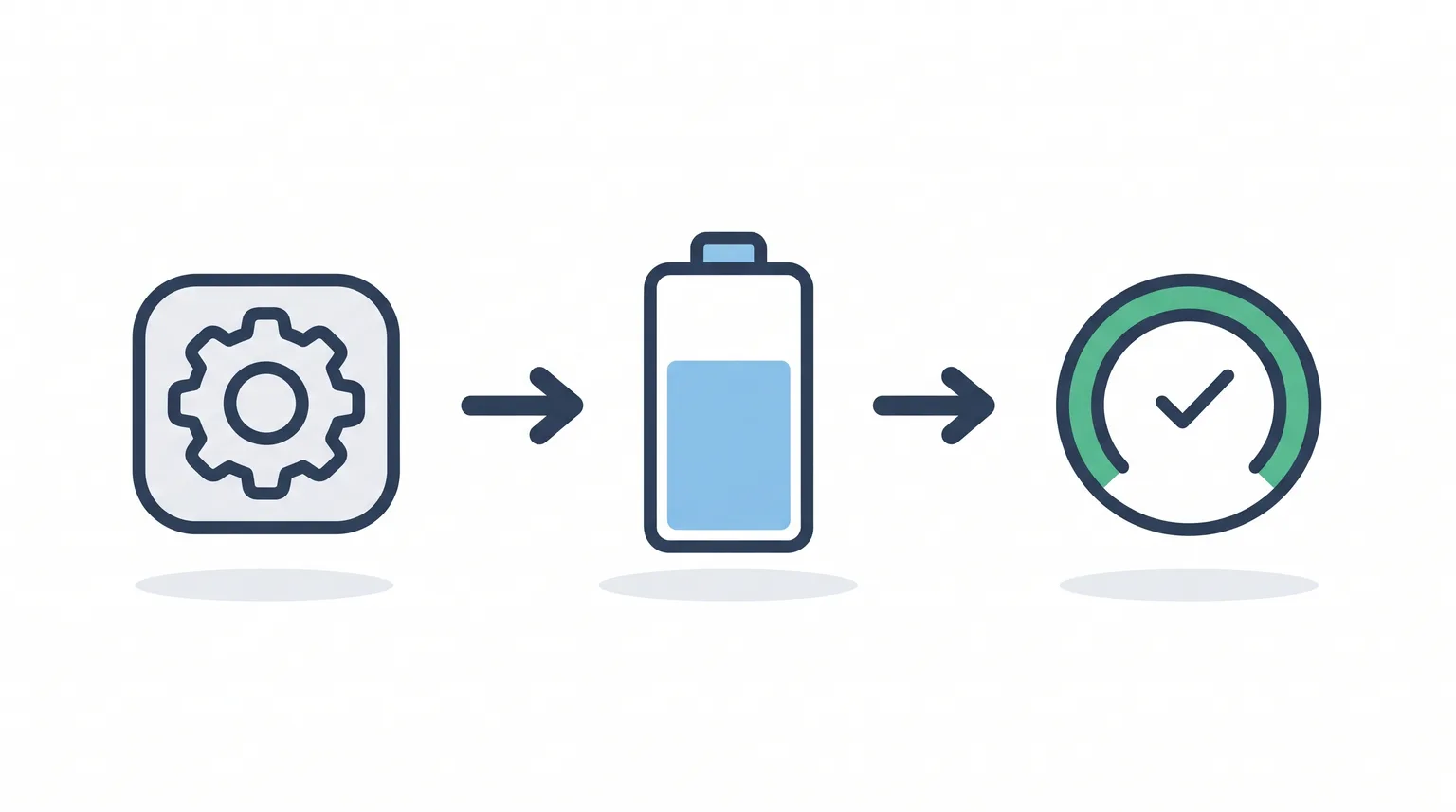
Open Settings, tap Battery, then tap Battery Health. On iOS 17.4 and later these models also show the cycle count, the date the battery was manufactured, and the date it was first used (Apple Support).
That cycle count is the most useful number on the screen when you are judging a used phone. Capacity is a single percentage a seller can quote selectively; cycles tell you how hard the phone was actually worked.
iPhone 11 through iPhone 14
Open Settings, tap Battery, then tap Battery Health & Charging. You get Maximum Capacity and Peak Performance Capability on the same screen, but no cycle count.
iPhone X and earlier
Battery health reporting goes back to iPhone 6. Open Settings, tap Battery, then tap Battery Health. On these older models the screen also lets you see whether performance management is switched on, and turn it off.
Read the Peak Performance line too
Under the capacity figure sits a status message, and it carries more weight than the percentage. "Your battery is currently supporting normal peak performance" is the clean result. If Apple's performance management has engaged, the screen instead reports that the iPhone "has experienced an unexpected shutdown because the battery was unable to deliver the necessary peak power."
There is a third message worth memorizing if you buy used. On iPhone XS and later, Apple may report that it is "Unable to verify this iPhone has a genuine Apple battery." That means the cell is not a verified Apple part and the health figure on screen may be unreliable. On a used purchase, treat it as grounds for a return.
What each battery health percentage means
| Maximum Capacity | What it means | What to do |
|---|---|---|
| 95% to 100% | Effectively a new battery. Typical of a recent phone or a replaced cell. | Nothing. |
| 90% to 94% | Normal first-year or second-year wear. | Nothing. |
| 85% to 89% | Noticeable but comfortable. Heavy days may need a top-up. | Watch it. |
| 80% to 84% | Still inside Apple's design target, but close to the edge. | Budget for a replacement. |
| Below 80% | Outside the capacity Apple designs the battery to hold. | Replace the battery, or the phone. |
These bands are RefurbMe's reading of Apple's published design target, not an official Apple grading scale. Apple publishes one threshold, 80%, and everything above it is a judgment call about how much afternoon you are willing to lose.
Why 80 percent is the number everyone quotes
Three separate Apple facts sit behind that figure, and they are easy to mix up.
The design target. Batteries of iPhone 14 models and earlier are designed to retain 80 percent of their original capacity at 500 complete charge cycles under ideal conditions. Batteries of iPhone 15 models and later are designed to retain 80 percent at 1,000 complete charge cycles (Apple Support). Apple doubled the cycle rating from the iPhone 15 onward, which is exactly why cycle count matters more than the calendar when you shop across generations.
The service trigger. Apple's own repair page states that under AppleCare, "We'll replace the battery for no extra charge if the capacity drops below 80%" (Apple Support). Without that coverage, Apple's standard warranty does not cover "batteries that wear down from normal use," so a worn battery becomes a paid service.
Throttling is a separate mechanism. Performance management, the feature that dials back peak performance to prevent unexpected shutdowns, applies to iPhone 6 through iPhone XR, and it engages only after a device has actually shut down unexpectedly. It is not tied to the 80% mark at all. The iPhone 11 and later use a built-in system that Apple describes as "automatic, always-on," managing power needs continuously rather than switching on after a failure.
So an iPhone 13 at 79% is not being throttled. It simply holds less charge than Apple designed it to hold, and a new cell fixes that.
Battery health on refurbished iPhones: what sellers actually guarantee
Most refurbished iPhones ship at 80% or higher, but what stands behind that number varies a lot by seller. Some publish a marketplace-wide floor, some fold the battery into a broader inspection, and Apple sidesteps the question by fitting a new cell.
| Seller | Published battery standard | Cover |
|---|---|---|
| Back Market | Minimum 80% battery health with 100% charge capacity, enforced across the marketplace | 1-year warranty, 30-day free returns |
| Gazelle | Battery health tested as part of a 55-point inspection before a phone is listed | 30-day return window |
| Apple Certified Refurbished | New battery and outer shell in every refurbished iPhone | 1-year limited warranty |
Amazon Renewed and eBay Refurbished both run vetted refurbished programs and set their own standards, and eBay Refurbished is a distinct program from the open eBay marketplace where nobody vets anything. On those two, read the individual listing rather than a program summary.
Back Market is the practical starting point for most US buyers because the 80% floor is written into its marketplace standard rather than left to each merchant, so the number holds no matter who ships the phone. Gazelle inspects every phone itself before listing it, so one company stands behind the 55-point check on each unit. Apple Certified Refurbished costs more and answers the battery question by replacing the battery, which is worth it if you want zero ambiguity.
For the short version of this comparison, RefurbMe keeps a standing answer on what battery health refurbished iPhones have, and a companion note on whether refurbished iPhones get a new battery. If you want the full seller lineup rather than the top three, our guide to the best places to buy refurbished iPhones covers eight of them.
Compare refurbished iPhone prices
See live prices from Back Market, Gazelle, Apple, and every other vetted refurbisher, side by side.
Compare refurbished iPhonesReplace the battery or replace the phone?
Battery service is the cheaper move whenever the rest of the phone is sound and it still receives iOS updates. Apple quotes out-of-warranty battery service per model on its repair page, and Apple Authorized Service Providers set their own fees, so check the figure for your exact model rather than trusting a number in an article.
Replacing the phone makes more sense in three situations. The model is near the end of its iOS support window, so a fresh battery buys you months rather than years. The screen or camera is two generations behind what you actually want. Or the battery has already been replaced once and drained fast again, which usually points at something other than the cell.
Run the comparison with a real price. A refurbished iPhone 14 currently starts at
What to check before buying a refurbished iPhone
Read the listing's own battery figure, not just the seller's floor. A marketplace guaranteeing 80% will happily sell you a phone at 94%, and it will say so on the listing.
Ask whether the battery is original or replaced. A replaced cell reads near 100% but may carry the "unable to verify" message if it is not a genuine Apple part.
Treat battery health and cosmetic condition as independent. A phone with visible scuffs can hold a stronger charge than a flawless one, which is why refurbished grades A, B, and C describe the outside only.
Check the return window before you buy, because that is the period in which you verify the number yourself. Open Settings, tap Battery, and compare what the phone reports against what the listing promised on day one, not day twenty-nine.
Finally, know what the seller's certification actually covers. Apple Certified Refurbished means a new battery. A third-party certification usually means a tested battery above a published floor. Both are legitimate promises, and they buy you different things. Skipping certification entirely and buying from a private seller means checking the battery figure yourself with no listing guarantee behind it, which is exactly what our guide to buying a used iPhone walks through.

64GB storage
Black
64GB storage
Black
64GB storage
Black
FAQ
What is a good battery health percentage for an iPhone?
80% or higher is good. That is the capacity Apple designs its iPhone batteries to retain, and the level at which AppleCare replaces a battery at no extra charge. Above 90% the battery is effectively new.
Is 85% battery health bad on an iPhone?
No. 85% is ordinary wear and sits comfortably above Apple's 80% design target. You may need a mid-afternoon top-up on heavy days, but nothing needs fixing.
What happens when iPhone battery health drops below 80%?
Nothing breaks. The battery is simply holding less charge than Apple designed it to hold, so you charge more often. Under AppleCare, Apple replaces the battery for no extra charge once capacity drops below 80%.
Does Apple slow down iPhones with low battery health?
Only on specific older models. Performance management applies to iPhone 6 through iPhone XR and engages only after an unexpected shutdown, not at a fixed percentage. iPhone 11 and later use an always-on system that manages power continuously instead.
What battery health do refurbished iPhones come with?
Usually 80% or higher. Back Market enforces a minimum 80% battery health across its marketplace, Gazelle tests battery health in a 55-point inspection before listing, and Apple Certified Refurbished iPhones ship with a brand new battery.
How do I see my iPhone battery cycle count?
On iPhone 15 and later running iOS 17.4 or later, open Settings, tap Battery, then tap Battery Health. The screen shows the cycle count alongside the manufacture date and first-use date. Earlier models do not show it there.
Can iPhone battery health go back up?
No. Capacity only falls. The one exception is the iOS 14.5 recalibration on iPhone 11, iPhone 11 Pro, and iPhone 11 Pro Max, which corrected inaccurate reporting rather than restoring the battery itself.
First published: Aug 10, 2026