


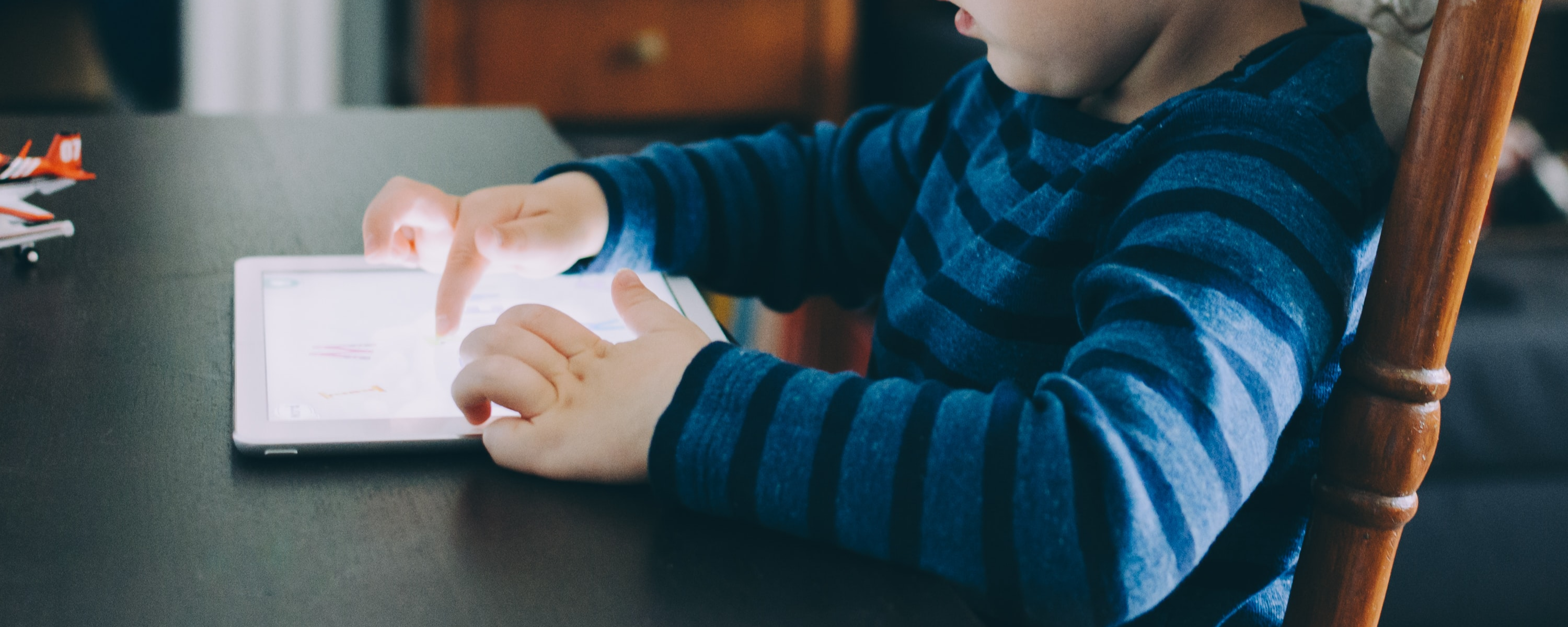
The best iPad for kids in 2026 depends on age and budget: the iPad mini 7 is the top pick for younger children and small hands, the iPad 11 is the best value for most families, and the iPad Air M3 suits older kids who need more power for schoolwork and creative projects. All three sell refurbished at 20% to 40% off retail, with a warranty included.
A kids' tablet gets judged differently from an adult's. Slim and fast matter less than cheap and hard to break. The right iPad for a child is one you can replace without wincing, and one that still runs the reading, drawing, and school apps they will actually open.
According to the RefurbMe Refurbished Apple Price Index (RAPI), a refurbished standard iPad first reaches the refurbished market a median of 115 days after Apple's release (as of August 2026), so families who want the newest model typically wait under four months for the first refurbished units. Time-to-Refurb is the median gap between Apple's release date and the first time RefurbMe records a model in stock refurbished. It runs shorter for the iPad Air (95 days) and longer for the compact iPad mini (178 days), which is worth planning around if you are shopping for a brand-new generation rather than a proven older one.
| iPad family | Time-to-Refurb (median) | Refurb Discount (median, all tracked models) |
|---|---|---|
| iPad | 115 days | 89% |
| iPad Air | 95 days | 91% |
| iPad mini | 178 days | 88% |
These figures come from RefurbMe's own tracking data (as of August 2026). The Refurb Discount is the median across every model RefurbMe has ever tracked in each family, so it is skewed by older generations and does not mean a current model is that much cheaper. For a specific model's live discount, use the deal widgets throughout this guide.
The best iPads for kids at a glance
| iPad | Highlights | Price range |
|---|---|---|
| iPad mini 7 | Best for small hands and portability A17 Pro chip, 326 ppi display Supports Apple Pencil Pro | Mid-range |
| iPad 11 | Best value for most families A16 chip, 128GB base storage Supports Apple Pencil USB-C | Budget-friendly |
| iPad Air M3 | Best for tweens and teens Large 11-inch display, M3 chip Supports Apple Pencil Pro | High-end |
| iPad mini 6 | Proven performer 8.3-inch Liquid Retina display A15 Bionic chip | Budget-friendly |
| iPad 10 | Great budget pick 10.9-inch display, A14 Bionic Supports Apple Pencil USB-C | Budget-friendly |
1. iPad mini 7
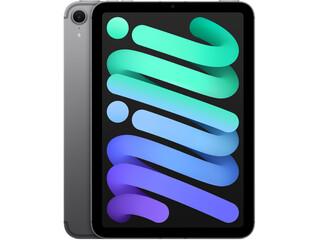
128GB storage
Space Gray
2024 release
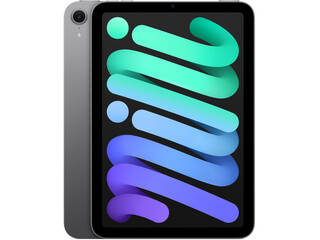
128GB storage
Space Gray
2024 release
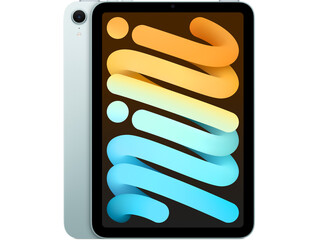
128GB storage
Blue
2024 release
| Release year | 2024 |
| Screen size | 8.3" |
| Dimensions | 7.69 x 5.3 x 0.25 in |
| Weight | 0.65 pounds |
| Storage | 128GB, 256GB, 512GB |
| Price | Starting at |
The iPad mini 7, released in October 2024 with the A17 Pro chip, is the best iPad for younger children and anyone who needs a compact device that fits comfortably in small hands.
Its 8.3-inch Liquid Retina display delivers 326 pixels per inch, the sharpest screen in the entire iPad lineup, making text, illustrations, and videos look especially crisp for young eyes. The A17 Pro processor offers 30% faster CPU performance and 25% faster GPU performance than its predecessor, so the mini 7 handles demanding educational apps, drawing tools, and games without hesitation. It also supports Apple Intelligence features on supported regions, future-proofing the device for years of use.
At just 0.65 pounds, the iPad mini 7 is the lightest iPad Apple makes, which matters when a child carries it for extended reading or video watching. It supports the Apple Pencil Pro and the Apple Pencil USB-C, opening up creative drawing and note-taking for curious kids. Base storage starts at 128GB, double what earlier mini models offered, giving children room for plenty of apps, photos, and offline videos. Battery life runs up to 10 hours on Wi-Fi, enough to last a full school day.
One timing note if you want this exact model refurbished: the mini is the slowest iPad line to reach the refurbished market. RefurbMe's tracking puts its median Time-to-Refurb at 178 days against 115 days for iPads overall (as of August 2026), so a newly launched mini stays close to retail price for roughly six months before refurbished stock arrives and prices settle.
👉 Learn more: iPad Air 4 vs. iPad mini 6: Which One Should You Get?
2. iPad 11
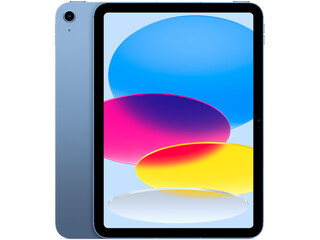
128GB storage
Blue
2025 release
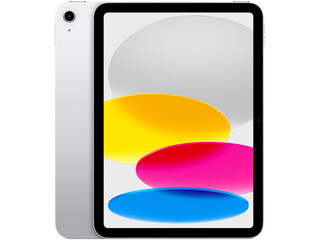
128GB storage
Silver
2025 release
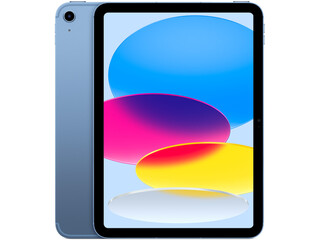
128GB storage
Blue
2025 release
| Release year | 2025 |
| Screen size | 10.86" |
| Dimensions | 9.79 x 7.07 x 0.28 in |
| Weight | 1.05 pounds |
| Storage | 128GB, 256GB, 512GB |
| Price | Starting at |
The iPad 11 (also known as the iPad A16), released in March 2025, is the best all-around choice for most families seeking a reliable kids' tablet at a reasonable price.
Apple upgraded the base storage to 128GB, twice what the previous generation offered, so children rarely run out of space for apps, offline shows, and schoolwork files. The 10.86-inch Liquid Retina display with True Tone and 500 nits of brightness is spacious enough for comfortable viewing without being too large for a child to hold.
The A16 chip delivers performance well above what any children's app or game requires, and battery life reaches up to 10 hours on a single charge. The iPad 11 supports the Apple Pencil USB-C for drawing and note-taking, and works with the Magic Keyboard Folio for older children who want a laptop-like setup for school assignments. As a refurbished device, the iPad 11 typically sells for 20% to 35% less than its retail price, making it one of the most cost-effective tablets in its class.
3. iPad Air M3
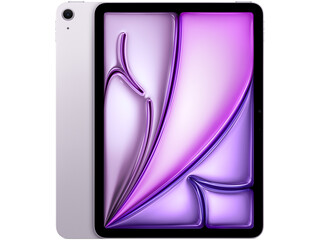
128GB storage
Purple
2025 release
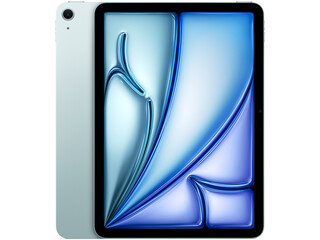
128GB storage
Blue
2025 release
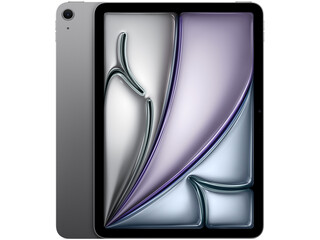
128GB storage
Space Gray
2025 release
| Release year | 2025 |
| Screen size | 11" (also available in 13") |
| Dimensions | 9.74 x 7.03 x 0.24 in |
| Weight | 1.02 pounds |
| Storage | 128GB, 256GB, 512GB, 1TB |
| Price | Starting at |
The iPad Air M3 is the right choice for tweens and teenagers who push a tablet beyond casual browsing and video watching.
Its 11-inch Liquid Retina display, with anti-reflective coating and True Tone color management, makes extended reading and creative work easier on young eyes. The M3 chip delivers nearly double the performance of earlier iPad Air models, handling everything from video editing and music production to advanced coding apps and 3D games without breaking a sweat. The M3 also supports Apple Intelligence, giving students access to writing tools and summarization features that can help with schoolwork.
Compatibility with the Apple Pencil Pro and the redesigned Magic Keyboard (with a full function row and larger trackpad) transforms the iPad Air M3 into a capable laptop substitute for school and creative projects. The 11-inch model starts at 128GB of storage, and the 13-inch version is available for families who want a larger canvas for creative work. For parents thinking long-term, the M3's processing power means the device will remain relevant throughout high school and well into college.
Apple has since moved the Air to the M4 chip, so the M3 is the previous generation now. That is exactly why it belongs on this list: it is the point in the Air line where the refurbished discount is deepest while the chip is still fast enough for anything a student throws at it.
4. iPad mini 6

64GB storage
Purple
2021 release

64GB storage
Space Gray
2021 release

64GB storage
Starlight
2021 release
| Release year | 2021 |
| Screen size | 8.3" |
| Dimensions | 7.69 x 5.3 x 0.25 in |
| Weight | 0.65 pounds |
| Storage | 64GB, 256GB |
| Price | Starting at |
The iPad mini 6 remains a strong refurbished pick for parents who want a compact, proven device at a lower price than the newer mini 7.
Its 8.3-inch Liquid Retina display and A15 Bionic chip handle all children's educational apps, drawing tools, and streaming with ease. The same compact form factor and 0.65-pound weight make it ideal for smaller hands, and it supports the 2nd generation Apple Pencil for creative work. The A15 Bionic chip also provides Neural Engine capabilities for intelligent features in educational apps.
The 5,078 mAh battery delivers reliable all-day use, and the device runs the latest version of iPadOS, which Apple has continued to support for this model. As a refurbished purchase, the iPad mini 6 typically sells for 30% to 45% less than the iPad mini 7 at retail, making it one of the sharpest value propositions in the iPad lineup for a kids' device.
5. iPad 10

64GB storage
Blue
2022 release

64GB storage
Silver
2022 release

64GB storage
Blue
2022 release
| Release year | 2022 |
| Screen size | 10.9" |
| Dimensions | 9.79 x 7.07 x 0.28 in |
| Weight | 1.05 pounds |
| Storage | 64GB, 256GB |
| Price | Starting at |
The iPad 10 is an excellent budget pick for kids who need a larger screen at the lowest possible cost. Its 10.9-inch Liquid Retina display offers a resolution of 2,360 x 1,640 pixels, and True Tone technology keeps colors comfortable for extended sessions.
The A14 Bionic chip ensures smooth performance across a wide range of apps and games, and the device supports the Apple Pencil USB-C for drawing and note-taking. A 12MP ultra-wide front camera with Center Stage keeps kids centered during video calls with family, automatically panning and zooming as they move around the frame, and battery life runs up to 10 hours on a single charge.
As a refurbished device, the iPad 10 delivers a large, capable screen at a fraction of the cost of newer models. Refurbished iPad 10 units typically sell for 25% to 40% below the original retail price, a smart choice for parents who want to spend wisely without sacrificing quality.
How to choose the best iPad for kids
There are some key factors to consider before buying an iPad for your children.
Which iPad suits your child's age?
Matching the device to your child's age makes a noticeable difference in how much use they actually get out of it.
- Under 10: The iPad mini 7 or iPad mini 6 works best for younger children. The compact 8.3-inch size and light weight are manageable for smaller hands, and the high-resolution display makes reading and drawing enjoyable.
- Ages 10-12: The iPad 11 or iPad 10 is the sweet spot. A larger 10.9-inch screen suits schoolwork and video watching, while the value pricing keeps replacement costs manageable if the device is dropped or damaged.
- Ages 13 and up: The iPad Air M3 gives older kids a device that grows with them. The M3 chip handles demanding creative apps, and compatibility with the Magic Keyboard turns it into a genuine laptop alternative for homework.
How portable does it need to be?
Knowing the iPad dimensions and screen sizes is essential for kids who need to carry their device between school and home. Young children may struggle with an iPad larger than 10.9 inches, while the 8.3-inch mini is easy to slip into a backpack or hold with one hand.
How much storage does a child actually need?
The base 128GB on the iPad mini 7, the iPad 11, and the iPad Air M3 is enough for a child who mostly uses apps, streams, and draws. Storage only becomes the deciding factor when kids download whole seasons of shows for car trips or start shooting and editing video, and the older 64GB models (the iPad mini 6 and the iPad 10) are the ones that fill up first. Storage cannot be upgraded later, so buy one tier up if you are unsure.
How much should you spend?
Before buying, it helps to set a clear budget. High-end models offer more versatility if multiple children share the device, but a refurbished iPad is one of the smartest ways to get a pricier model with more storage and a faster processor at a significant discount, typically 20% to 40% below retail, with the same functionality as a brand-new unit. Back Market and Gazelle back their iPads with warranties of six months to one year, Amazon Renewed adds its own Renewed Guarantee, and certified refurbished iPads from Apple come with a one-year warranty, so you keep genuine buyer protection whichever seller offers the best price.
Refurbished pricing also changes the shortlist. A comparable percentage discount shrinks the absolute gap between two models, so the step up from the iPad 11 to the iPad Air M3 costs less refurbished than the same step costs at retail. Compare the live prices in the two widgets above before you settle on one.
How much performance do kids actually need?
Think about how your child will use the tablet. Younger kids primarily need apps for reading, drawing, and educational games; any model on this list handles that effortlessly. Older children may need to research and write school reports, and teenagers might want to edit videos, code, or create digital art. In those cases, the iPad Air M3 is worth the investment.
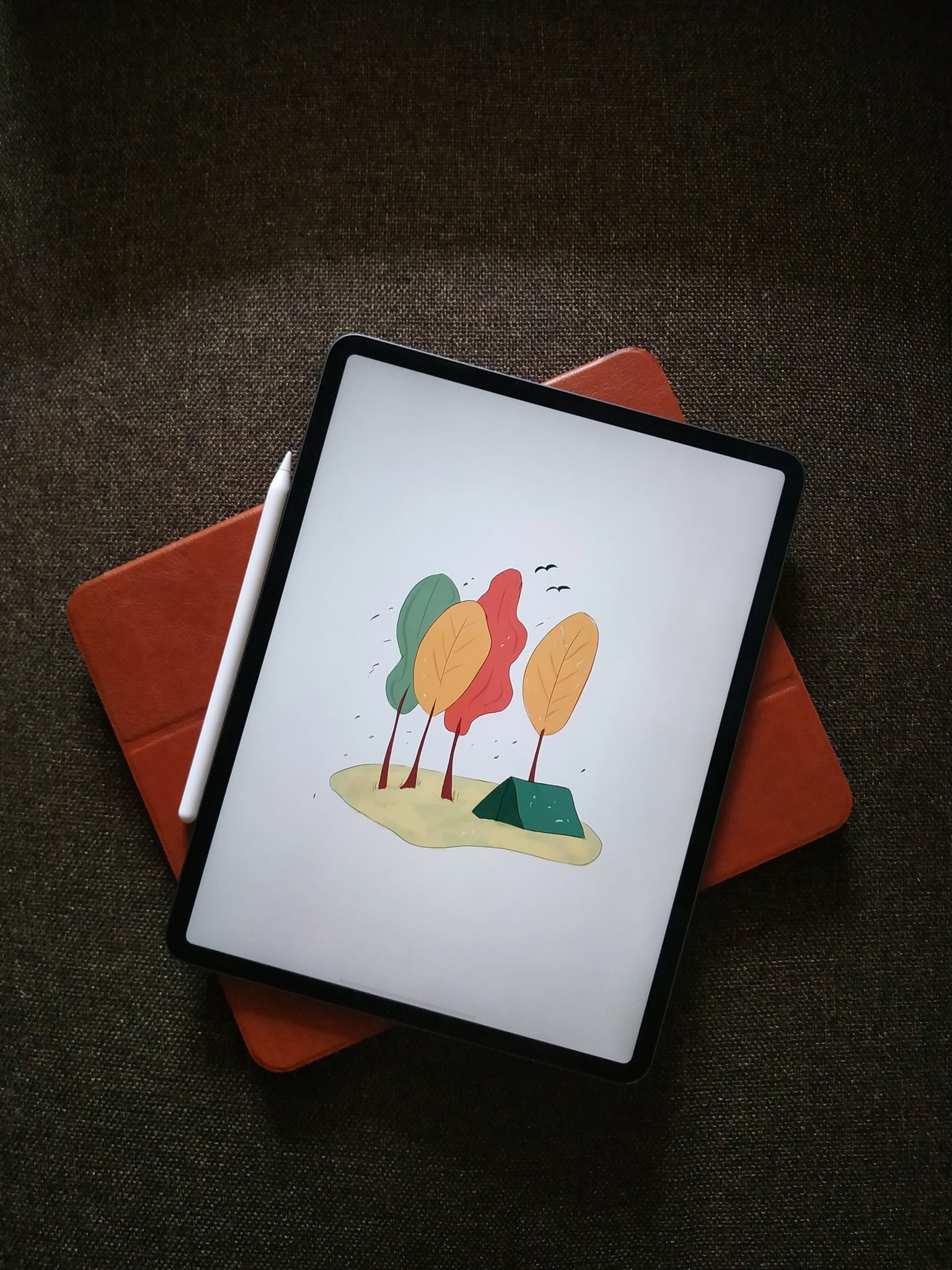
Why is an iPad a good tablet for kids?
iPads are built to handle the realities of daily life with children: drops, scratches, sticky fingers, and the occasional sit-on. Apple's robust build quality and extensive selection of age-appropriate apps make iPads the go-to choice for parents who want a tablet their kids can actually learn from.
Longevity is the other half of the argument. Apple supports iPads with software updates for at least five to six years after release, which is why a used iPad from three generations back still runs current apps, and why buying one refurbished rather than new does not shorten the useful life you get.
The built-in parental controls include Screen Time management, app limits, content filters, and Communication Safety, a feature that uses on-device machine learning to detect and blur potentially explicit photos before they appear on a child's screen. Parents can also restrict purchases, approve or block app downloads, and set downtime schedules so devices automatically lock during homework or bedtime hours. Apple expanded these protections significantly in 2025 and 2026, making the iPad one of the most parent-friendly tablet platforms available.
For educational value, apps like Khan Academy Kids (free, ages 2-8), Duolingo ABC, and the best apps for iPad give children structured learning opportunities alongside games and creative tools. Research shows that iPads can improve learning outcomes for children with disabilities when used with the right apps and parental involvement. You can also find the best iPad games to round out entertainment time.
As always, a protective case is a sensible addition regardless of which model you choose. If children outgrow their device or move on to a newer model, it is easy to repurpose an old iPad rather than let it gather dust.
👉 Learn more: How to Set Up and Use an iPad: A Complete Guide
FAQ: best iPad for kids
Where should you buy a refurbished iPad for kids?
Two sellers can list the same iPad model, storage tier, and condition grade at very different prices, so the seller matters nearly as much as the model.
Back Market carries the deepest refurbished iPad catalogue in the US and the UK and often sets the floor price on the mini and the standard iPad. Gazelle is US only and worth a second look on older iPad and iPad Air stock. Amazon Renewed covers the mainstream models with its Renewed Guarantee, and eBay Refurbished (eBay's vetted program with graded conditions and 30-day returns, not the open marketplace) is available in all seven RefurbMe markets. The Apple Store refurbished section is the trust benchmark rather than the value pick: every unit is fully tested and carries a one-year warranty, but it rarely undercuts the others.
On RefurbMe, we compare all of them in real time so you always see the best price across every major refurbisher. Check all available iPad deals below and use the filters to find the model and storage configuration that fits your budget:

16GB storage
Silver
2014 release

32GB storage
Space Gray
2018 release
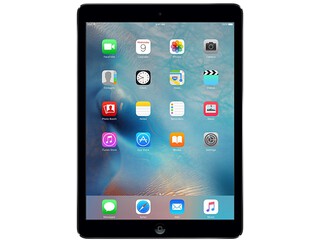
32GB storage
Space Gray
2013 release
👉 Learn more: 7 Best Refurbished iPads
Don't forget to read our 30 easy tips to save battery life on your iPad and our article on the 5 best iPhones for kids if you are also considering a new phone for them.
Happy shopping!
Last updated: Aug 4, 2026 · First published: Oct 25, 2024


