


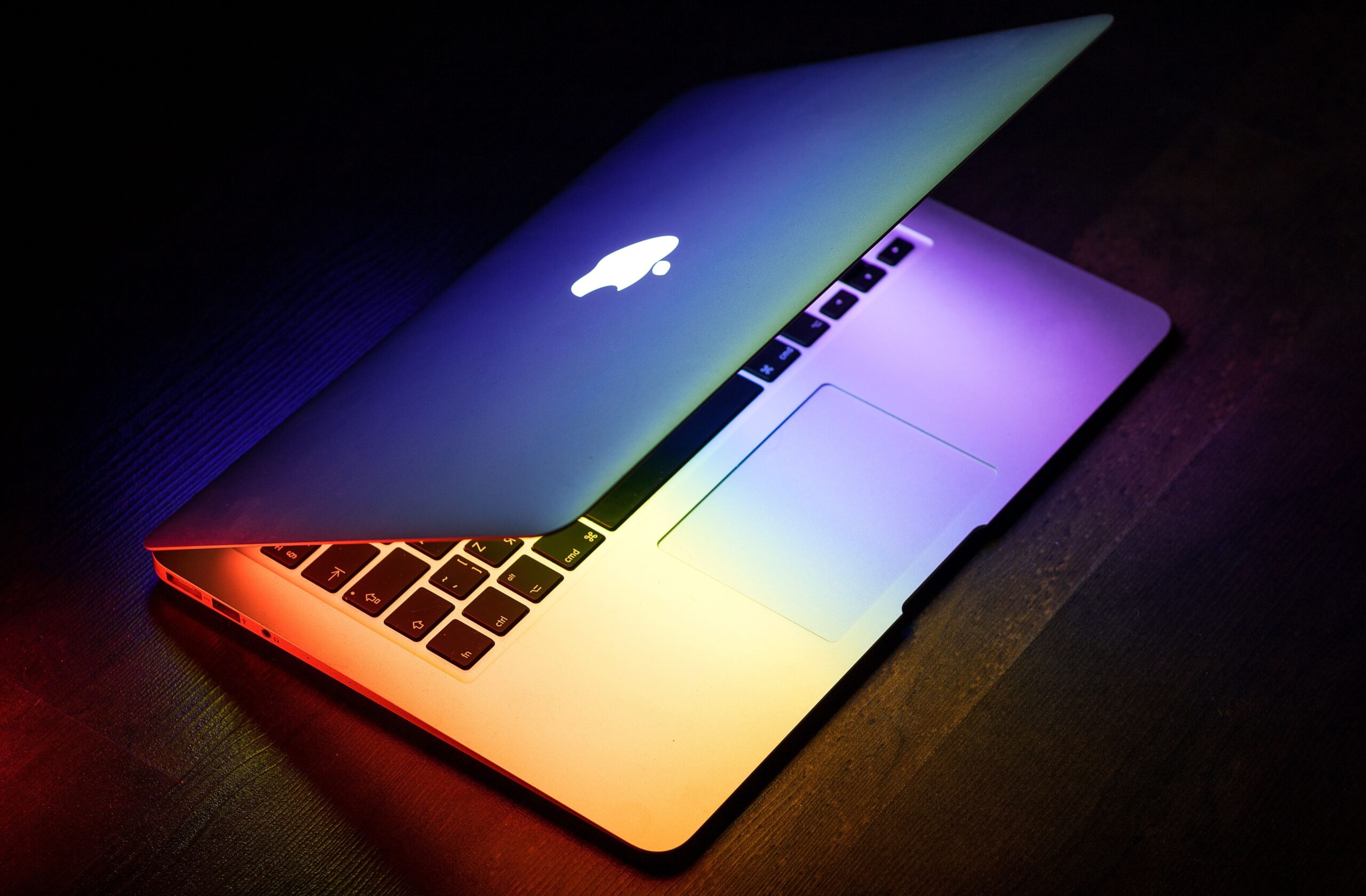
A MacBook offers a compelling blend of performance, portability, and long-term durability that few laptops can match. The right accessories can push that experience even further -- whether you need more ports, better ergonomics, or protection on the go. We put together a list of the ten best MacBook accessories for 2026, covering connectivity, comfort, storage, and sound.
Disclaimer: We earn a commission when you follow links to make a purchase. Click here to learn more about how we make money.
The best MacBook accessories at a glance
| Accessory | Category | Highlights | Price range |
|---|---|---|---|
| Anker 777 Thunderbolt 4 Docking Station | USB-C hub / dock | 12-in-1 with Thunderbolt 4, triple display support (Windows) / dual (Mac), 90W charging | $$$ |
| UPERFECT Truely 4K Computer Monitor 15.6" | Portable monitor | 4K resolution, 100% Adobe RGB, HDR support, FreeSync, portable with smart case stand | $$$ |
| Logitech MX Master 3S Wireless Mouse | Wireless mouse | 8,000 DPI sensor, quiet clicks, USB-C charging, pairs with up to 3 devices via Bluetooth | $$ |
| Timbuk2 Authority Laptop Backpack Deluxe | Travel backpack | Water-resistant, fits laptops up to 17", recycled materials, padded straps, breathable back panel | $$$ |
| Hyphen-X USB-C GaN Charger | Charger | 100W output, charges four devices simultaneously, foldable prongs, GaN technology | $ |
| Logitech MK545 Wireless Keyboard and Mouse | Wireless combo | Full-size keyboard, contoured mouse, 36-month keyboard battery, 24-month mouse battery | $$ |
| Western Digital 5TB My Passport Ultra | External storage | 5TB capacity, USB-C and USB 3.1, 256-bit AES encryption, 3-year warranty | $$$ |
| F FORITO 2 PACK Anti Glare Screen Protector | Screen protector | Anti-glare matte finish, reduces eye strain, protects from scratches and fingerprints | $ |
| Sony WH-1000XM4 Noise Canceling Headphones | Wireless headphones | Industry-leading noise cancellation, DSEE Extreme upscaling, up to 30 hours battery life | $$$ |
| Nulaxy Laptop Stand | Laptop stand | Elevates screen for better posture, open-back design for heat dissipation, aluminum alloy, holds up to 22 lbs | $ |
1. Anker 777 Thunderbolt 4 Docking Station

Modern MacBooks ship with just two or three USB-C ports -- a limitation that becomes obvious the moment you connect an external display, a hard drive, and a charger at the same time. A USB-C docking station solves this problem in a single cable.
The Anker 777 packs 12 ports into a compact aluminum chassis, including Thunderbolt 4, dual HDMI, USB-A, USB-C, Gigabit Ethernet, and an SD card reader. It delivers 90W of pass-through charging to your MacBook while powering peripherals, so you can dock and undock with minimal fuss.
For anyone running a multi-monitor workflow or simply tired of juggling adapters, the Anker 777 is one of the most practical MacBook accessories you can buy in 2026.
2. UPERFECT Truely 4K Computer Monitor 15.6"
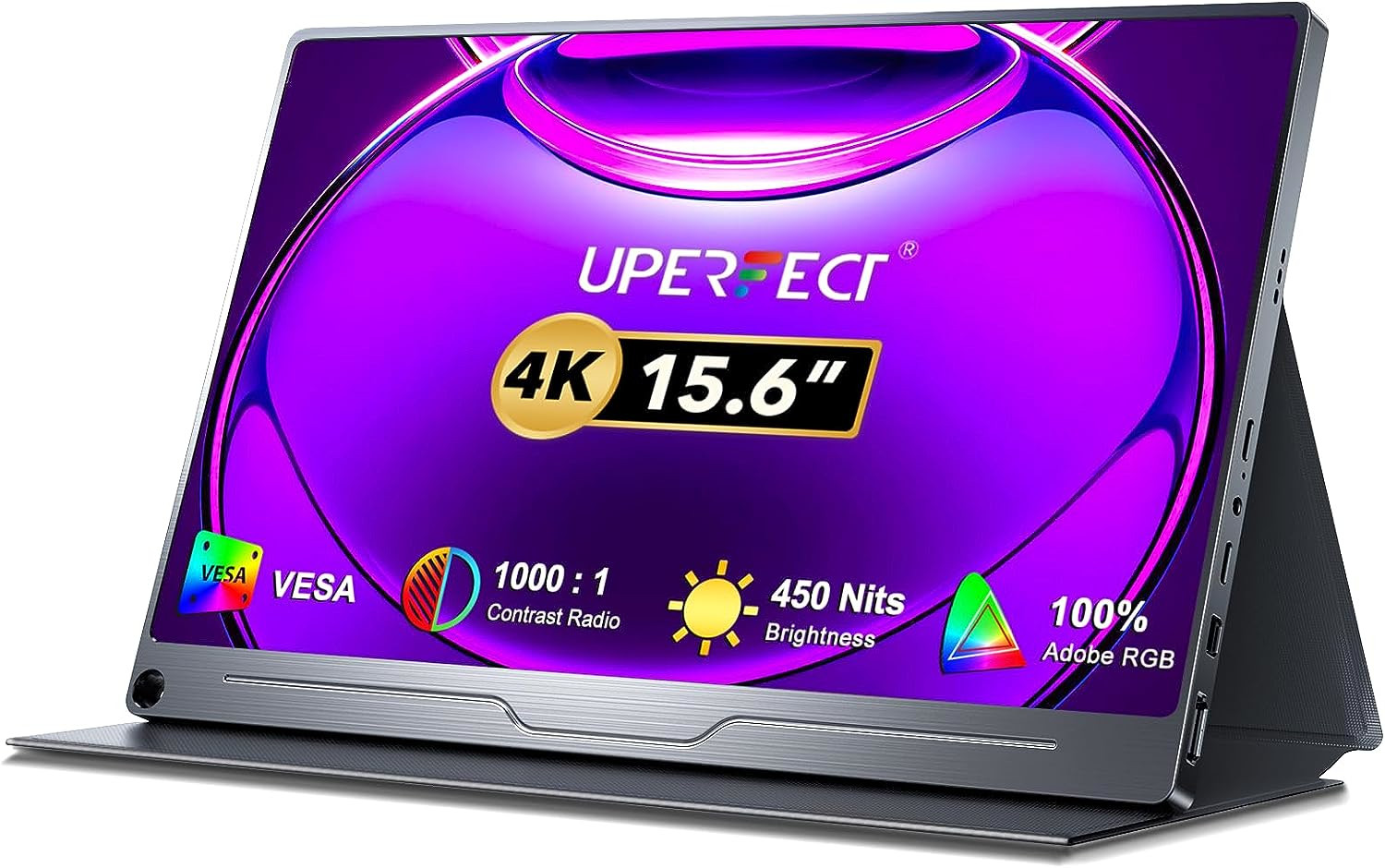
The UPERFECT Truely 4K Computer Monitor delivers stunning visuals with its 4K resolution and exceptional color accuracy -- covering the full Adobe RGB color space. That makes it an excellent choice for creative professionals who work with photos, videos, or graphic design.
HDR support and FreeSync round out the viewing experience, while multiple connection options -- HDMI, Mini DP, and USB-C -- offer flexibility across devices. The included smart case doubles as a stand for convenient setup anywhere.
While not ideal for hardcore gamers, the UPERFECT monitor is a fantastic portable display for those who demand top-notch image quality on the go.
3. Logitech MX Master 3S Wireless Mouse

A quality mouse can transform the way you work on a MacBook -- especially during long sessions of photo editing, spreadsheet navigation, or design work. The Logitech MX Master 3S has become the go-to recommendation among Mac users for good reason.
Its 8,000 DPI optical sensor tracks on virtually any surface, including glass. The MagSpeed electromagnetic scroll wheel shifts between ratchet and free-spin modes automatically, so you can fly through long documents or scroll with precision. Quiet clicks keep the noise down in shared spaces.
The MX Master 3S connects via Bluetooth to up to three devices and switches between them with a button press -- useful if you move between a MacBook and an iMac during the day. It charges over USB-C, and a three-minute quick charge delivers enough power for a full day.
4. Timbuk2 Authority Laptop Backpack Deluxe
A MacBook can be a significant investment, so a quality backpack to protect it on the move is well worth considering.
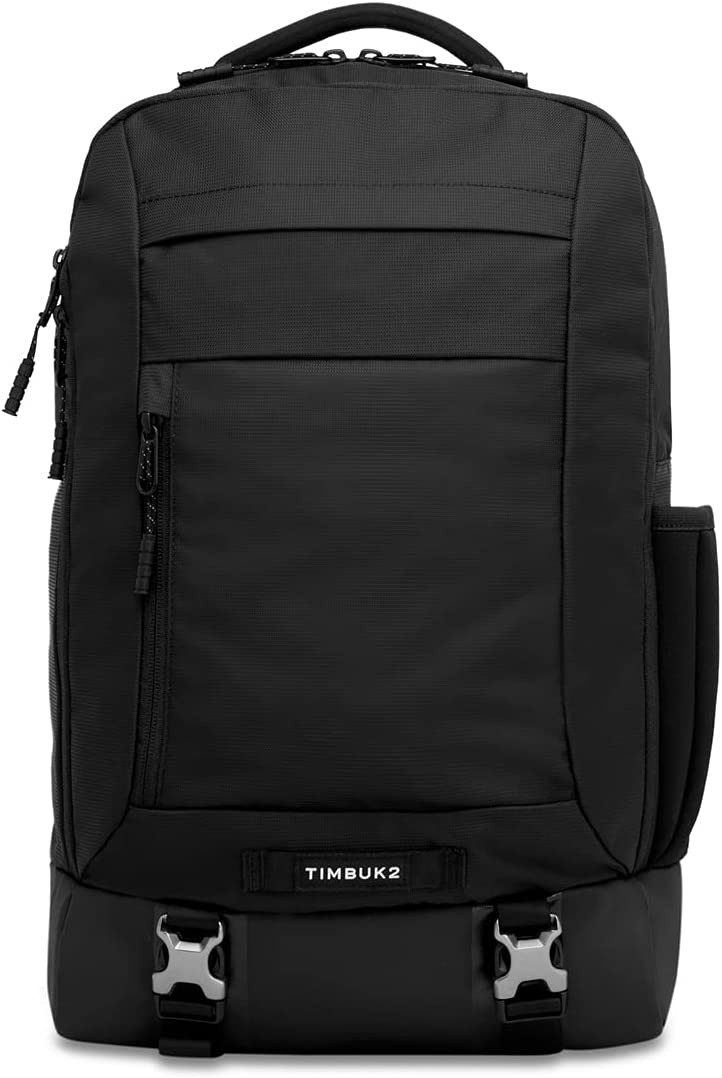
The Timbuk2 Authority Laptop Backpack Deluxe fits laptops up to 17 inches and features a water-resistant bottom for added protection in wet conditions. Padded straps and a breathable back panel keep things comfortable during commutes, while the luggage pass-through makes airport travel straightforward.
Built from recycled materials, this bag reflects a commitment to sustainability without sacrificing durability. It is well-organized, built to last, and designed for professionals who carry their gear daily.
5. Hyphen-X USB-C GaN Charger
If you regularly carry your laptop for long stretches -- say, using your MacBook for college -- a compact multi-device charger is essential.
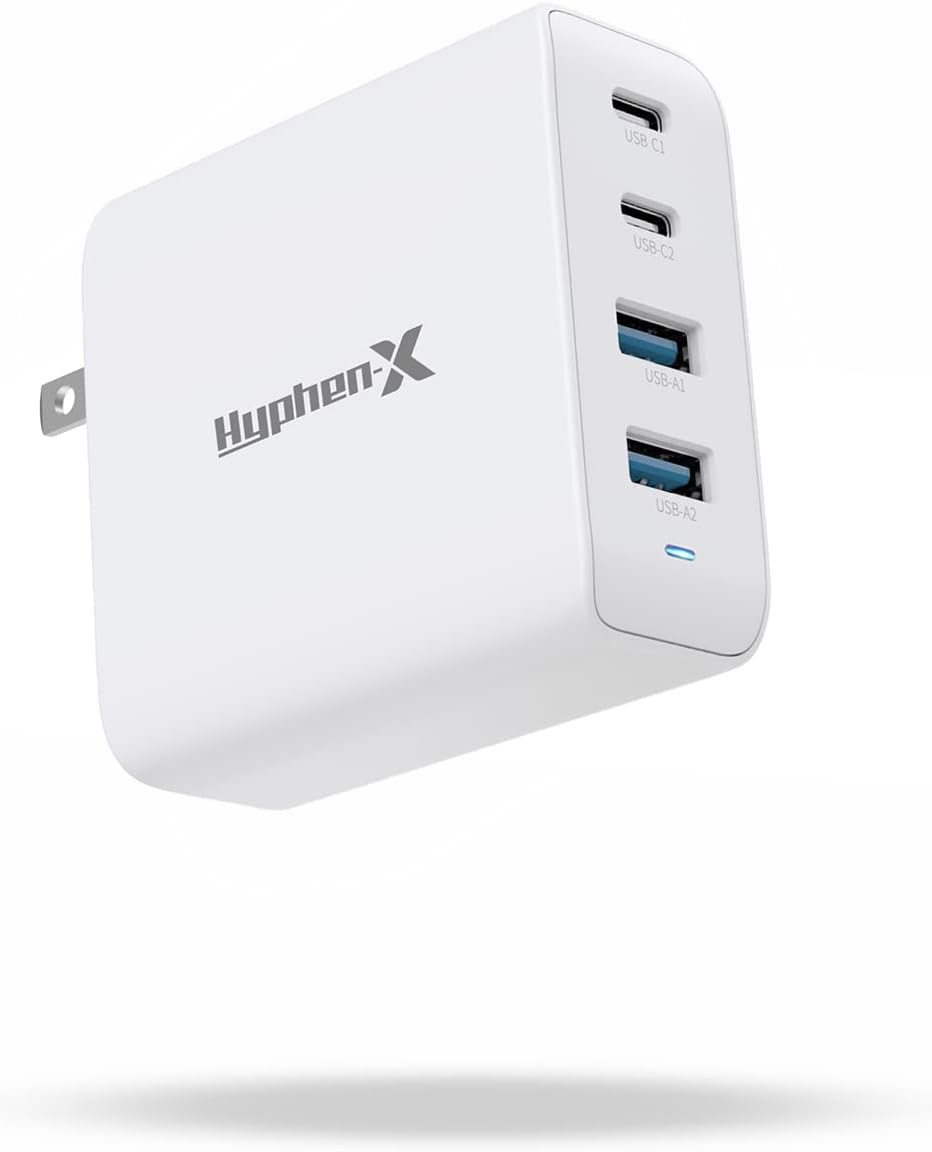
The Hyphen-X GaN charger delivers up to 100W of power and can charge four devices simultaneously at full speed, cutting up to an hour off your total charging time compared to standard adapters. GaN (gallium nitride) technology keeps the charger significantly smaller and cooler than traditional silicon-based alternatives.
Its foldable prongs make it easy to toss into a bag, ensuring your MacBook, phone, tablet, and headphones stay topped up wherever you go.
6. Logitech MK545 Wireless Keyboard and Mouse
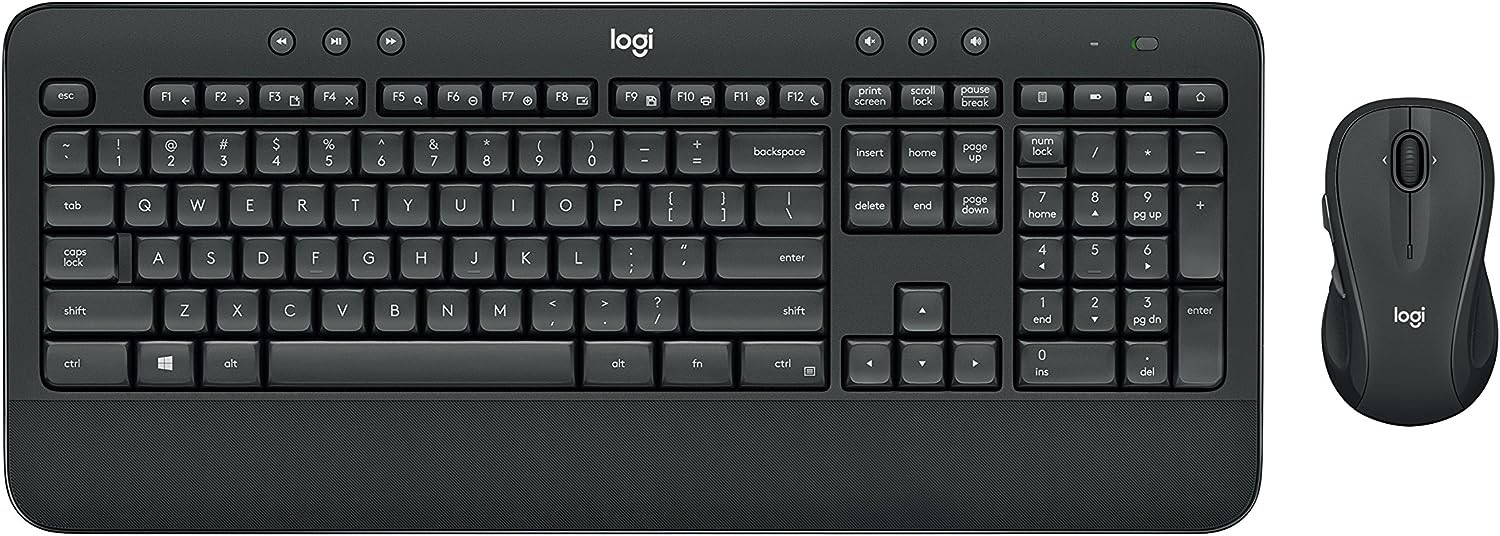
The Logitech MK545 Advanced Wireless Keyboard and Mouse Combo is a reliable choice for anyone who prefers a full-size keyboard and a traditional mouse over the MacBook's built-in trackpad.
The full-sized keyboard features a standard layout with comfortable key travel, while the contoured mouse fits naturally in either hand. What sets this combo apart is its remarkable battery life -- up to 36 months for the keyboard and 24 months for the mouse -- so you can go years without swapping batteries.
A single Logitech Unifying USB receiver connects both devices wirelessly, keeping your desk tidy and setup minimal.
7. Western Digital 5TB My Passport Ultra
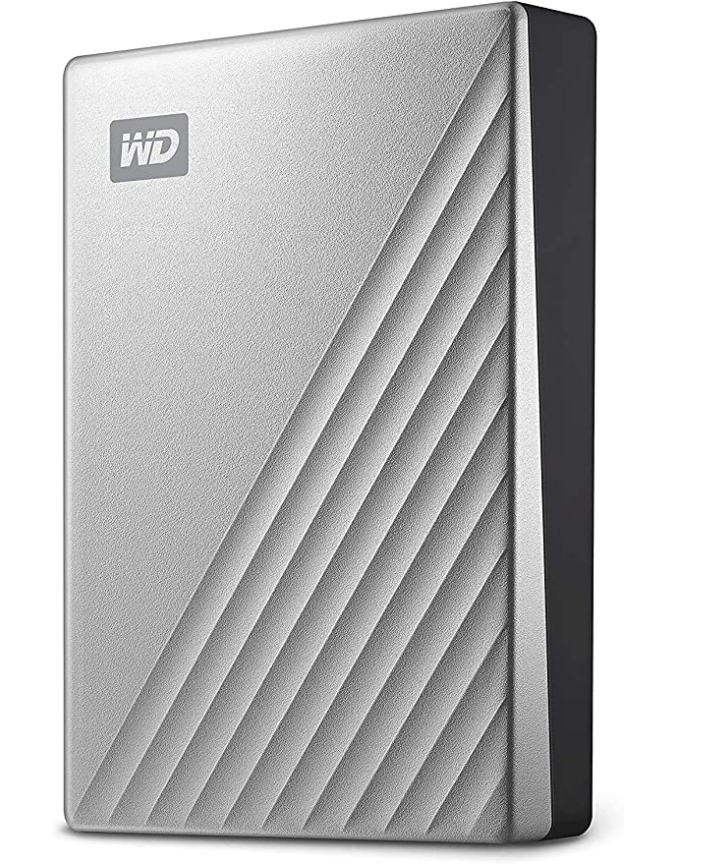
Adding external storage to your MacBook is one of the most cost-effective upgrades you can make -- especially if you work with large files like video footage, photo libraries, or design projects.
The Western Digital 5TB My Passport Ultra offers USB-C and USB 3.1 connectivity for fast transfer speeds and broad compatibility. With 5TB of capacity, it can handle years of Time Machine backups or serve as a dedicated project archive.
Security-conscious users will appreciate the password protection with 256-bit AES hardware encryption, and the 3-year limited warranty provides additional peace of mind.
8. F FORITO 2 PACK Anti Glare Screen Protector
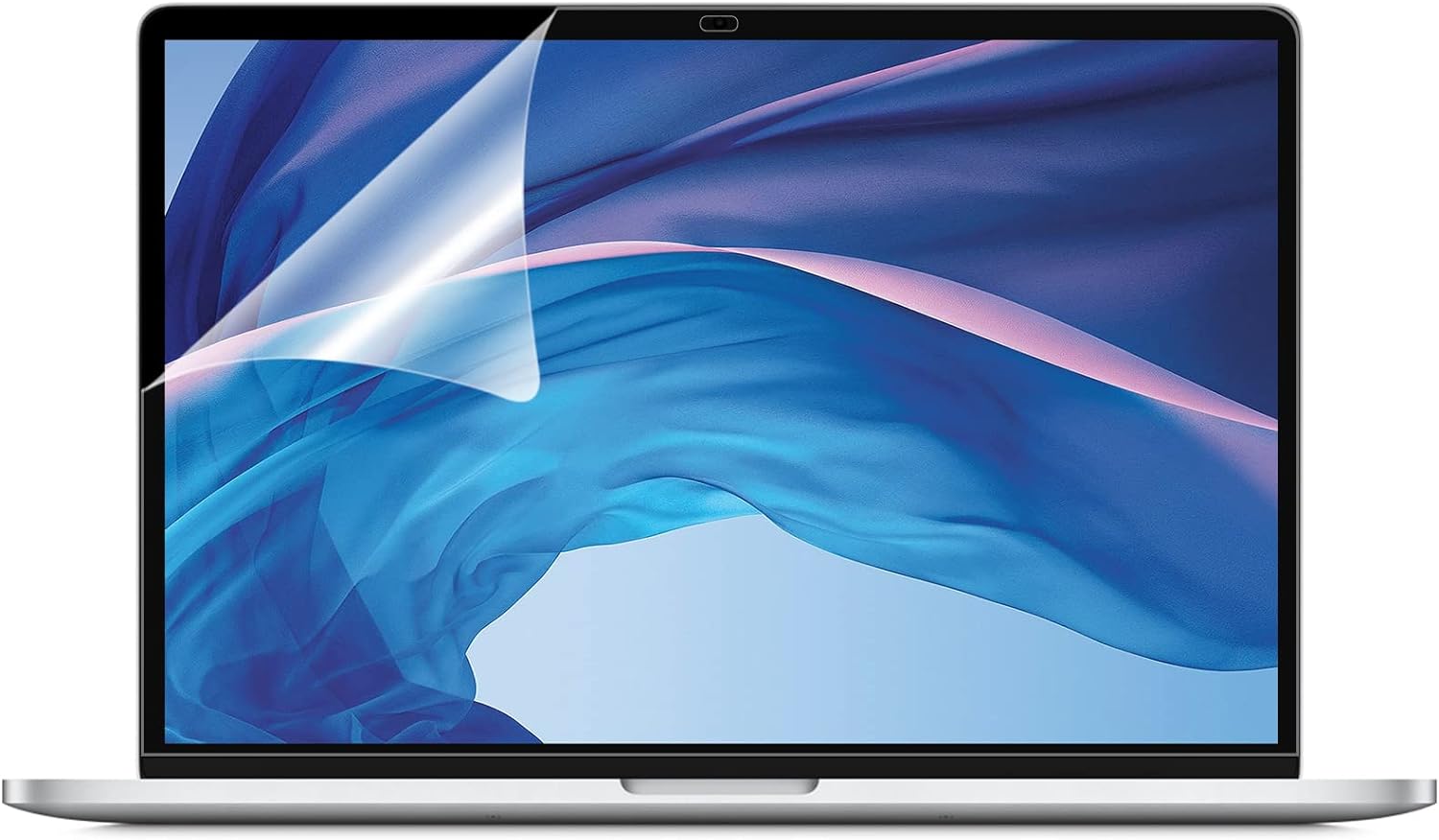
Designed for MacBook Air 13" (2018--2020, Touch ID models) and MacBook Pro 13" (2016--2022 models), this screen protector provides essential viewing comfort and scratch resistance at a low cost.
The matte finish significantly reduces glare and reflections, making it easier to work in bright environments or outdoors. It also guards against fingerprints and minor scratches. You get two screen protectors along with the tools needed for a smooth, bubble-free application.
The matte coating may slightly reduce screen clarity -- a common trade-off -- but for anyone who works near windows or travels frequently, the eye comfort and glare reduction are well worth it.
9. Sony WH-1000XM4 Noise Canceling Headphones
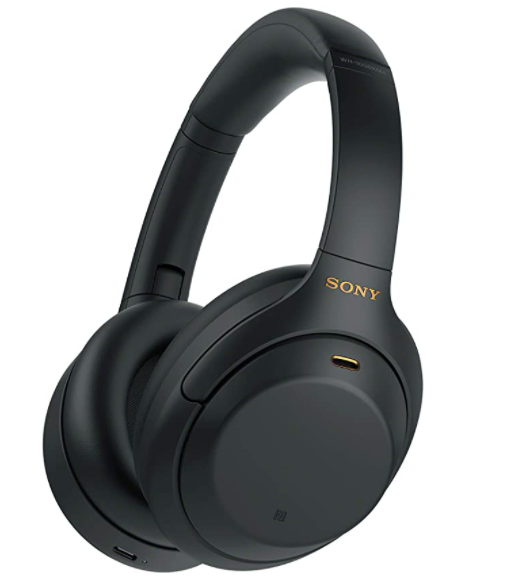
Wireless headphones have become a near-essential MacBook companion -- whether you work from a busy coffee shop, take calls from home, or simply want to focus without distractions. These renewed Sony headphones offer flagship performance at a fraction of the original retail price.
The WH-1000XM4 delivers industry-leading noise cancellation powered by Sony's QN1 processor, blocking out ambient noise so you can concentrate on what matters. DSEE Extreme upscales compressed audio files in real time for a high-fidelity listening experience.
Soft, pressure-relieving earpads make them comfortable for all-day wear, and up to 30 hours of battery life means you can get through a full work week on a single charge. Touch controls on the ear cup let you adjust volume, skip tracks, and take calls without reaching for your MacBook.
10. Nulaxy Laptop Stand
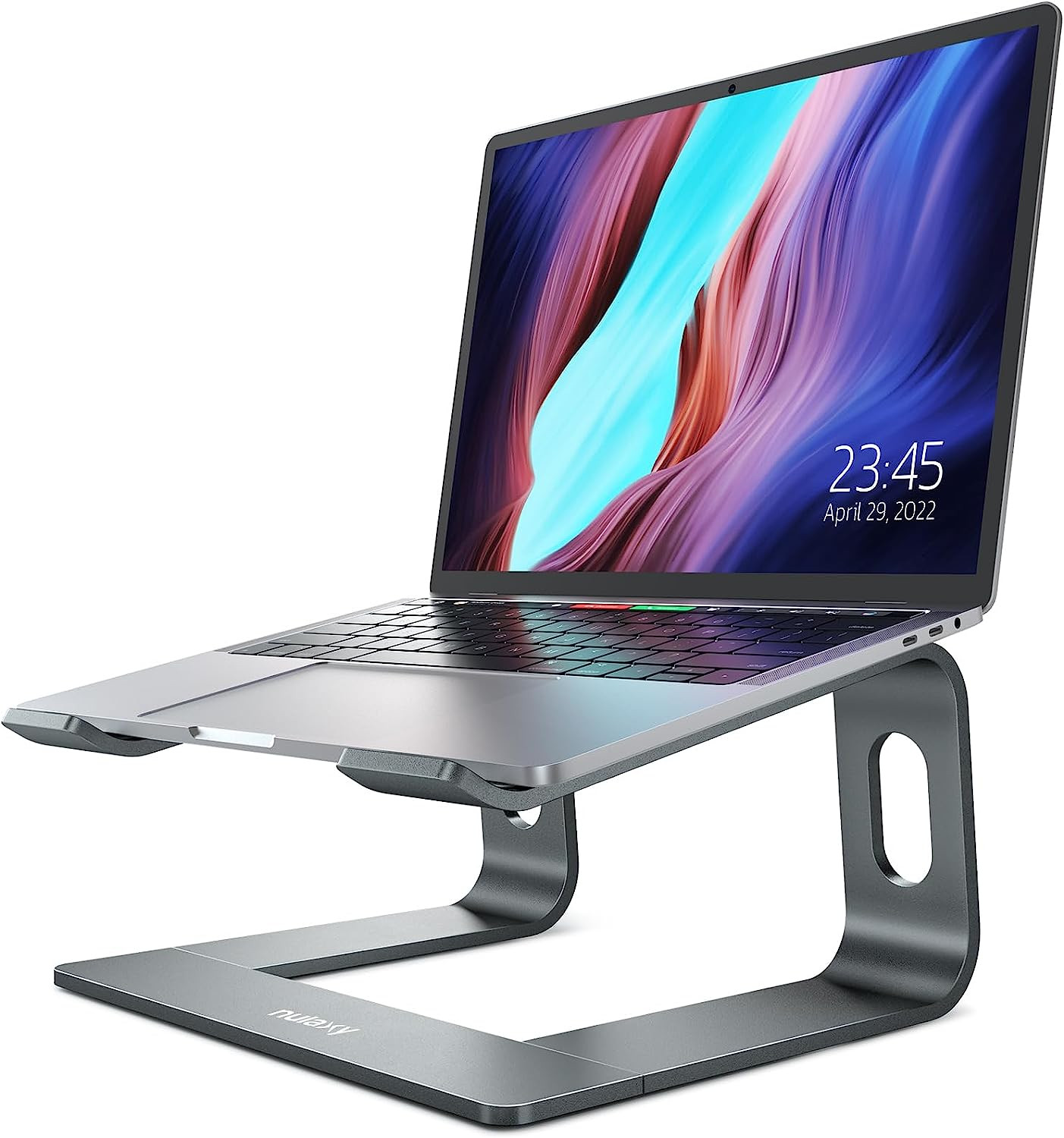
Poor posture is one of the most common complaints among laptop users. A stand that raises your screen to eye level is one of the simplest and most effective fixes.
The Nulaxy Laptop Stand elevates your MacBook screen by up to 7 inches, promoting a more natural head and neck position that reduces strain during long sessions. Its open-back design provides passive heat dissipation, helping your laptop stay cool under heavy workloads.
Built from premium aluminum alloy, the stand supports up to 22 lbs and features protective rubber pads to prevent slipping or scratches. It is easily detachable for storage and consistently ranks among the top-rated laptop stands on Amazon -- at a fraction of the price of competing options.
Related: 10 Best iMac Accessories | 7 Best iPad Accessories | 7 Best MagSafe Accessories for iPhone
Frequently asked questions
What are the must-have accessories for a MacBook?
The accessories that deliver the most value depend on how you use your MacBook. For most users, a USB-C hub or docking station tops the list because modern MacBooks have limited ports. A laptop stand improves ergonomics, a quality wireless mouse boosts productivity, and an external SSD or hard drive provides affordable backup storage. If you work in noisy environments, noise-canceling headphones are also well worth the investment.
Do MacBook accessories work across different MacBook models?
Most USB-C accessories are universally compatible with any MacBook released since 2016, when Apple transitioned to USB-C ports. Docking stations, chargers, external drives, mice, and headphones work seamlessly across the MacBook Air and MacBook Pro lineup. The main exceptions are screen protectors and cases, which are sized for specific screen dimensions -- always check the model compatibility before purchasing.
Is it worth buying refurbished MacBook accessories?
Yes -- many accessories, including headphones, external drives, and docking stations, are available in renewed or refurbished condition at significant discounts. Products labeled Amazon Renewed, for example, are professionally inspected and tested before resale. Buying refurbished accessories is a smart way to save money while reducing electronic waste.
Takeaway
The best MacBook accessories in 2026 cover a wide range of needs -- from expanding your port selection with a Thunderbolt dock to protecting your screen with a simple matte film. Whether you prioritize productivity, comfort, or portability, the right combination of accessories can make your MacBook significantly more versatile.
If you are looking to get a MacBook -- or want to browse refurbished MacBook deals -- head to RefurbMe to compare the best available discounts across top refurbishers in real time. All products come with a professional warranty and have been tested by experts. You can also set price alerts to get notified when your ideal MacBook drops to your target price.
Check the most popular MacBook deals in real time below.

1.6Ghz Intel Dual-Core i5 8th gen
8GB memory • Silver
with Touch Id • 2018 release

1.6Ghz Intel Dual-Core i5 5th gen
4GB memory • Silver
2015 release

2.7Ghz Intel Dual-Core i5 5th gen
8GB memory • Silver
2015 release
Last updated: Apr 6, 2026 · First published: Feb 27, 2025