


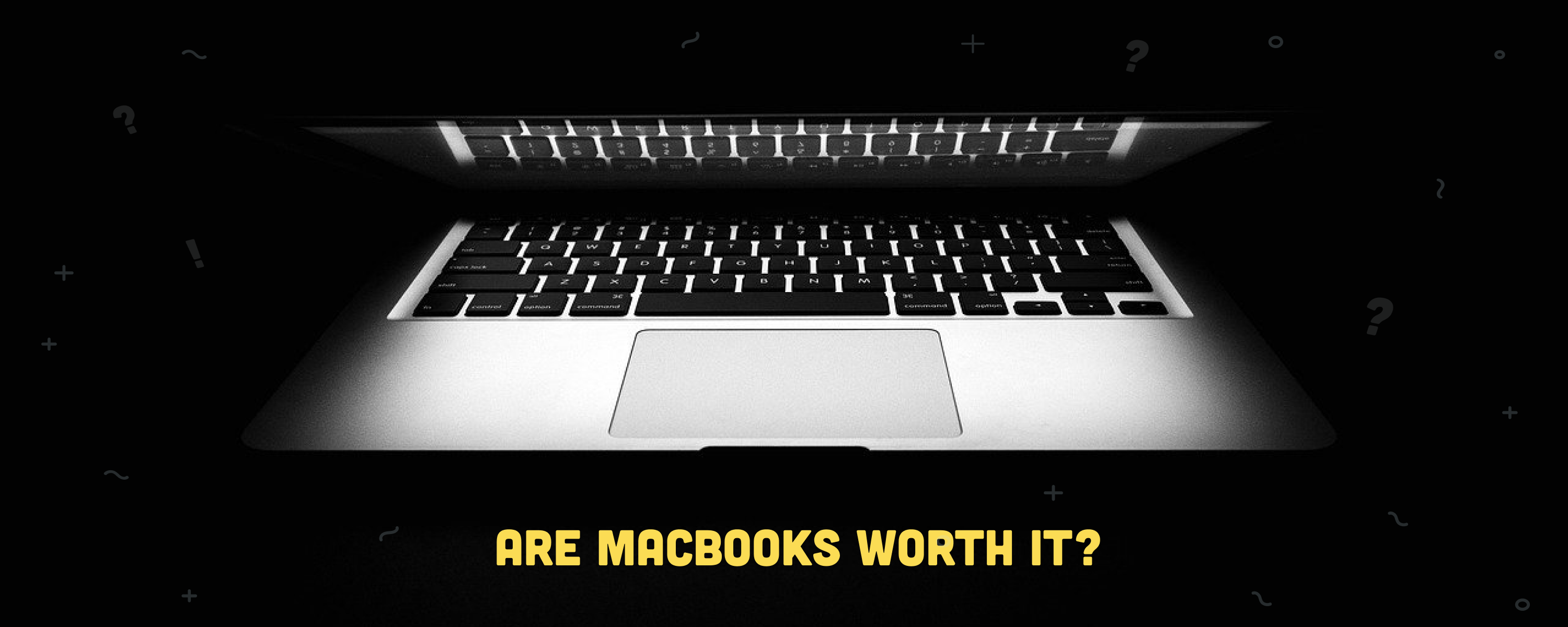
The MacBook is everywhere: universities, offices, coffee shops, creative studios. Apple's laptops command a premium. The M5 MacBook Air starts at $1,299 new, and the M5 MacBook Pro begins at $1,999 new. That price gap over competing Windows laptops is real. So are MacBooks worth it in 2026, or are you just paying for the logo?
Yes, for most people, they are. The best MacBooks have never offered a better combination of performance, battery life, and long-term software support than they do right now. The M5 generation is Apple's current lineup, with GPU performance up to 30% higher than M4 and on-device AI tasks up to 3.5 times faster, while the base MacBook Air still ships with 16 GB of unified memory as standard and Apple promises macOS updates well into the 2030s on current hardware. Buying refurbished makes the value case even stronger, and the order has just flipped: refurbished M5 MacBook Pro units now start at $1,439 on RefurbMe, undercutting the outgoing M4 at $1,479. M4 stock has thinned to two tracked listings while refurbished M5 supply has filled in, so the current generation is the cheaper buy. Let's break down why, and for whom, a MacBook earns its price.
According to RefurbMe's own tracking, the Refurbished Apple Price Index (RAPI), a new MacBook Air reaches the refurbished market a median of 99 days after Apple's release, and a MacBook Pro about 107 days (as of July 2026). So for most models you wait roughly three months before the first certified refurbished units appear. You can watch the live figures on RefurbMe's MacBook stats.
Table of contents
- MacBook vs. PC: A battle for durability and support
- Price amortization and good value over the years
- 5 strengths of the MacBook
- 4 weaknesses of the MacBook
- Takeaway
- FAQ
MacBook vs. PC: A battle for durability and support
When considering the purchase of a new MacBook, one of the most common questions is why you should spend more on a MacBook instead of a Windows laptop. It is fair to ask. A base MacBook Air now costs $1,299, still roughly twice the price of many capable Windows ultrabooks.
The durability argument used to be straightforward: Macs outlasted most PCs. That gap has narrowed. Premium Windows laptops from Dell, Lenovo, and Microsoft now offer comparable build quality, and Windows 11 is genuinely reliable. A MacBook Pro is expected to last around 7 to 10 years; a MacBook Air, 5 to 7 years, and premium Windows laptops can match that range today.
So the honest answer is that durability alone no longer justifies the premium. The more compelling case lies in Apple Silicon's performance-per-watt advantage, the depth of the Apple ecosystem, and the consistency of long-term software support. The 2020 M1 MacBook Air, for example, still receives the latest macOS updates in 2026, six years after launch, with no sign of being dropped. Let's look at each advantage in turn.

Price amortization and good value over the years
You buy a MacBook once and amortize the cost over several years of sustained performance. A 2020 M1 MacBook Air still handles everyday tasks without lag in 2026: five-plus years of relevance with no hardware changes required. Apple has been delivering excellent durability from the very beginning, and the Apple Silicon generation has only extended that lifespan further.
Identifying your usage is the most important step before browsing deals. For light workloads (browsing, documents, video calls), a refurbished MacBook Air can match or undercut comparable Windows ultrabooks on total cost over three years. For heavier creative and professional work, an M5 MacBook Pro delivers up to 24 hours of battery life per charge, and refurbished units start at $1,439 on RefurbMe, about 28% off the $1,999 Apple charges new. Its predecessor, the M4 MacBook Pro, no longer undercuts it: just two refurbished M4 units are still tracked, from $1,479 (as of September 2026).
Buying refurbished accelerates the value equation further. A certified refurbished MacBook that has been professionally tested gives you the same hardware at a meaningful discount. Refurbished M1 MacBook Air models start from around $347, M2 MacBook Air models from around $579, and M5 MacBook Pro models from $1,439 on RefurbMe (as of September 2026); the outgoing M4 MacBook Pro is down to two tracked listings from $1,479. Across every MacBook Air model RefurbMe has ever tracked, the median refurbished discount versus Apple's original release price is about 88% (as of July 2026); that family median is lifted by older models, so a current MacBook saves less, but it shows how steeply prices fall over a model's life. The only variable to factor in is the cosmetic condition of the MacBook: the internals are identical to a new unit.
5 strengths of the MacBook
As we've seen in the previous sections, the MacBook is an excellent piece of technology. Whether you should get one depends highly on your usage and the following strengths of Apple's laptop.
1. Outstanding performance
MacBooks are difficult to beat as an all-purpose laptop, which has everything to do with Apple Silicon performance. The M1 and M2 chips still handle everyday tasks without issue, but the current M5 generation raises the bar significantly. Apple's M5, available in both the MacBook Air and MacBook Pro, runs roughly 14% faster in single-core and 22% faster in multi-core than the M4 it replaces, with GPU performance up to 30% higher and on-device AI tasks up to 3.5 times faster, all while consuming little power and running cool. The M5 MacBook Pro is among the fastest, most efficient laptops ever built for portable computing, while the outgoing M4 MacBook Pro has become the value sweet spot on the refurbished market.
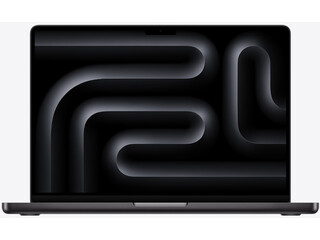
Apple M4 with 10-core CPU, 10-core GPU
16GB memory • Space Black
2024 release
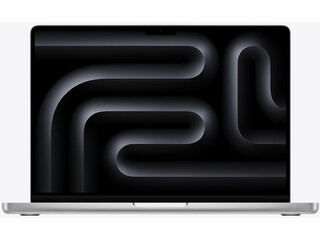
Apple M4 with 10-core CPU, 10-core GPU
16GB memory • Silver
2024 release
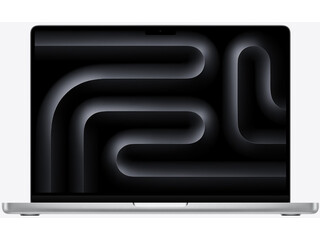
Apple M5 with 10-core CPU, 10-core GPU
16GB memory • Space Black
2025 release
Smooth performance and multitasking capabilities are two of the main reasons to buy a MacBook, even those that have been on the market for a few years. For buyers wondering which generation to prioritize, the MacBook Air M3 vs M4 comparison shows that the M4 generation offers meaningful improvements in memory bandwidth and external display support.
👉 Learn more: 13-Inch vs. 15-Inch MacBook Air M2: All the Differences
2. Great battery life
Battery life is one of Apple Silicon's clearest advantages. The MacBook Air is rated for up to 18 hours of video streaming and comfortably lasts a full business day on a charge. The M5 MacBook Pro reaches up to 24 hours of video playback, the longest battery life ever in a Mac. While many Windows laptops drain their battery in two to three hours under demanding use, you can get a full working day from a MacBook on a single charge. The MagSafe charger further protects longevity by disconnecting cleanly from accidental tugs rather than dragging the laptop off a desk.
3. Beautiful design and visually appealing
Apple would not be the company it is today without the polished build and design of its products. MacBooks are beautiful, boasting a thin-and-light chassis that is both slim and elegant, yet their downside includes the high temperatures and throttling that may occur as a consequence.
The same chassis found in these devices is equipped with Mini LED screens, providing deeper blacks and rich colors that are particularly appealing to graphic designers. Be cautious with MacBooks, as a coffee spill could lead to expensive repairs. Nonetheless, their visual appeal remains unquestioned.
4. High-quality materials
It's easy to find computers that, from a distance, are beautiful. But, if your new laptop isn't made of high-quality materials, the user experience will undoubtedly suffer. The appearance is not everything, but once you hold the unique all-aluminum construction of the MacBook, there is no going back. No company has ever succeeded in trying to imitate it.
5. Seamless ecosystem integration
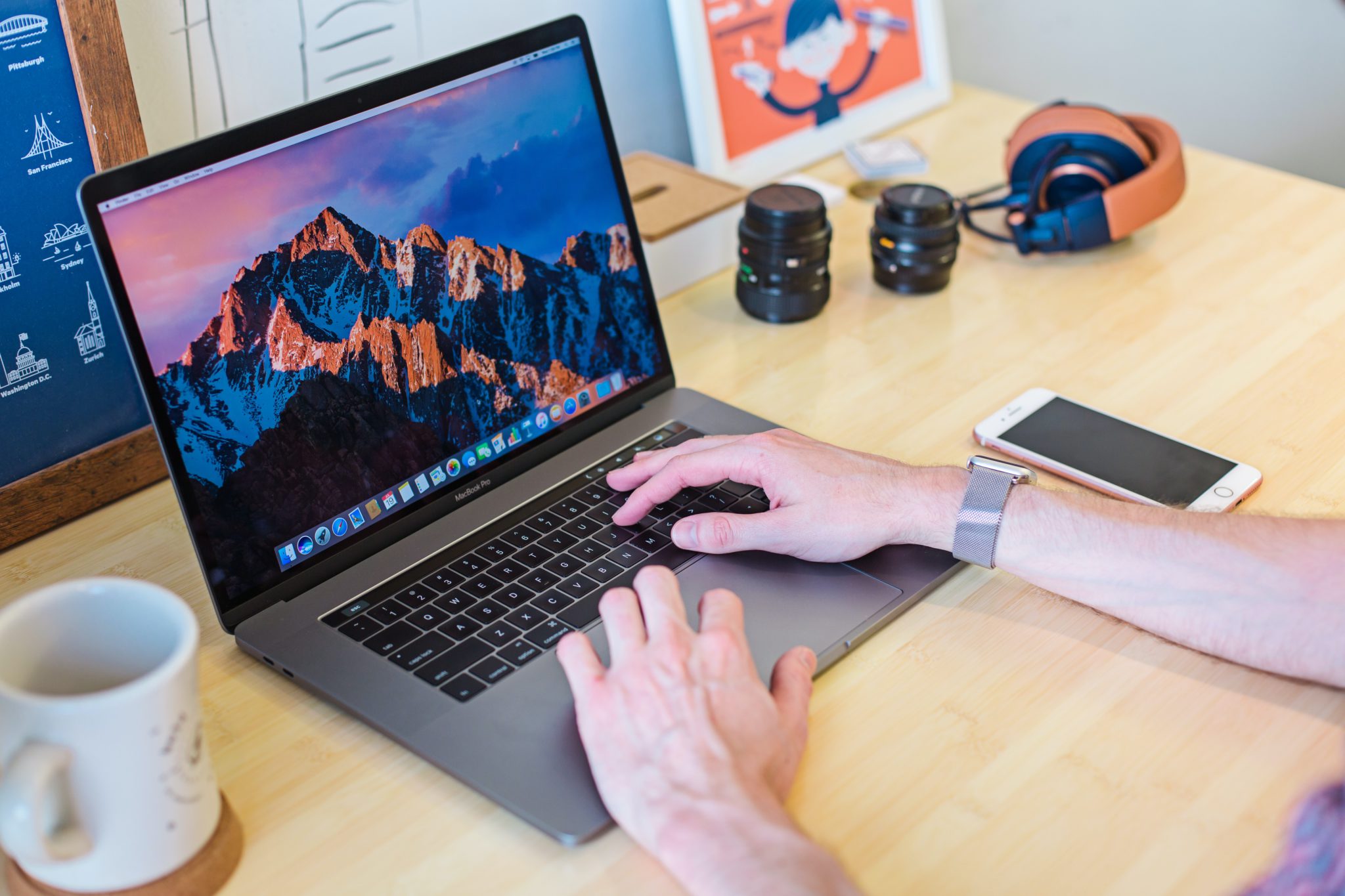
Before choosing a new MacBook, you should consider other Apple devices you may have, such as an iPhone, an Apple Watch, or an iPad. Apple products are designed to work together seamlessly and be part of a dynamic ecosystem. Airplay, Airdrop, and iCloud tie all the devices together to form a complete interacting experience. Although this is not uncommon in other brands, Apple's ecosystem is genuinely exceptional.
👉 Related: Best MacBook Accessories
4 weaknesses of the MacBook
To properly know if MacBooks are worth it and if your next purchase is a good investment for your particular situation and usage, we must also analyze their cons, such as:
1. More limited software support
Compared to other operating systems, there are fewer software titles to choose from when using macOS. As for the gaming world, many titles work both on Windows and macOS, although many work exclusively on Windows. Moreover, the experience with macOS without dedicated versions can be poorer. Make sure that macOS adequately supports your favorite apps and games before purchasing a MacBook.
2. Restrictions in hardware upgrades
Apple's computers and laptops typically come with a fixed memory configuration, which limits the potential for hardware upgrades. This is prevalent in all models, ensuring optimized performance but restricting flexibility.
For instance, if you'd like to enhance your system's capabilities, you often may need to consider purchasing a new or refurbished model with the desired increases in processor capacity, storage, and memory. Should you need clarification on upgrade options, it's wise to consult an Apple Authorized Service Provider for professional advice tailored to your specific needs.
3. Expensive storage
If you require a fair amount of storage for your device, MacBooks can often feel a bit limited. You can choose up to 8 TB of SSD storage for a MacBook nowadays, but the laptop's price will increase excessively. A quick and less expensive solution is to get an external hard drive to store everything you need and don't use on a daily basis.
4. Limited repairability and upgrade path
Apple Silicon MacBooks are purpose-built for efficiency, but that architecture comes with a trade-off: the CPU, GPU, RAM, and Neural Engine are fused into a single chip on the logic board. That means you cannot upgrade memory or storage after purchase. If you buy an 8 GB base model today and find it insufficient in two years, your only option is to buy a new machine.
This is a genuine limitation compared to some Windows laptops that allow RAM or SSD swaps. The practical workaround is to buy the configuration you expect to need for the next five years, or choose a refurbished model with higher specs at a lower price. Where you buy your refurbished MacBook also matters: certified sellers test every unit and offer warranties, reducing the risk of hidden defects. If repairability matters to you, it's worth consulting a specialist before committing.

👉 Compare models: MacBook Air M4 vs. MacBook Pro M4: Which Should You Buy?
Takeaway
MacBooks are worth it for the majority of users in 2026: students, professionals, creatives, and developers who value long battery life, ecosystem integration, and hardware that holds its value over five or more years. The M5 generation pushes GPU and AI performance well past the M4, and every current MacBook Air ships with at least 16 GB of unified memory as standard, making even the entry model genuinely capable for demanding workloads without active cooling.
That said, MacBooks are not the right call for everyone. Dedicated gamers, users who need maximum hardware flexibility, or buyers on a tight budget may find Windows alternatives more practical. If you fall into the majority, though, the question is less "should I buy a MacBook?" and more "which one, at what price?" Our refurbished MacBook buyer's guide is built to answer exactly that.
You can choose between the MacBook Pro for sustained professional performance and the MacBook Air for the best balance of portability and value. Buying refurbished from a certified seller is the smartest way to get into Apple Silicon for less: on RefurbMe we compare trusted refurbishers such as Back Market and Mac of All Trades side by side, with refurbished M2 MacBook Air models from around $579 and refurbished M5 MacBook Pro models from $1,439 (as of September 2026). Whatever your choice, you get a beautifully engineered laptop built to last.
On RefurbMe, we specialize in comparing hundreds of refurbished Apple products from multiple merchants. They are 100% functional and have been tested from top to bottom. If you want to get a new laptop at a discounted price, check out our best MacBook deals from reputable sellers here.

2.4Ghz Intel Dual-Core i5 2nd gen
4GB memory • Silver
2011 release

1.6Ghz Intel Dual-Core i5 5th gen
4GB memory • Silver
2015 release

1.3Ghz Intel Dual-Core i5 4th gen
4GB memory • Silver
2013 release
Good luck!
FAQ
Last updated: Sep 1, 2026 · First published: Aug 16, 2024

