


To buy a used iPad safely in 2026, buy a tested, warrantied refurbished iPad from a vetted seller rather than an as-is unit from a stranger. The two cost about the same at the low end, but a refurbished iPad is inspected, erased, and covered by returns, which removes the two risks that ruin most private-sale purchases: a hidden fault and an Activation Lock you cannot clear.
This guide covers where to buy, what to check, and what each model is actually worth. RefurbMe is a price-comparison site for refurbished Apple products, so the prices below are pulled from live listings across sellers and verified before publishing.
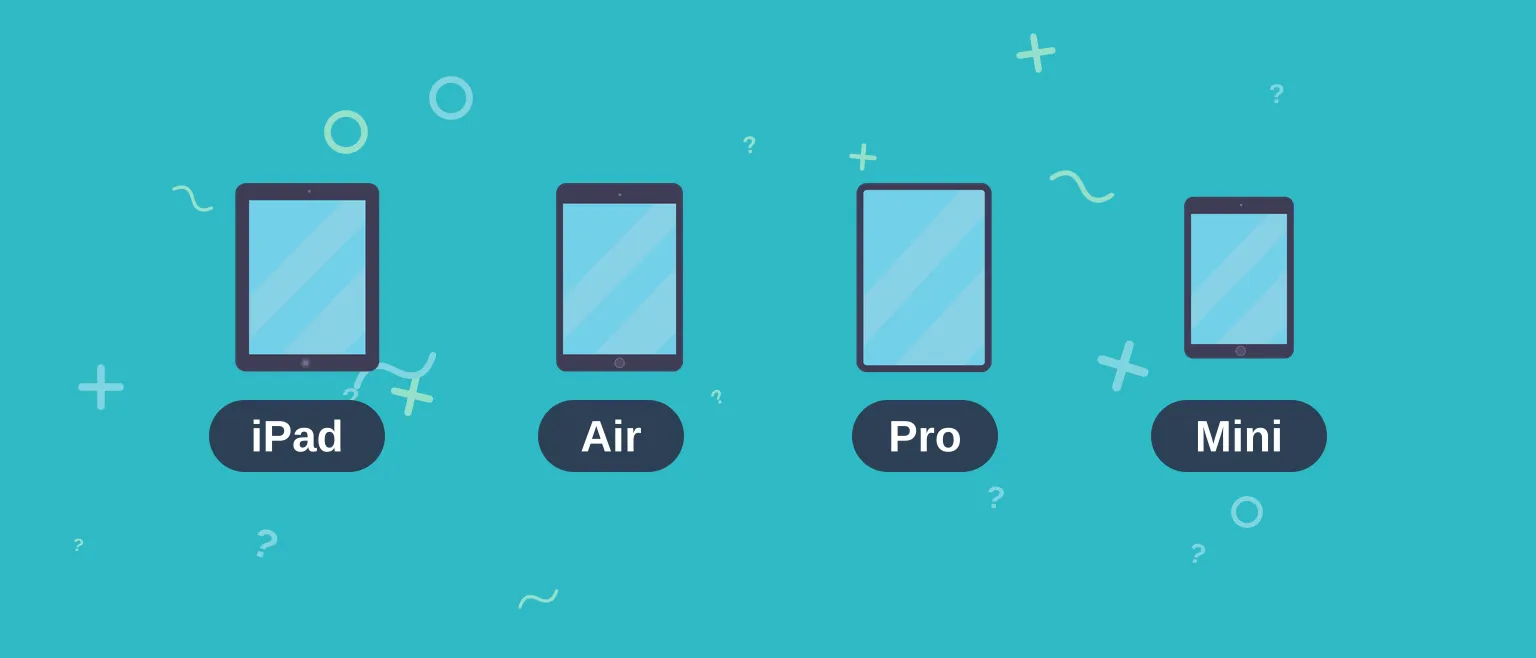
Used vs Refurbished iPad: Which Is Safer and Cheaper
A "used" iPad is sold as-is by its previous owner, typically on a marketplace like Facebook, Craigslist, or the open eBay listings. There is no inspection, no warranty, and no recourse if it arrives faulty or locked. A refurbished iPad has been tested, cleaned, graded for cosmetic condition, and reset by a professional refurbisher, then sold with a warranty and a return window.
The surprise for most shoppers is that the price gap is small. Entry-level refurbished iPads start around the same figure as a private-sale unit, because refurbishers buy in volume. You pay little or nothing extra for the testing and the warranty, which is why refurbished is the safer default for almost every buyer.
RefurbMe data point
A refurbished iPad takes a median of 115 days to first reach the resale market after Apple releases it (Time-to-Refurb, the median days from an iPad's release to its first recorded refurbished listing, as of July 2026, per the RefurbMe iPad stats). So a model launched this spring is only now becoming widely available refurbished, while anything from 2023 or earlier is plentiful and cheap.
Across every iPad model RefurbMe has tracked, the median refurbished discount versus the original Apple price is about 89% (a family median skewed high by legacy models like the 2013 iPad Air, not the discount you will see on a current model). For a realistic figure on a specific model, use the live per-model prices in the refurbished iPad comparison rather than the family median.
Best Places to Buy a Used iPad in 2026 (Ranked by Safety)
The safest way to shop is to compare vetted refurbishers side by side, then buy from the one with the best price and warranty for the model you want. Ranked from safest to riskiest, here is where used iPads come from.
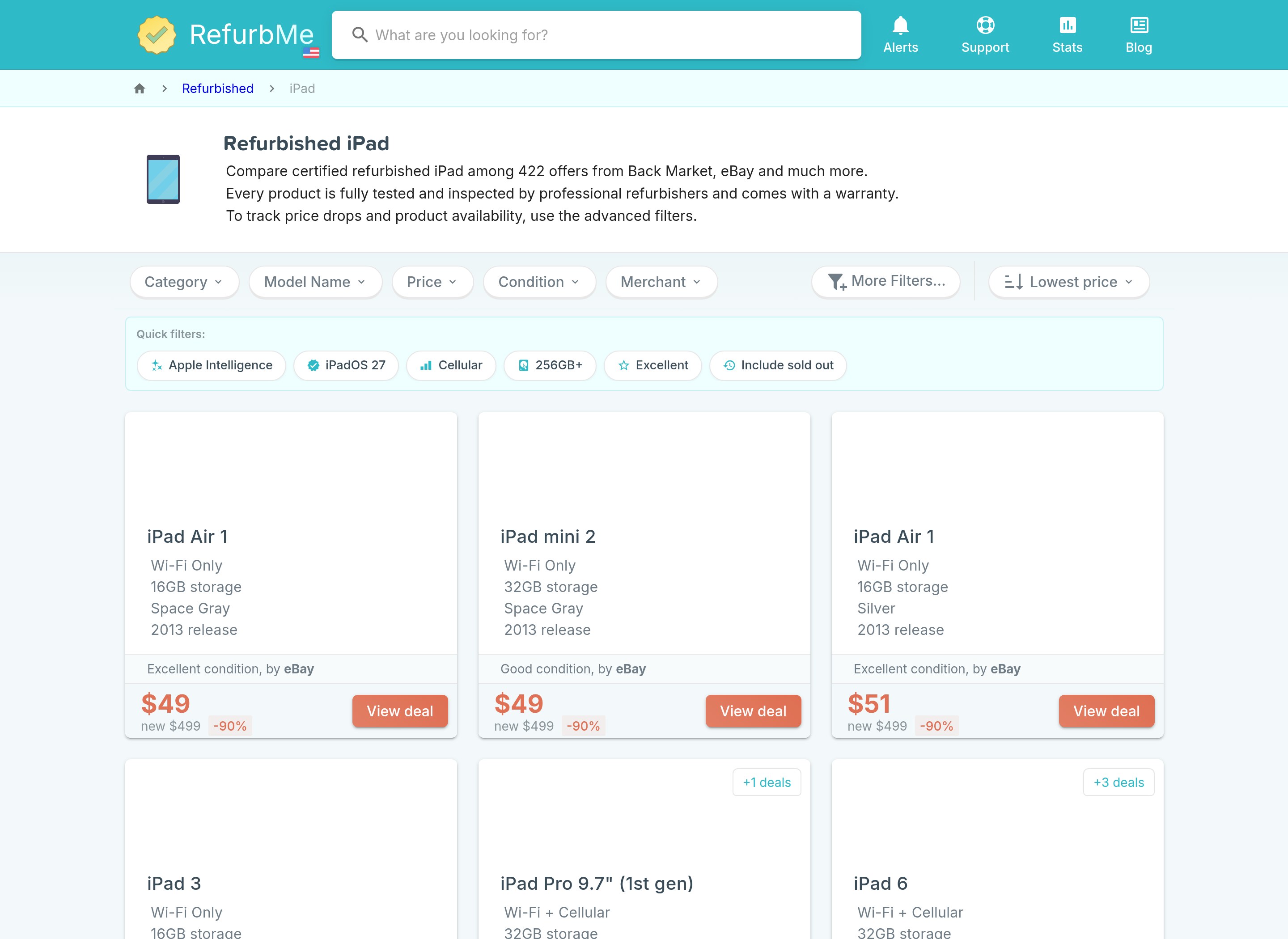
- Back Market. A dedicated refurbished marketplace with graded conditions, a standard warranty, and a 30-day return window. It usually carries the widest selection of refurbished iPads and is the first place to check for value.
- Gazelle. A US refurbisher known for tight grading and a 30-day return policy. Good for mainstream iPad models in clean condition.
- Amazon Renewed. Amazon's vetted refurbished program, with a 90-day Renewed Guarantee. Convenient if you already shop there, though selection on specific iPad models varies.
- eBay Refurbished. eBay's vetted Certified Refurbished program (graded conditions, seller-trust requirements, 30-day returns, and a warranty). This is distinct from open, peer-to-peer eBay listings, which are unvetted and carry the same risks as any private sale. Buy from the Refurbished program, not the open marketplace.
- Apple Certified Refurbished. Apple's own refurbished store sells like-new units with a full one-year warranty. Stock is limited and rarely includes older models, but it is the gold standard for peace of mind. Treat it as a trust benchmark rather than the cheapest option.
- Local marketplaces (Facebook, Craigslist, OfferUp). Cheapest headline prices, highest risk. Only viable if you can inspect the device in person, watch it erase to the setup screen, and confirm it is removed from the seller's account before paying.
Apple's own guidance is blunt about the last category: "Before you buy an iPhone or iPad from someone other than Apple or an Apple Authorized Reseller, make sure that the device is erased and no longer linked to the previous owner's account" (see Apple's Activation Lock support page). If you cannot verify that on the spot, walk away.
Compare refurbished iPad prices
See live prices across Back Market, Gazelle, Amazon Renewed, eBay Refurbished, and more in one place.
Compare iPad DealsWhat to Check Before Buying a Used iPad
Whether you buy refurbished or from an individual, run the same checklist. A refurbisher has already done most of this, which is exactly why it is safer, but verifying it yourself costs nothing.
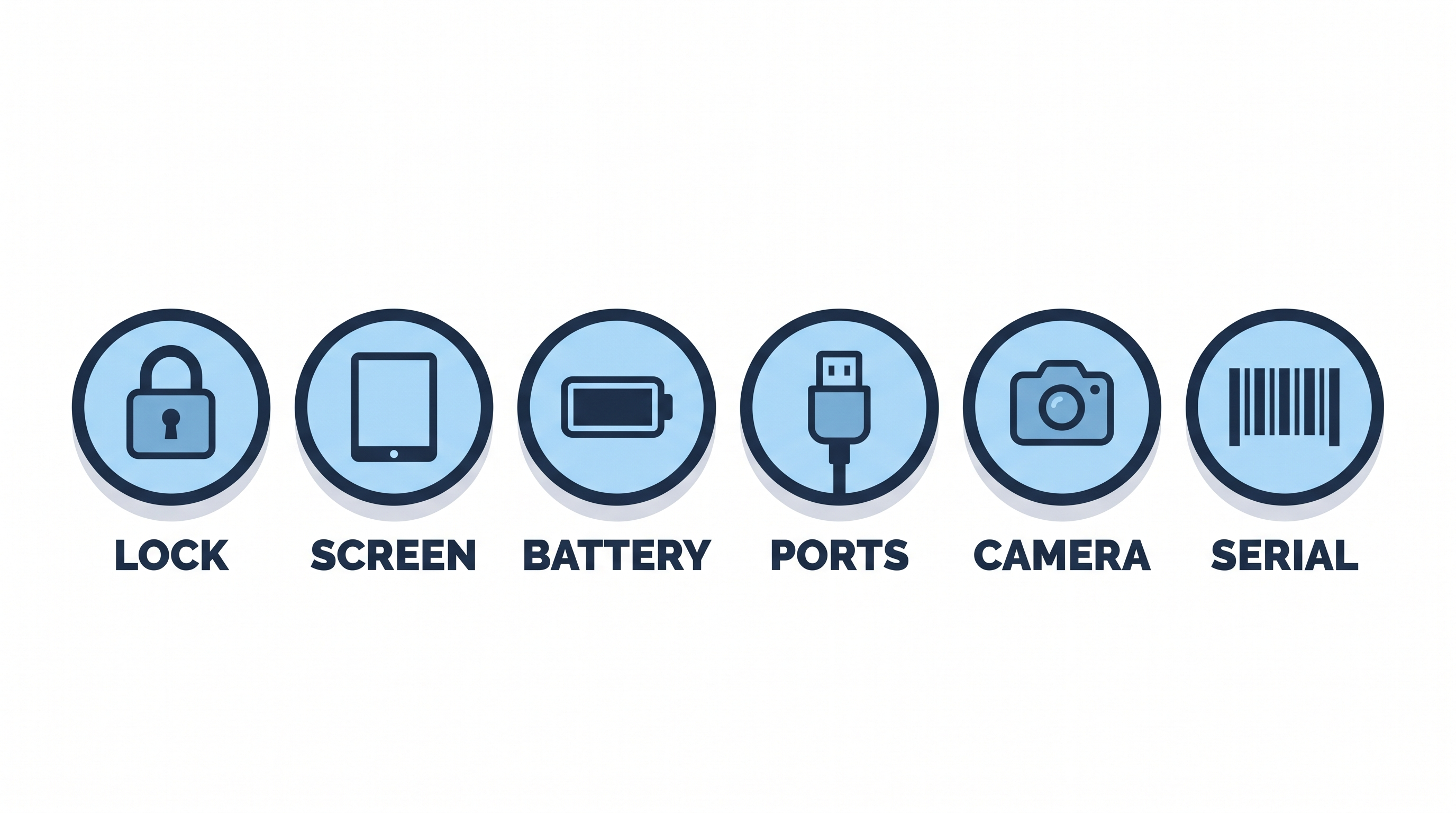
- Model and software support. Confirm the exact model and that it still receives iPadOS updates. A device Apple has dropped from the update list is a poor buy at any price. Check the model against Apple's iPad comparison page.
- Activation Lock. The single most important check. See the next section.
- Screen and touch. Look for cracks, dead pixels, discoloration, and dead spots. Draw across the whole screen in Notes to test the digitizer.
- Battery. On 2024-and-newer iPads, check Settings then Battery then Battery Health; on older iPads, judge by runtime and, if possible, a third-party read (below).
- Ports, buttons, cameras, speakers. Test charging, volume, the power button, Touch ID or Face ID, both cameras, and the speakers.
- Serial number. Ask for the serial and check it on Apple's coverage page to confirm the device is genuine and not reported lost. On a refurbished purchase, the seller's warranty covers you regardless.
For a deeper look at how long a given model will keep working, see how long iPads last.
Activation Lock and iCloud: The One Thing You Must Verify
Activation Lock is the reason used iPads get bricked. It is Apple's anti-theft feature, and if the previous owner has not removed the device from their account, you will be locked out permanently. There is no workaround, and no refurbisher or Apple Store can bypass it for you.
Activation Lock turns on automatically when the owner sets up Find My. Per Apple, the owner's "Apple Account password is required before anyone can turn off Find My, erase your device, or reactivate and use your device." That means the seller must actively sign out and erase the iPad before it changes hands.
Before you pay, the iPad must be reset to the setup ("Hello") screen and must not ask for any previous Apple Account during setup. If it powers on to someone's home screen, or asks for an unknown Apple ID, it is still locked. The clean way to hand over a device is for the seller to go to Settings, sign out of their Apple Account, then erase all content and settings, which removes Activation Lock (see Apple's guide to preparing a device for sale). This is another reason to prefer a refurbisher: reputable sellers guarantee the device is unlocked, and their return policy backs it up.
How to Check iPad Battery Health on a Used Device
Whether you can read battery health in Settings depends on the model. iPads from 2024 onward (the iPad Pro M4, the iPad Air M2, and every model since) show maximum capacity and cycle count natively in Settings, under Battery then Battery Health, just like an iPhone. Older iPads, which is most of what you will find on the used market, have no such screen.
For those older iPads, use a third-party tool. Connect the iPad to a computer and read its current capacity and cycle count with an app like coconutBattery (Mac) or iMazing (Mac or Windows). A healthy used iPad should retain roughly 80% or more of its original capacity, with a cycle count well under a few hundred for a device that is only a couple of years old.
If you cannot connect it to a computer, judge by behavior: a healthy iPad holds a charge through a normal day of use and does not drain unusually fast while idle or shut off abruptly. When you buy refurbished, the seller's grading and warranty already account for battery condition, and many refurbishers replace the battery if it falls below their threshold. If long battery life matters most to you, our guide to the longest-lasting iPads is a useful companion.
Which iPad Generations Are Worth Buying Used in 2026
The current 2026 lineup, per Apple's comparison page, is the base iPad (11th generation, A16 chip), the iPad mini (A17 Pro), the iPad Air (M4, in 11-inch and 13-inch), and the iPad Pro (M5, with the M4 generation still around). Knowing the live lineup matters, because the best used value is almost always one or two generations behind the newest release, where the price has dropped but the capability has not.
The sweet-spot picks in 2026:
- iPad (10th generation). The best budget buy. A modern flat-edge design, USB-C, and enough power for browsing, streaming, notes, and school.
- iPad Air (M1, 5th gen) and iPad Air (M2). The value champions. M-series performance that still handles demanding apps and light creative work, for a fraction of a new Air.
- iPad (11th generation, A16). Worth it only if the used price drops meaningfully below the new price. Because it is the current base model, refurbished units barely undercut new, so shop the discount carefully.
- iPad mini (6th gen). The compact pick, still fully supported and hard to replace if you want a small tablet.
Avoid pre-2019 models (anything on the old Lightning-and-home-button design, or that Apple has dropped from iPadOS updates). They are cheap for a reason: no current software, aging batteries, and no Apple Pencil 2 support. The iPad mini 4 is the clearest case study in that tradeoff: it still sells for very little, but it stopped at iPadOS 15. If you are torn between tiers, our iPad Air vs iPad Pro comparison and iPad size guide help you place your needs.
Used iPad Price Guide by Model (2026)
The table below shows the lowest verified refurbished price per model on RefurbMe as of July 2026. A private-sale "used" price is usually a little lower, but without the warranty, testing, or Activation Lock guarantee, so treat these refurbished floors as the safer benchmark.
Two things stand out. The older iPad Air (M1) is the standout deal, roughly 60% below its original price while still running every current app. The current-generation base iPad barely discounts used, which is the general rule: the newest model is the worst used value, and last year's model is usually the smart buy. To see the full picture, browse the best refurbished iPads ranked by value.

16GB storage
Space Gray
2013 release

32GB storage
Silver
2017 release

32GB storage
Space Gray
2018 release
Red Flags and Scams to Avoid
Most used-iPad scams share the same tells. Any one of these should end the deal.
- The device is not erased. If the seller will not reset it to the setup screen in front of you, or it still shows their Apple Account, assume it is locked or stolen.
- A price that is too good. A "sealed latest iPad" at half price is bait. Compare against real refurbished prices before believing any deal.
- No returns and no warranty. A legitimate refurbisher stands behind the device. A private seller who refuses any return window is asking you to carry all the risk.
- Pressure and off-platform payment. Requests to pay by wire, gift card, or cash-app "to hold it" are classic fraud. Pay through a platform with buyer protection.
- Unsafe meetups. For a local sale, meet in a public place in daylight, ideally a police-station exchange zone, and test the device fully before paying.
When the safest option costs about the same, the math is simple: compare refurbished iPad prices first, and only consider a private sale if it clearly beats the refurbished floor and passes every check above.
FAQ
First published: Jul 14, 2026


